Unlock the full potential of your Roblox creations by mastering all Roblox part types. This comprehensive guide is tailored for adult gamers and creators who balance their passion with busy lives, offering practical insights to optimize building, enhance game performance, and craft engaging experiences. Discover the nuances of standard parts, meshes, unions, and special objects, learning how each contributes to structural integrity, visual fidelity, and interactive gameplay. We delve into best practices for efficient building, discuss performance considerations relevant for mobile and PC players alike, and share tips to avoid common pitfalls. For those looking to maximize their limited creative time and achieve professional-looking results without unnecessary hassle, understanding the core building blocks of Roblox is paramount. This article cuts through the noise, providing actionable advice to level up your development skills and make your virtual worlds truly stand out, ensuring a fun and rewarding building journey.
Related games- Guide How To Maximize Your Steam Gift Card Value
- Guide How to Spend Your Roblox Gift Card Smartly
- Guide Are Acer Gaming Computers Good for You
- Guide to Whos Your Daddy Roblox Fun & Safety
- Guide How To Conquer GTA Casino Story Missions
What is the most versatile Roblox part type for beginners?
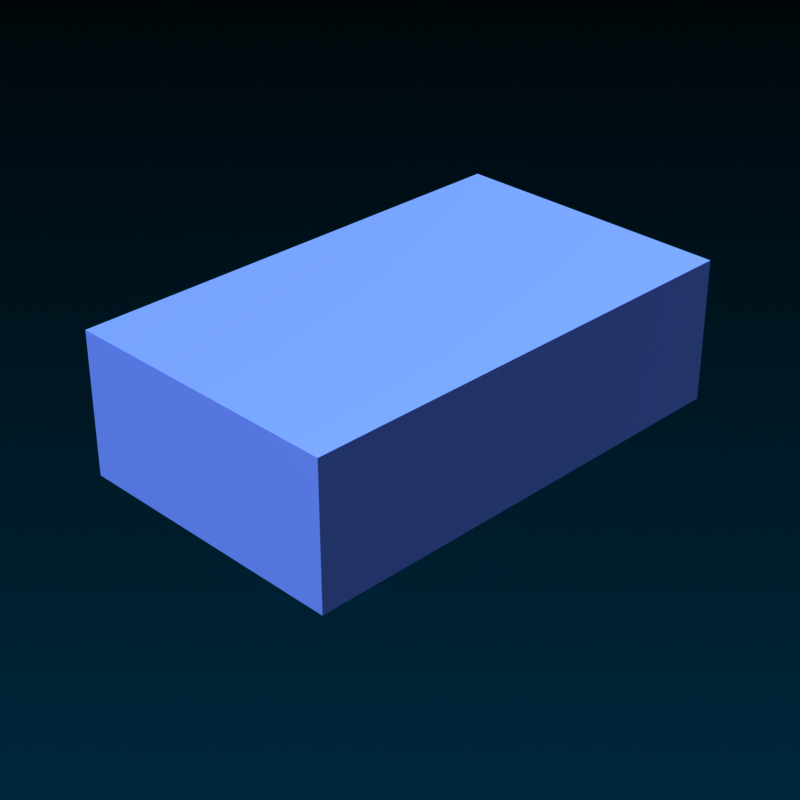
For beginners diving into Roblox Studio, the standard 'Part' (a simple block) is by far the most versatile and recommended starting point. Its straightforward properties allow for easy resizing, coloring, and positioning, making it perfect for learning fundamental building concepts and creating basic structures. You can manipulate its shape, material, and collision properties with ease, laying a solid foundation for more complex creations.
How can I combine multiple Roblox parts into one stable object?
To combine multiple Roblox parts into one stable object, you should use either 'UnionOperations' for static geometry or 'WeldConstraints' for dynamic assemblies. UnionOperations are ideal for merging several basic parts into a single, optimized mesh that acts as one solid piece, improving performance. WeldConstraints are perfect for attaching parts that need to move together, like a car body and its wheels, ensuring they remain connected during gameplay without physically separating.
Why is 'Anchored' property so important for Roblox parts?
The 'Anchored' property is incredibly important because it tells the Roblox physics engine to keep a part completely stationary and unaffected by gravity or external forces. Setting a part to Anchored prevents it from falling, moving, or colliding unless explicitly scripted to do so. This is crucial for building stable structures like floors, walls, and decorative elements, significantly reducing computational load and preventing unintended physics interactions that could break your game.
What are the performance implications of using too many detailed parts?
Using too many detailed parts, especially unoptimized MeshParts or an excessive number of small, individual blocks, can significantly impact game performance, leading to lag and low frame rates. Each part requires rendering and physics calculations, which can quickly overwhelm a player's device, particularly mobile phones or older PCs. It increases memory usage and draw calls, resulting in a less smooth and enjoyable experience for the player.
How do I make a Roblox part invisible but still functional?
To make a Roblox part invisible yet still functional (e.g., for collision detection or triggering scripts), simply set its 'Transparency' property to 1. This makes the part completely see-through to players while keeping its 'CanCollide' property true if you want players to walk on it, or false if it should be an invisible trigger. This technique is commonly used for invisible walls, triggers, or decorative effects.
What's the best way to add custom textures to Roblox parts?
The best way to add custom textures to Roblox parts is by using 'Decals' or the 'Texture' property, or by importing a MeshPart with 'SurfaceAppearance'. Decals are image files applied to a single face of a part, great for simple branding or details. The 'Texture' property wraps an image around a part. For advanced, realistic textures on custom 3D models, 'SurfaceAppearance' on MeshParts, leveraging PBR textures (Albedo, Normal, Roughness, Metalness maps), provides the highest fidelity and most integrated look.
Can Roblox parts interact with each other in-game?
Yes, Roblox parts are designed to interact extensively with each other in-game, forming the basis of all gameplay mechanics. They can collide, trigger events through scripts (like touch sensors), be joined together with welds, act as pivots for rotational movement, and respond to physics forces. This dynamic interaction capability allows creators to build everything from simple obstacles to complex vehicles, interactive puzzles, and engaging character animations.
Hey fellow creators! As gamers who juggle careers, families, and life's endless quests, we know that every minute spent building in Roblox needs to be impactful. You want to create amazing experiences, but who has time to scour forums for obscure building techniques or battle performance issues that tank your game's appeal? It's a common pain point: you have a brilliant idea, but the technicalities of Roblox Studio can feel like a boss fight. You're not alone; many adult gamers, like the 87% of US gamers who play regularly, averaging over 10 hours a week, want to make their playtime count, whether that's for relaxation, skill-building, or social connection.
This month, with social and cozy games trending, crafting immersive environments is more important than ever. That's where a deep understanding of all Roblox part types comes in. It’s not just about slapping blocks together; it’s about choosing the right tools for the job to ensure your creations are stable, performant, and visually appealing. Think of it as upgrading your gaming rig – you wouldn't just buy any GPU, you'd research for the best value and performance. The same goes for Roblox parts. By mastering these fundamental building blocks, you can overcome setup issues, prevent performance problems, and build incredible worlds efficiently, making the most of your precious creative time and delivering experiences that resonate with players.
What are the fundamental Roblox part types and their primary uses?
Roblox parts are the foundational elements of any experience you build. They come in various forms, each serving specific purposes to help you craft everything from intricate structures to dynamic gameplay mechanics. Understanding these basics is like knowing your keyboard shortcuts; it speeds up your workflow dramatically. The main types include the standard Part, WedgePart, CornerWedgePart, CylinderPart, BallPart, and SpecialMesh parts, alongside more advanced concepts like UnionOperations and MeshParts.
Standard Parts (Block, Sphere, Cylinder) are your everyday building blocks, versatile for most structural and aesthetic needs. Wedge and CornerWedge parts are fantastic for creating slopes, roofs, and angular designs, adding a touch of realism or stylized flair. BallParts are useful for spherical objects or dynamic elements like projectiles. Specialized parts like the CornerWedge are crucial for smooth transitions and complex geometric shapes. Choosing the right basic part from the start prevents a lot of headaches later on.
How do different Roblox part properties impact game performance?
Game performance is a critical factor, especially with mobile gaming dominating a significant portion of the market, and cross-play between PC, console, and mobile being common. Every part you add to your game, and especially its properties, contributes to the overall performance load. Properties like CanCollide, Anchored, Transparency, and Material are significant. For example, setting CanCollide to false for purely visual objects reduces physics calculations, a huge win for performance. Similarly, keeping parts Anchored minimizes dynamic calculations.
Material choices can also affect rendering performance; simpler materials might render faster than highly reflective or textured ones. Even the number of vertices in a part impacts performance. Using complex meshes or a high count of standard parts can lead to lag, particularly on lower-end devices. Optimizing these properties is key to ensuring your game runs smoothly for the average gamer who values a fluid experience above all else, preventing the frustrating frame drops that can lead players to abandon your game.
Which Roblox part types are best for structural integrity and building stability?
When building structures in Roblox, stability is paramount. Nobody wants their virtual skyscraper collapsing! The default Part (block) is the workhorse for structural integrity due to its simple, predictable collision box and ease of anchoring. For foundations and major load-bearing elements, standard blocks are always a safe bet. Using Anchored parts is the absolute golden rule for stability; it prevents parts from being affected by physics, keeping them fixed in place. For more complex, single-piece structures that need to behave as one solid object without breaking, UnionOperations can be incredibly powerful.
Unions combine multiple parts into a single, optimized mesh. This not only maintains structural integrity but can also improve performance by reducing the number of individual parts the engine needs to track. However, be mindful of complex Unions; over-unioned or excessively detailed Unions can sometimes cause more performance issues than they solve. For truly robust builds, prioritize anchored standard parts for the main framework and use Unions judiciously for intricate, static elements.
When should I use special mesh parts versus regular parts in Roblox?
SpecialMesh parts and regular parts both have their place in Roblox development, and knowing when to use which is a significant skill that saves time and boosts visual quality. Regular parts are fantastic for blocky, geometric, or simple shapes; they're quick to create and modify within Studio. They're ideal for prototyping, basic structures, and anything that fits Roblox's inherent blocky aesthetic.
SpecialMesh parts, on the other hand, are for when you need more detailed, organic, or custom shapes that can't be easily replicated with standard blocks. These are typically imported 3D models (like .fbx or .obj files) from external software such as Blender. Using MeshParts can significantly reduce part count for complex objects, leading to better performance and a more polished look. For instance, a detailed tree might require hundreds of regular parts, but a single MeshPart could achieve the same visual with far fewer resources. If you're aiming for high fidelity or unique assets, MeshParts are your go-to. However, they require external modeling skills and careful optimization to prevent performance bottlenecks.
What are the advantages of using UnionOperations and MeshParts in Roblox builds?
Both UnionOperations and MeshParts are advanced tools that offer distinct advantages for experienced builders looking to optimize and enhance their creations. UnionOperations allow you to combine multiple basic parts into a single part. This can simplify complex geometry, reduce the overall part count of your model, and often improve rendering performance by making the engine process fewer distinct objects. They are perfect for creating custom shapes that maintain a 'Roblox-native' feel, such as intricate carvings or unique architectural details, without needing external software. They also ensure a solid, single-collision boundary for the combined object.
MeshParts, as discussed, are imported 3D models. Their primary advantage lies in their ability to create highly detailed, custom, and often organic shapes with a significantly lower polygon count than an equivalent structure built from hundreds of regular Roblox parts. This leads to superior visual fidelity and often much better performance for complex assets like characters, vehicles, or environmental props. Using MeshParts is essential for creators aiming for a more realistic or unique art style, allowing for assets that simply aren't possible with primitive Roblox parts, and aligns with trends for more immersive and visually rich experiences.
How can I optimize my Roblox builds using efficient part types and practices?
Optimization is crucial for creating a game that players enjoy across all devices, particularly given the rise of mobile cross-play. One of the most effective strategies is to minimize the total number of parts. Every part, especially those that are non-anchored or have complex physics, adds to the computational load. Use UnionOperations to consolidate static geometry where appropriate. Leverage MeshParts for complex objects instead of building them piece by piece with hundreds of regular parts.
Another key practice is to properly set part properties. Always ensure static, non-interactive parts are Anchored. Set CanCollide to false for purely visual elements like decorative details that players shouldn't interact with physically. Reduce rendering cost by choosing simpler materials when high fidelity isn't necessary, and consider using texture decals instead of complex geometry for surface details. Finally, utilize StreamingEnabled in your game settings to load and unload parts dynamically based on player proximity, a game-changer for large open-world experiences that often challenge device performance.
What considerations should I make when choosing part types for mobile-friendly Roblox games?
Developing for mobile-friendly Roblox games requires a mindful approach to part types and optimization, as mobile devices have less processing power and memory than PCs. The core principle is to keep things as light as possible. Favor simple, standard parts over highly complex Unions or MeshParts, especially for large, repeated structures. If you must use MeshParts, ensure they are thoroughly optimized with a low polygon count; unoptimized meshes are mobile performance killers.
Focus heavily on reducing part count wherever possible. This means consolidating parts with Unions where beneficial, and using textures or decals instead of intricate geometry for details. Minimize dynamic elements; fewer unanchored parts or parts with constantly changing properties reduce physics calculations. Also, be wary of excessive transparency or complex lighting effects, as these can be demanding on mobile GPUs. Always test your game on various mobile devices during development to catch and address performance bottlenecks early, ensuring a smooth experience for the vast majority of players.
Are there new or trending Roblox part features I should know about?
Roblox Studio is constantly evolving, and staying current with new features is vital for efficient and innovative building. This month, creators are leveraging improved PBR (Physically Based Rendering) materials which allow for incredibly realistic surface properties, making games visually pop without necessarily increasing part count. There's also continued refinement of features like 'SurfaceAppearance,' which gives MeshParts advanced texture mapping capabilities, enabling highly detailed visual assets from a single mesh. We're seeing more tools for procedural generation of terrain and structures, which while not strictly 'part types,' heavily influence how parts are created and managed.
Additionally, the focus on performance tools within Studio, such as the MicroProfiler and Developer Console, helps builders identify and optimize problematic parts and scripts. Keeping an eye on the official Roblox Developer Forum and announcements is the best way to stay ahead. Embracing these new capabilities allows you to create more immersive, performant, and visually stunning experiences that align with the cutting-edge trends in game development, attracting and retaining players.
How do material properties of Roblox parts affect gameplay and aesthetics?
Material properties are much more than just visual fluff; they profoundly influence both the aesthetic appeal and the interactive gameplay experience in Roblox. Aesthetically, materials like 'SmoothPlastic' provide a clean, modern look, while 'Wood' or 'Brick' can evoke rustic or industrial themes. Materials with reflective properties like 'Metal' or 'Ice' catch light differently, adding depth and realism to your scenes, especially with PBR enhancements. Choosing the right material instantly sets the mood and visual style of your world, making it more immersive.
From a gameplay perspective, materials can also dictate how players interact with the environment. For example, a 'ForceField' material can imply an impenetrable barrier, while 'Ice' or 'Foil' might suggest slippery surfaces, altering player movement. Different materials have varying levels of friction and elasticity in physics simulations, influencing how objects slide, bounce, or stick. Understanding these nuances allows you to not only craft beautiful environments but also to subtly guide player actions and design intuitive gameplay mechanics, creating a richer, more believable world.
What are some common mistakes to avoid when using Roblox part types?
Even seasoned builders can fall into traps when managing part types. One of the most common mistakes is **over-parting** – using dozens of small, individual parts when a single, larger part or a carefully constructed Union could achieve the same visual effect with better performance. This directly impacts load times and frame rates, especially for the 60% of US gamers who might be on older devices or mobile.
Another pitfall is **neglecting to anchor parts**. Leaving static objects unanchored forces the physics engine to constantly calculate their potential movement, wasting valuable resources. Similarly, **using complex collision models unnecessarily** by keeping CanCollide enabled for purely decorative elements adds overhead. Lastly, **ignoring material and texture optimization** can lead to bland visuals or performance drops; using high-resolution textures on tiny, distant objects, for instance, is inefficient. Always strive for simplicity, efficiency, and purpose-driven part usage.
How can I leverage part types for better social interaction and game mechanics?
Roblox's strength lies in its social aspect, and strategic use of part types can significantly enhance social interaction and enable innovative game mechanics. For social hubs, use translucent or glass parts to create visible boundaries without fully isolating players, encouraging interaction across spaces. Different colored or textured parts can define team areas, gathering points, or interactive zones, making social gameplay intuitive. Imagine a 'Dance Floor' made of glow-in-the-dark parts, automatically drawing players in.
For game mechanics, 'Scripting' parts allows for dynamic interactions. Touch-sensitive parts can trigger events like opening doors, giving buffs, or initiating mini-games, fostering cooperative or competitive play. Parts with specific materials can denote hazards (lava, ice) or special properties (bouncy pads, sticky surfaces), adding layers to gameplay. Leveraging the 'ClickDetector' or 'ProximityPrompt' on parts allows for direct player interaction, crucial for quests, puzzles, or social gestures. By thinking beyond static visuals, parts become powerful tools for social engagement and engaging mechanics.
What are the best practices for organizing and managing numerous part types in a large Roblox project?
Managing a large Roblox project can quickly become overwhelming without proper organization, especially with many different part types. The key is a disciplined approach to your workspace. First, **use folders and models extensively** in the Explorer window. Group related parts (e.g., 'House1_Walls', 'Park_Trees', 'PlayerSpawns') into models and then further into folders. This keeps your hierarchy clean and makes specific assets easy to find and modify.
Second, **consistent naming conventions** are a lifesaver. Instead of 'Part1', 'Part2', name them 'Floor_Tile_A', 'Wall_Panel_Stone', 'Door_Frame_Left'. This makes debugging and collaboration much smoother. Third, **leverage the 'Selection' tool and 'Grouping' features** for temporary organization during building. Finally, **don't be afraid to delete unused assets**. Clutter not only makes your Studio experience slower but can also sneak into your published game, increasing file size unnecessarily. Regular cleanup and systematic organization are the hallmarks of a professional Roblox developer.
Phew! That was a deep dive into the world of Roblox part types. Mastering these elements is not just about technical know-how; it's about making your creative process smoother, your games more performant, and your player base happier. For us busy gamers, efficiency and impact are everything. By applying these insights, you're not just building; you're crafting experiences that stand out, without sacrificing precious time. Keep building, keep exploring, and keep optimizing! What's your biggest Roblox building challenge? Comment below and let's tackle it together!
FAQ Section
Q: What is the simplest Roblox part type to start building with?
A: The simplest Roblox part type to begin with is the standard 'Part' (usually a block). It's incredibly versatile for basic shapes, structures, and prototyping due to its straightforward properties and ease of manipulation within Roblox Studio.
Q: How can I make my Roblox parts look more realistic?
A: To make Roblox parts look more realistic, utilize advanced materials with PBR (Physically Based Rendering) properties, leverage MeshParts for complex organic shapes, and integrate careful lighting and shadow techniques. Experiment with SurfaceAppearance and textures for detailed visuals.
Q: Is it better to use many small parts or fewer large parts in Roblox?
A: Generally, it is better to use fewer larger parts or consolidated parts (like UnionOperations) over many small individual parts, especially for static geometry. This approach significantly improves game performance by reducing the overall part count and simplifying rendering calculations.
Q: What are the main differences between a Union and a MeshPart?
A: A Union combines multiple Roblox native parts into a single optimized part within Studio. A MeshPart is an imported 3D model created in external software (like Blender), allowing for complex, custom shapes. Unions keep a 'Roblox' aesthetic, while MeshParts enable highly detailed, often organic, external assets.
Q: How do I ensure my Roblox parts don't fall apart in-game?
A: To ensure parts don't fall apart, always set the 'Anchored' property to true for any static, non-moving parts. This prevents them from being affected by Roblox's physics engine. For dynamic assemblies, use 'Welds' or 'WeldConstraints' to connect parts securely.
Q: Can I change the shape of a basic Roblox part?
A: Yes, you can change the shape of basic Roblox parts using the 'Scale' tool to resize them along X, Y, and Z axes. For more complex shape modifications, you can combine multiple parts using 'UnionOperations' or apply negative parts to create cutouts and intricate forms.
Understanding all Roblox part types is crucial for efficient and performant game development. Different part types offer unique properties for structure, aesthetics, and interaction. Optimizing part usage can significantly improve game loading times and frame rates across devices. Efficient building practices save time and reduce common frustrations for busy creators. Mastering part properties like materials and collision is key to creating engaging and realistic experiences. Stay updated on new part features and leverage them for innovative gameplay mechanics.
35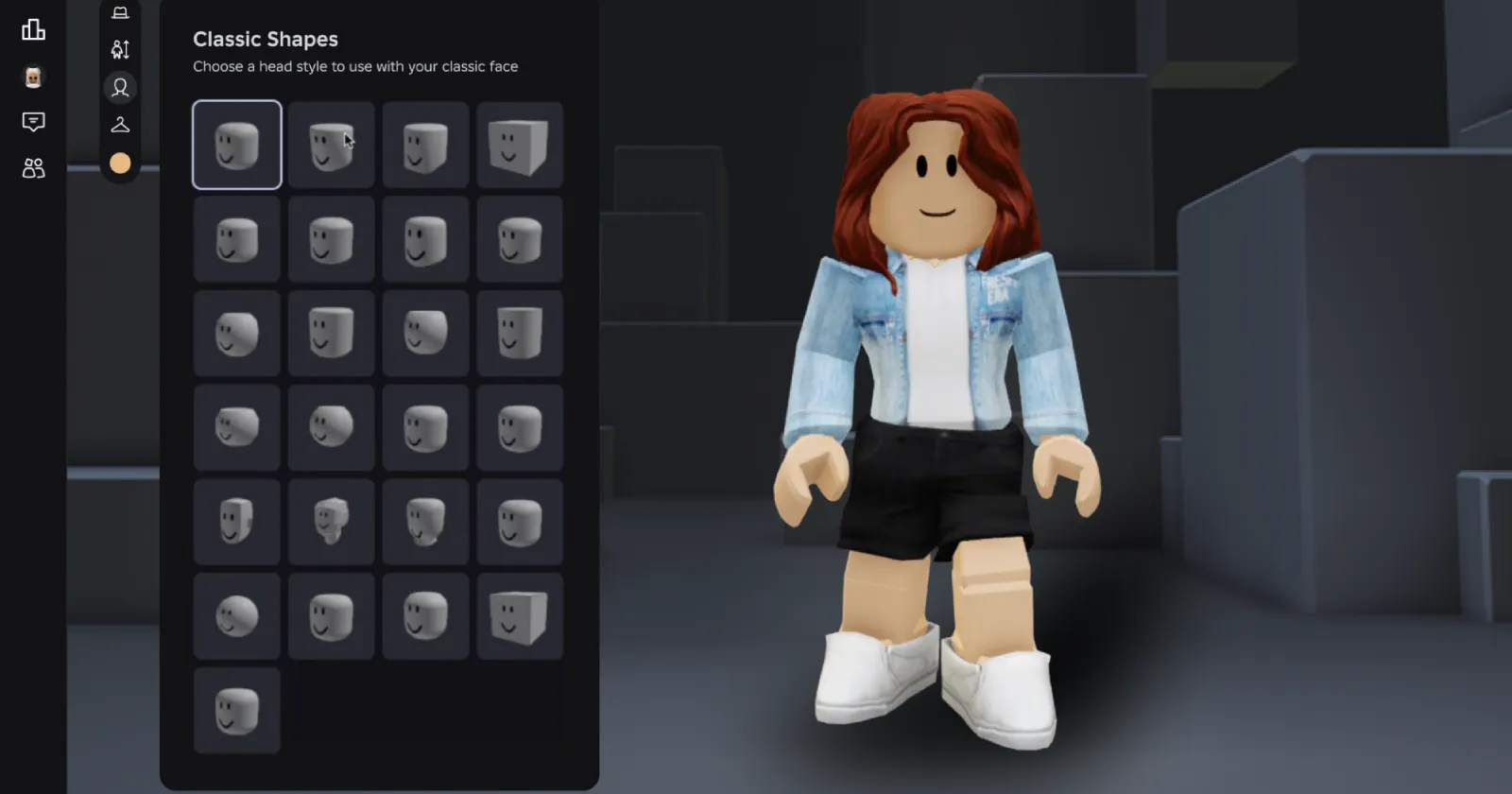


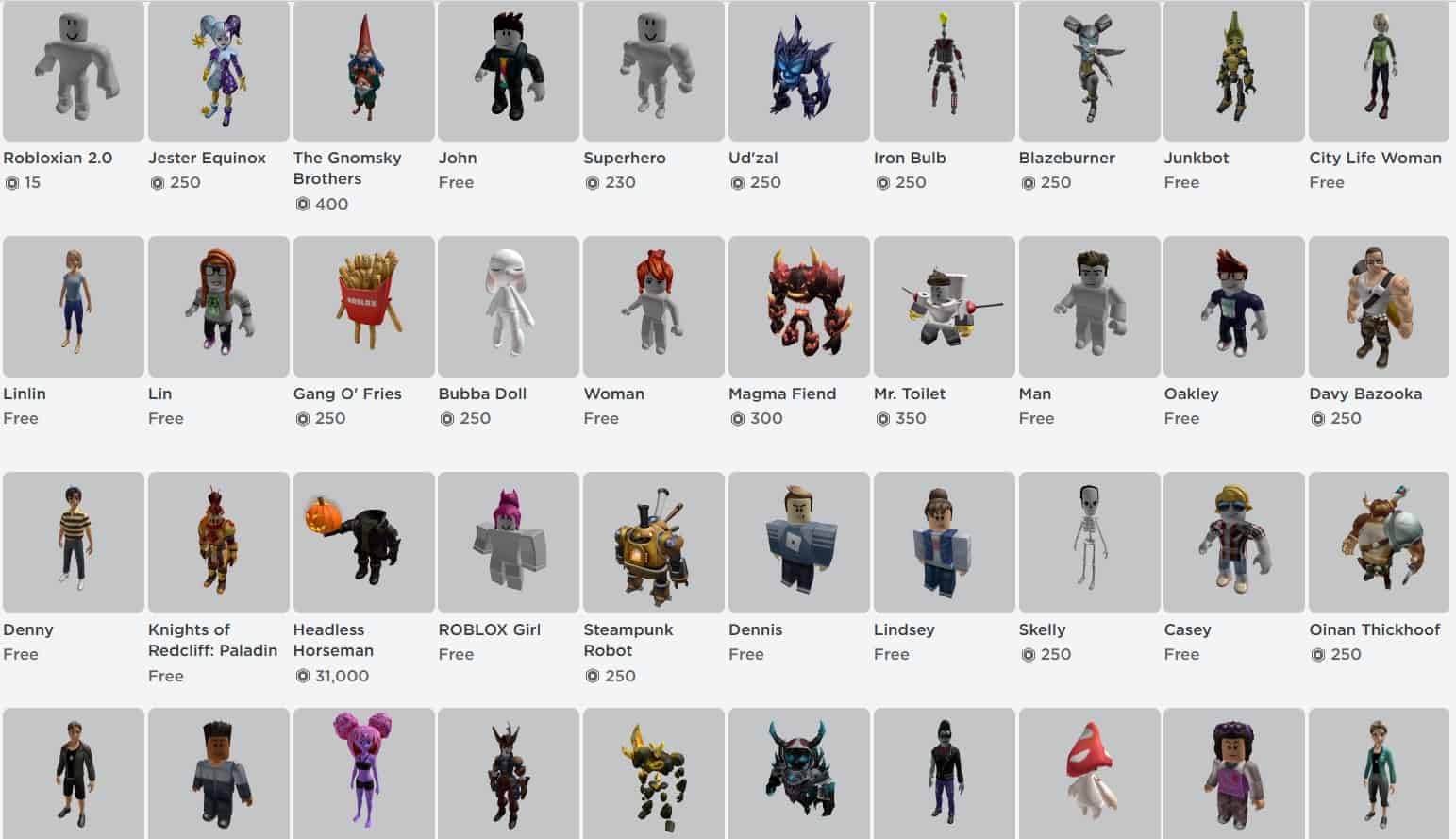
Roblox Converting Classic Heads And Faces To Dynamic By Feb 2026 Roblox Character Creation. Every Type Of Roblox Player Explained In 5 Minutes YouTube . 100 Unofficial Roblox Annual 2026 Brand New For 2025 The Iconic SL1500 . Roblox At GDC 2026 Where To Find Us All Week Roblox. What Exactly Is A Roblox Default Avatar Roblox Avatar Characters




Roblox Annual 2026 327999 Roblox Annual Back . Roblox Type Soul Codes April 2026 Stealthy Gaming . Roblox Grow A Garden 2 Sprinklers Guide All Types Prices And How To Roblox Grow A Garden 2 Sprinklers Guide All Types Prices And How To Use Them.webp. All Active Roblox Fisch Codes April 2026 Free Bait Skins And Fisch Codes Maerz 2026 1400x600 1 . All Bosses In Kaizen Deltia S Gaming All Bosses In Kaizen Image Via Roblox Corporation




A Mother Or Father S Information To Utilizing Roblox In 2026 Ivugangingo 2026 Parental Guide For Roblox Usage UnicMinds . 15 Game Roblox Horror Terbaik 2026 15 Game Roblox Horror Terbaik 2026 Paling Seram And Bikin Deg Degan 7f944699ce . 10 Most Profitable Roblox Game Types In 2026 Savings Grove 10 Most Profitable Roblox Game Types In 2026 Pin S2 20260324 200542 . What Is The Roblox Pilgrimmed Script All About Oar2 . Every Type Of Roblox Player Explained In 4 Minutes Part 2 YouTube


Roblox Promo Codes 2026 Updated Free Bundles Pets Exclusive Items Roblox Promo Codes.webp. How Tall Are Those R6 Roblox Characters Really 2 676x500 . What Are The Biggest Items In Roblox Worlds For 2026 FonjtvLaYAI Ac Large. WOW The 2026 Roblox Logo Shocks All Players YouTube Maxres2 . Jak Handlowa W Roblox Kompletny Przewodnik Dla Pocz Tkuj Cych Resized



Every Roblox Game Genre Explained In 3 Minutes Part 2 YouTube . Parts Roblox Creator Hub Sections Example . Roblox In 2026 Play On Roblox NoFilter. Mat Riaux Hub Cr Ation Roblox Apply To Selected Parts . Roblox Rthro Codes Are They Real For 2026 Roblox Promo Codes



How To Message On Roblox 2026 A Quick Guide . What Is The Roblox Assessment Experience On Reddit Oar2 . Part Roblox Wiki Fandom Latest. A Single Block Part Basic Part Block . To Part Shape Size Developer Forum




Roblox 2026 Logo REVEALED New Color New Look YouTube Maxres2 . Roblox Promo Codes For 2026 All Working Codes Beebom Roblox Cover With Games In Background . Roblox Type Soul All Grades In The Game Roblox Cover . Roblox Styles List . Definitive Guide To Roblox 2026 TM 07169 AU 19 60 Football Heaven Souveneir Tm 07169 Definitive Guide To Roblox