Roblox asset finder tools have become essential for creators in the United States and globally in the current gaming landscape for this year. These tools allow developers to locate specific items like sounds, meshes, textures, and models within the massive Roblox ecosystem effortlessly. As the platform grows, finding the right ID for a specific script or building component can be like finding a needle in a haystack without help. This guide explores the most effective ways to navigate the Roblox Library and third party tools to enhance your development workflow effectively. Whether you are a solo indie dev or part of a larger studio, understanding how to efficiently source assets can save hours of production time. We will cover security aspects, search techniques, and the latest trends in the developer community for this year.
Most Asked Questions about Roblox Asset Finder
How do I use a Roblox asset finder to get a mesh ID?
To find a mesh ID, search for the item in the Creator Store or a third-party finder. Once you locate the mesh, copy the numerical string from the URL or the provided ID field. Paste this number into the MeshId property within Roblox Studio. Always ensure the mesh is public and available for use in your specific project.
What is the safest Roblox asset finder for developers?
The safest way to find assets is through the official Roblox Studio Toolbox or the Creator Store on the website. For browser extensions, BTRoblox is highly trusted by the community for its transparency and utility. Avoid any tool that requires your login credentials or asks you to run suspicious local executable files on your computer.
Why can I not find certain audios using an asset finder?
Due to the 2022 audio privacy update, many sounds are now private or restricted to specific universes. An asset finder might show the ID, but the sound won't play unless you have explicit permission from the creator. Focus on searching for assets marked as 'Public' or created by the official Roblox account to ensure they work.
How do I find assets by a specific creator?
Most asset finders allow you to filter results by typing 'creator:username' in the search bar. This is useful for finding all components of a specific kit or style made by a developer you trust. In the official Creator Store, you can also click on a user's profile to browse their entire public library of assets.
Can I find 2D clothing IDs with an asset finder?
Yes, asset finders work perfectly for finding IDs for shirts, pants, and decals. Simply select the 'Clothing' or 'Decal' category in your search tool. These IDs can be applied to Character non-player characters or UI elements in your game. Make sure to check the template quality before using them in a high-definition project.
Humanized Summary
Finding the right pieces for your Roblox game should be fun, not a chore that makes you want to pull your hair out. A Roblox asset finder is basically a digital assistant that helps you sort through millions of community creations to find the perfect sound or texture. It is all about making your life as a developer easier so you can focus on the cool stuff like gameplay and world-building. We have looked at how these tools work and how they can save you a ton of time during your daily sessions in Roblox Studio.
The most important thing to remember is to stay safe and respect the privacy settings of other creators. Using trusted tools like BTRoblox or the built-in Toolbox ensures that your account stays secure while you explore the creative output of the community. Whether you are searching for a specific retro mesh or a modern sound effect, these tools are your best friend. In the end, these utilities matter because they lower the barrier to entry for new creators, allowing anyone with a good idea to find the building blocks they need to succeed. You have got all the info now, so go out there and build something incredible!
Have you ever spent hours scrolling through the Creator Store just to find that one specific sound effect for your project? I know exactly how frustrating that feels when you are in the middle of a creative flow and things just stop. The Roblox asset finder is a game changer for developers who want to stay focused on building rather than endless searching. Many creators often ask if there is a faster way to pull IDs for textures, meshes, and audios without refreshing pages. In this ultimate guide for the current year, we are going to dive deep into the tools that make development easier.
Understanding Why Asset Finders Are Essential
The primary reason developers use these tools is to bypass the clunky nature of the default web browser interface on Roblox. An asset finder is a specialized search engine or plugin designed to index millions of items across the platform library quickly. You can filter by specific categories like sounds, decals, or models that might be hidden by the standard search algorithm. It is especially useful when you need to find assets that are not currently trending but fit your game aesthetic. By using these tools, you are essentially giving yourself a superpower that saves hundreds of clicks every single day.
How to Find High Quality Assets Safely
Safety is a huge concern because malicious scripts can often be hidden inside free models found in the public library. When you use an asset finder, always look for items that have been verified or have a high community rating. You should always inspect the code of any model you insert into your place to ensure no backdoors are present. Many professional developers prefer using finders that focus on IDs rather than full models to keep their workspace clean. This approach ensures that you only get the visual or audio data without bringing in unnecessary junk code or lag.
The Best Tools for Asset Discovery This Year
There are several third party websites and Roblox Studio plugins that currently lead the market in terms of speed and reliability. Some popular choices include the BTRoblox extension which enhances the website view to show more details about every single asset. Others prefer dedicated external databases that allow for advanced filtering by date uploaded, creator name, or even specific file size. If you are a scripter, having a tool that instantly copies the Asset ID to your clipboard is a massive win. We are seeing more AI powered search tools emerging lately that can even suggest assets based on your game style.
- BTRoblox Extension: Adds a download button and direct ID links to the main website pages.
- RoSearcher: Helps players and developers find specific instances or assets within active server environments safely.
- Roblox Studio Toolbox: The built in utility that remains the safest way to browse curated community content.
- External ID Databases: Websites that catalog sounds and textures specifically for easy reference by professional game scripters.
Beginner / Core Concepts
1. Q: What is a Roblox asset finder exactly and do I really need one to make a game?
A: I get why this confuses so many people because the term sounds more technical than it actually is in practice. A Roblox asset finder is simply a tool or a website that helps you locate the ID numbers for things like music, shirts, or 3D models. You do not strictly need one, but using one will save you a massive amount of time when you are building complex levels. Think of it like a specialized search engine that knows exactly where all the hidden gems are buried in the massive Roblox library. Most beginners find that it makes the learning curve of Roblox Studio much less intimidating during their first few weeks of development. You have got this, so do not be afraid to experiment with different search terms to see what you find!
2. Q: How do I find the ID of a specific sound I want to use in my script?
A: This one used to trip me up too when I was first starting out with scripting and sound design. To find a sound ID, you can go to the Creator Store, click on the audio tab, and then look at the URL. The long string of numbers in that web address is the unique ID you need to paste into your code. Alternatively, using a dedicated asset finder allows you to just click a copy button without even opening the full asset page. It is a much smoother experience that keeps your workflow moving fast without unnecessary browser tabs cluttering up your computer screen. Try doing this for five different sounds today just to get the hang of where those numbers live. You will be a pro at it by the end of the day!
Intermediate / Practical & Production
3. Q: Are these third party finder websites safe to use with my Roblox account logged in?
A: I totally understand your concern here because keeping your account secure is the most important thing for any serious creator. Generally, you should never have to log into a third party asset finder with your actual Roblox password or sensitive info. Most of these tools simply read public data from the Roblox API, so they do not need your private login details. If a site asks for your password to find an asset, that is a huge red flag and you should leave immediately. Stick to well known browser extensions like BTRoblox or official DevForum recommended tools to stay on the safe side of things. Keep your account protected with two factor authentication and you will be just fine while browsing for cool assets. Stay safe out there and keep building amazing things!
4. Q: Can I use an asset finder to find deleted or off sale items from years ago?
A: This is a great question that shows you are thinking about the deep history of the platform and its content. While some finders can show you the metadata of old items, you usually cannot use assets that have been moderated or taken off sale. Roblox has strict rules about audio permissions now, so old music tracks often will not play in new games you create. However, finding the IDs of old textures or meshes can still be helpful for historical research or finding similar modern replacements. Just remember that if an item is not public, it probably won't load correctly in your game environment during a live session. It is always better to source fresh, high quality assets that you know are currently supported by the engine. You are doing a great job researching the platform history!
Advanced / Research & Frontier
5. Q: Is there a way to automate asset finding using the Roblox Web API for my own custom tools?
A: I remember when I first started looking into the API and it felt like staring at a wall of code. Yes, you can absolutely use the Roblox Web API to create your own custom asset finder if you have some coding knowledge. You would typically use the Catalog API or the Search API to query items based on specific keywords or categories. This allows you to build internal tools for your development team that can pull assets directly into your database or game. It is a very powerful way to scale up your production if you are working on a massive open world game. Just make sure you follow the rate limits so you do not get your IP temporarily blocked from making requests. This is a big step into professional development, and I am excited to see what you build with it. You are becoming a true technical expert!
Quick Human-Friendly Cheat-Sheet for This Topic
- Always double check the asset ID in a test place before using it in your main project to avoid bugs.
- Use browser extensions like BTRoblox to see the actual size and creation date of assets on the website.
- Keep a spreadsheet of your favorite asset IDs so you do not have to search for them every single time.
- Check the Roblox DevForum for the latest community-made plugins that might be even faster than website tools.
- Be wary of free models that have thousands of scripts inside them as they might contain laggy code.
- Remember that sound assets now require specific permissions to be used in games you do not own.
Instant Asset ID Discovery, Streamlined Workflow, Mesh and Texture Sourcing, Sound Library Navigation, Community Tool Integration.
35
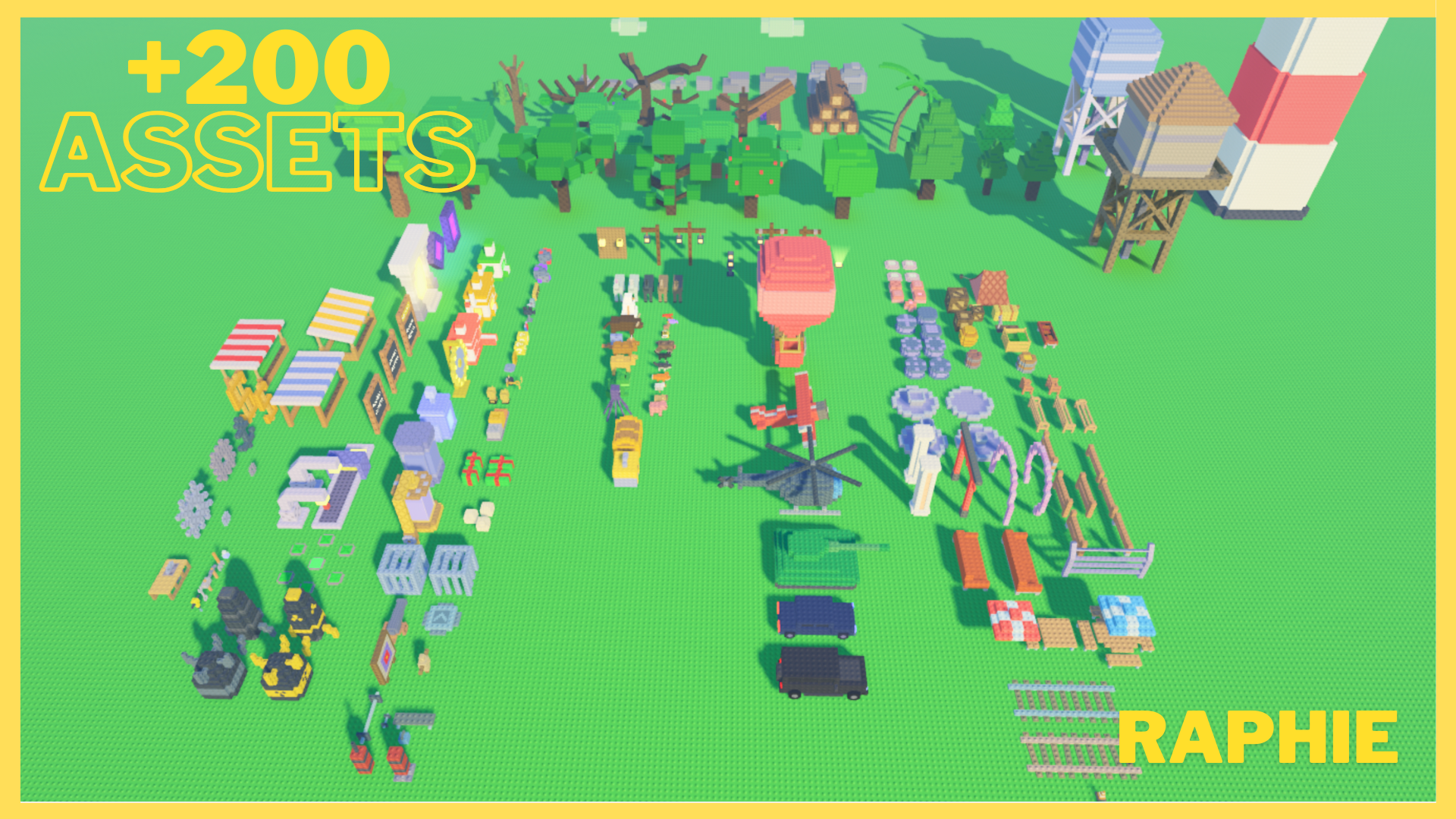
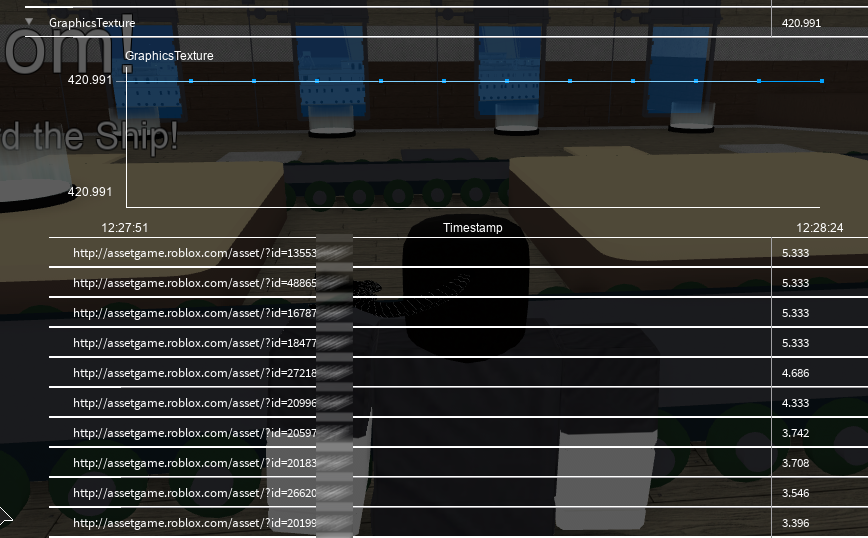
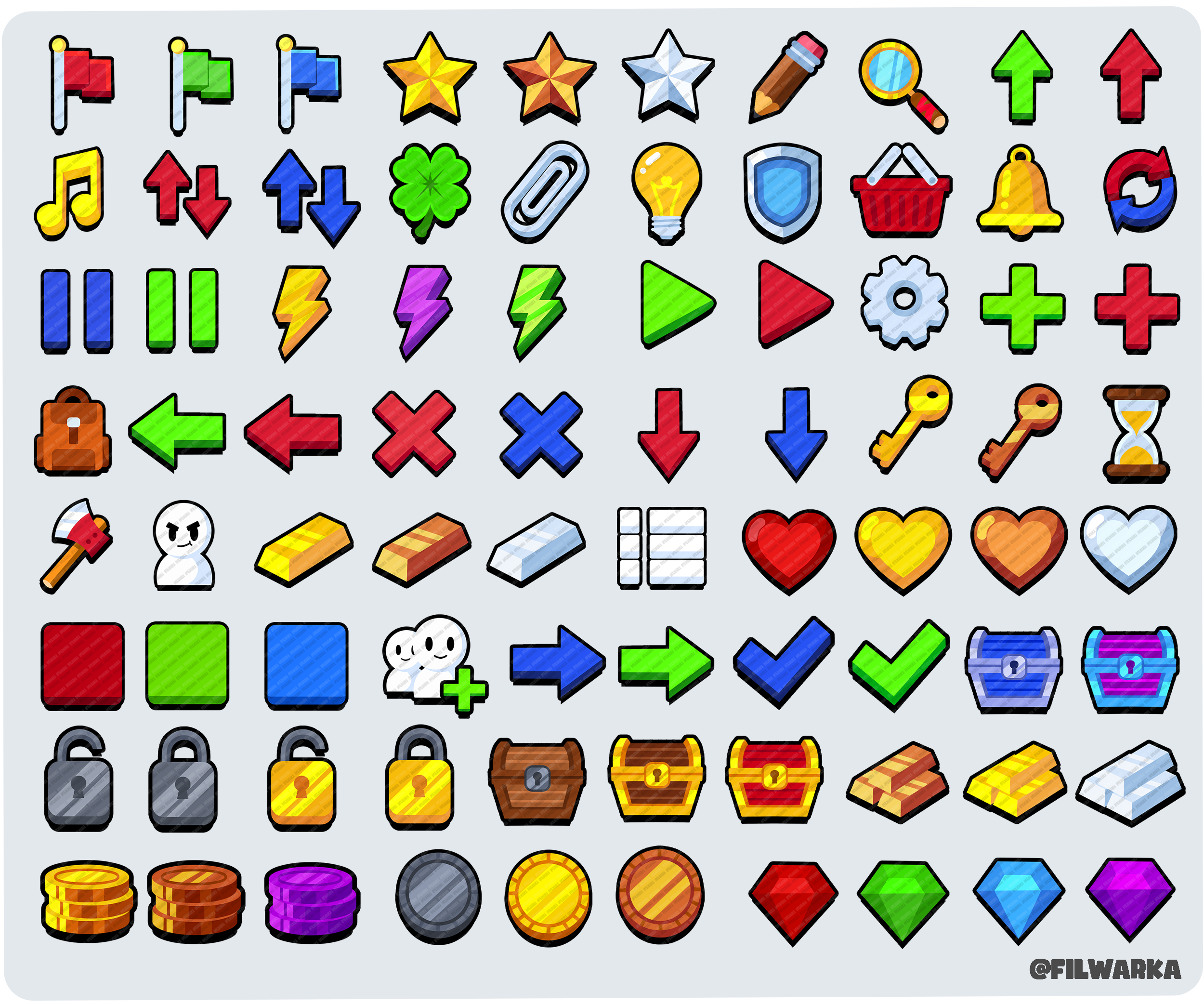
Non Sequential Asset ID Generation Coming Soon 2 1023x604 . Roblox Asset Viewer 0198c5eb 7e5b 714d Bd5f. 200 Stud Model Roblox Asset Pack By Raphie PxdAsl . Ability To Search Entire Game For An Asset ID Studio Features . 2D UI Asset Roblox Pack ICONS By Filwarka BlhX%2BV
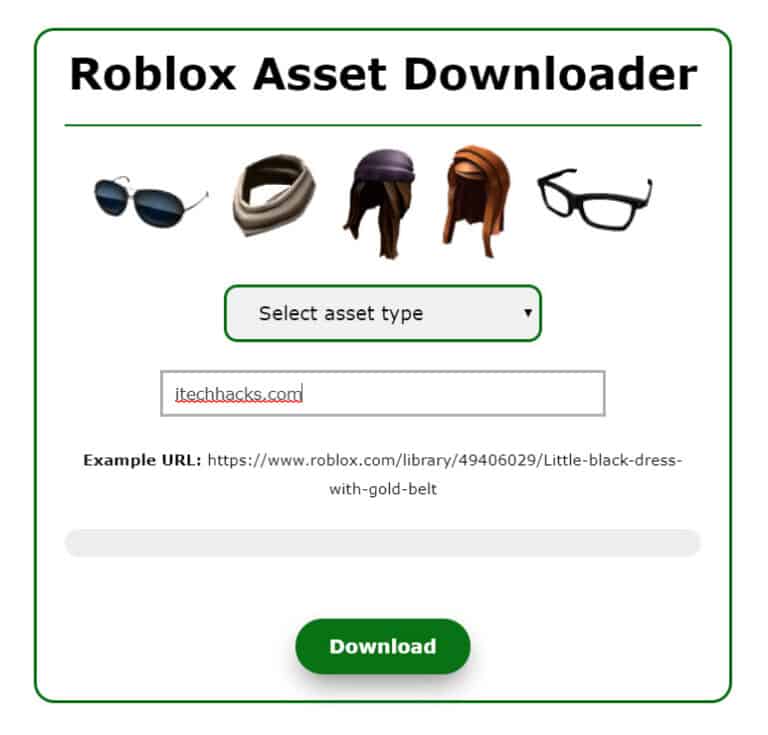

Roblox Asset Downloader 2026 Working Best Tricks Roblox Asset Downloader Itechhacks 768x735 . Search Results For Roblox Brawl 2 Script 2026 Page 3. Roblox Asset Downloader 2026 Working Best Tricks Roblox Asset Downloader 2020 1024x445 . Find Top Roblox Developers For Hire On Freelancer June 2026 Hero 02 . Paid Asset Search Never Loads Creator Hub Create Roblox Com Bugs


Roblox Knockout Codes For June 2026 How To Get All Roblox Knockout Codes For June 2026 . Unfrei Ab Hier Die Wichtigsten Im Berblick View Toggle . Free Asset Pack Roblox Studio YouTube . How To Download Roblox Studio In 2026 Beginner Setup What Actually O . Open And Use Asset Manager Roblox Studio YouTube


Gerenciador De Ativos Documenta O Central De Criadores Roblox Preview Panel Hierarchy . 200 Stud Model Roblox Asset Pack By Raphie 5IcoKG . How To Make A Asset Pack Roblox Studio 2023 YouTube . What Is Roblox Asset Id At Terrance Olson Blog . Rbxassetid Store Asset Link Generator Plugin FREE Community



Create A ROBLOX GAMES 2026 Tier List TierMaker . Simple Ways To Find A Roblox Asset ID YouTube . Roblox Unveils Homepage Ad Format At CES 2026 Outlook Respawn Image 1200x630 2026 01 . Asset Explorer View Find And Replace Assets In Bulk Community 2 400x562 . Where To Buy Roblox Assets In 2026 What Developers Actually Use And Why O


Best Roblox Asset Packs For New Developers Learn Build Play Roblox Toolbox Asset Pack Search . 2D UI Asset Roblox Pack ICONS By Filwarka DDp5ux . AI Roblox 3D Model Generator Create Assets Fast 2026 Hyper3D Blog 95 Roblox 3d Model.md . Roblox Studio How To Get Image IDs Find DECAL ASSET ID Numbers YouTube . Get Started With Experiences On Roblox Roblox Creator Hub Blog Evergreen



200 Stud Model Roblox Asset Pack By Raphie PaWMCx . HOW TO FIND AND USE CUSTOM ASSET ID CODES FOR ROBLOX ACCESSORIES . Sklep Tw Rc W Centrum Tw Rc W Roblox Model Search Example . How To Find The Explorer Asset Manager Toolbox And Properties In Hqdefault . FIFA World Cup 2026 On Roblox Expands Fan Engagement Outlook Respawn Image 1200x630 76