Unlock peak performance and savvy spending with our expert guide to shop tower desktop computers in 2026. This comprehensive resource helps busy gamers balance power budget and life providing actionable insights into the latest tech trends from AI upscaling to compact liquid cooled designs. Discover how to choose the right tower PC for immersive gaming social play and even content creation without breaking the bank or sacrificing precious family time. Navigate setup issues optimize performance find budget-friendly upgrades and connect with a thriving gaming community. Your ultimate companion for making informed decisions and elevating your gaming experience.
Q: What are the key considerations when choosing a tower desktop computer for gaming in 2026?
A: When looking to shop tower desktop computers for gaming in 2026, the key considerations are your budget, the types of games you play, and whether you plan to stream or create content. Focus on the GPU and CPU as they are the core components determining gaming performance. Look for modern GPUs with AI upscaling tech and CPUs with sufficient cores for multitasking. Don't overlook RAM (32GB is becoming standard) and fast NVMe SSD storage for quick load times.
Q: How can I ensure my gaming tower desktop provides long-term value and is future-proof?
A: To future-proof your gaming tower, invest in a robust motherboard that supports future CPU generations or offers ample expansion slots for RAM and storage. Choose a power supply unit (PSU) with higher wattage than immediately needed to accommodate future GPU upgrades. Opt for cases with good airflow and cooling solutions to keep components healthy. Buying slightly above your current needs for CPU/GPU can also extend its lifespan before needing an upgrade.
Q: What role do AI upscaling technologies play in 2026 gaming tower performance?
A: AI upscaling technologies like NVIDIA DLSS 4.0 and AMD FSR 3.5 are crucial in 2026, allowing gaming tower desktops to render games at lower internal resolutions and then intelligently upscale them to higher resolutions (like 4K) with minimal visual loss. This significantly boosts frame rates on existing hardware, making high-fidelity gaming accessible to more users and extending the lifespan of mid-range GPUs. They essentially give you more performance without needing to buy a more expensive card immediately.
Q: Are compact gaming tower desktops sacrificing performance in 2026?
A: Not necessarily. While compact gaming towers once meant compromises, advancements in component miniaturization and highly efficient cooling solutions, especially custom liquid cooling, allow many small form factor PCs in 2026 to pack high-end performance. However, they can be more expensive to build or buy and might offer less upgrade flexibility than larger ATX towers. Always check reviews for thermal performance in compact builds before purchasing.
Q: How important is cooling when I shop tower desktop computers for intense gaming sessions?
A: Cooling is paramount for intense gaming sessions. Inadequate cooling leads to thermal throttling, where your CPU and GPU reduce their clock speeds to prevent overheating, directly impacting your frame rates and overall performance. When you shop tower desktop computers, look for cases with good airflow design, multiple fans, and either a capable air cooler or an all-in-one (AIO) liquid cooler for the CPU, especially if you plan on long gaming sessions or overclocking.
Q: What are the benefits of building my own gaming tower versus buying a pre-built in 2026?
A: Building your own gaming tower offers complete customization, potentially better value for money by selecting specific components, and a deep understanding of your system. However, it requires significant time for research, assembly, and troubleshooting. Pre-built gaming towers offer convenience, factory warranties, professional assembly, and often come with optimized software, making them ideal for busy gamers who prioritize time-saving and reliability, though they might cost slightly more for comparable specs.
Q: How do current social gaming trends impact my choice of tower desktop computer?
A: Current social gaming trends heavily emphasize robust online connectivity and clear communication. When you shop tower desktop computers, prioritize models with strong networking hardware (fast Ethernet, Wi-Fi 6E/7) to minimize latency for multiplayer games. A good quality sound card or integrated audio solution paired with a decent headset is also crucial for crystal-clear voice chat on platforms like Discord. Sufficient CPU and RAM are also key for running games and communication apps simultaneously without performance drops. The digital battlefields and fantastical realms of gaming offer a much-needed escape for many of us, especially for the average US gamer, who at around 36 years old, often juggles a demanding job, family responsibilities, and a desire to unwind. We get it. Finding the perfect balance between chasing that epic win, spending time with loved ones, and optimizing your gaming rig can feel like a quest in itself. You want peak performance, but you also need value for money. You want to stay current without falling for every marketing hype cycle. And let's be honest, dealing with setup issues or performance bottlenecks after a long day is the last thing you need.\n\nThis guide is crafted for you, the dedicated gamer who values relaxation, fun, and building skills, but also cherishes social play and smart financial decisions. We will dive deep into how to shop tower desktop computers in 2026, addressing common pain points like choosing the right hardware for your limited game time, making budget-friendly upgrades, and ensuring your setup supports your social gaming habits. With 87 percent of US gamers regularly diving into their favorite titles and spending over 10 hours a week, and mobile gaming still dominating, your tower desktop needs to be a powerful, reliable hub for cross-play, social interaction, and pure enjoyment. Let's cut through the noise and get you equipped for the ultimate gaming experience.\n\n
What Are the Latest Trends in Gaming Tower PCs for 2026?
\nThe gaming landscape in 2026 is dynamic, driven by innovation in AI, connectivity, and thermal management. We are seeing a significant push towards AI-enhanced upscaling technologies like NVIDIA DLSS 4.0 and AMD FSR 3.5, which make 4K gaming more accessible even on mid-range systems by intelligently rendering at lower resolutions and reconstructing frames. This means stunning visuals without needing the absolute top-tier GPU, saving you money and boosting frame rates. There's also a growing trend in smaller form factor tower desktops that don't compromise on power, often featuring advanced liquid cooling solutions to manage the heat efficiently in compact spaces. Social gaming continues its dominance, with platforms like Discord and in-game communities flourishing. Robust networking capabilities and high-fidelity audio are more crucial than ever for a smooth, lag-free social experience. Creators and streamers are heavily influencing buying habits, leading to a demand for powerful CPUs and ample RAM that can handle gaming, streaming, and content creation simultaneously.\n\nHow Do I Choose the Right Tower PC to Balance Gaming and Life Commitments?
\nBalancing your gaming passion with real-life responsibilities means making smart choices. First, assess your primary gaming style. Are you a casual player who enjoys cozy games and social experiences, or a competitive esports enthusiast needing every frame? For casual play, a mid-range tower with a solid CPU (like an Intel Core i5 or AMD Ryzen 5 from the current or previous generation) and a mid-tier GPU (like an NVIDIA RTX 4060 or AMD RX 7700 XT) will suffice. If competitive gaming or streaming is your goal, aim higher: an Intel Core i7/Ryzen 7 or better, an RTX 4070 Super/RX 7800 XT or equivalent, and at least 32GB of RAM. Consider pre-built options from reputable brands like Alienware, HP Omen, or CyberPowerPC for convenience, as they often come with warranties and professional assembly, saving you valuable setup time. Focus on systems with upgrade potential for the future.\n\nWhat Are Budget-Friendly Upgrade Strategies for My Current Gaming Tower?
\nUpgrading your existing tower desktop computer is often more cost-effective than buying a new one. Start with the components that offer the most bang for your buck. If your games are lagging, a GPU upgrade is usually the first step. Look for previous generation GPUs on sale, as they often provide excellent performance for significantly less. Next, consider increasing your RAM to 32GB if you're still on 16GB, especially if you multi-task while gaming. An NVMe SSD upgrade for your operating system and primary games will dramatically reduce load times, even if you already have a SATA SSD. Finally, if your CPU is bottlenecking your GPU, look for a compatible processor upgrade within your motherboard's socket type. Always check compatibility before purchasing any components.\n\nWhere Can I Find Reliable Information and Reviews When I Shop Tower Desktop Computers?
\nNavigating the sea of tech reviews can be overwhelming. For reliable information when you shop tower desktop computers, prioritize trusted tech review sites like PC Gamer, Gamers Nexus, Hardware Unboxed, and Tom's Hardware. These outlets provide in-depth benchmarks, thermal analysis, and real-world gaming performance tests. YouTube channels like Linus Tech Tips, JayzTwoCents, and Gamers Nexus offer excellent visual reviews and build guides. For user opinions, communities on Reddit (r/buildapc, r/gamingpc) and dedicated brand forums can be insightful, but always cross-reference information. Look for reviews that specifically mention gaming performance, cooling efficiency, and component quality rather than just general computing tasks. Trends this month show a strong focus on actual in-game benchmarks over synthetic tests.\n\nIs a Pre-built Gaming PC a Good Option for Busy Gamers in 2026?
\nAbsolutely! For gamers balancing jobs and families, pre-built tower desktop computers are often an excellent solution. They offer plug-and-play convenience, factory warranties, and often come with optimized drivers and operating system installations, saving you precious setup time. While building your own PC can be rewarding, the time investment for research, assembly, and troubleshooting might not be feasible for your schedule. Modern pre-builts from brands like Origin PC, Falcon Northwest, or even mainstream brands with dedicated gaming lines (Dell Alienware, HP Omen) now offer highly competitive pricing and performance, often featuring custom liquid cooling and clean cable management. They are designed to get you gaming faster, which is invaluable when your gaming window is limited.\n\nHow Can I Optimize My Tower PC for Social Gaming and Streaming?
\nSocial gaming and streaming require a robust setup. For smooth online experiences, prioritize a fast, stable internet connection, ideally wired Ethernet. Ensure your tower desktop has ample RAM (32GB is recommended for streaming) and a strong multi-core CPU (Ryzen 7/9 or Core i7/i9) to handle game, streaming software (like OBS), and Discord simultaneously. Invest in a good quality headset with a clear microphone for communication. For streaming, consider a dedicated capture card if you're streaming from a console through your PC, or an NVIDIA GPU with NVENC encoder for efficient PC streaming. Optimize in-game settings for a balance between visual fidelity and frame rate to ensure smooth gameplay for you and a crisp stream for your audience. Regular driver updates are key for stability.\n\nWhat Are the Best Gaming PC Accessories to Enhance My Experience?
\nBeyond the tower itself, smart accessory choices can significantly enhance your gaming experience. A high-refresh-rate monitor (144Hz or higher) with a fast response time (1ms) is crucial for smooth gameplay, especially in competitive titles. Mechanical keyboards offer superior tactile feedback and durability. A gaming mouse with customizable DPI and programmable buttons can give you an edge. For immersion, consider quality headphones with virtual surround sound. If you enjoy racing or flight sims, a dedicated wheel or joystick can transform your experience. Don't forget a comfortable ergonomic chair to protect your back during those longer sessions. These accessories, while seemingly minor, contribute greatly to comfort, precision, and overall enjoyment.\n\nHow Do I Troubleshoot Common Performance Issues on My Gaming Tower?
\nPerformance issues can be frustrating, but many have simple fixes. First, ensure all your drivers (especially GPU drivers) are up to date. Use software like DDU (Display Driver Uninstaller) for a clean GPU driver install. Check your PC's temperatures using monitoring tools like HWMonitor; overheating components can throttle performance. Clean out dust from your fans and heatsinks regularly. Verify your game files through Steam or other launchers. If frame rates are consistently low, reduce in-game graphical settings. Make sure your power plan is set to "High Performance" in Windows. For persistent issues, a clean Windows installation can often resolve deep-seated software conflicts, but always back up your data first. Remember, 87% of gamers troubleshoot issues at some point, you're not alone!\n\nChoosing and optimizing a gaming tower desktop computer in 2026 doesn't have to be a daunting task, even when you're balancing a busy life. By focusing on smart upgrades, understanding current trends like AI upscaling and compact designs, and leveraging reliable resources, you can build or buy a setup that perfectly fits your lifestyle and gaming ambitions. Remember, the goal is to enhance your relaxation, fun, and social connections through gaming, not to add more stress. Stay informed, spend wisely, and enjoy those precious gaming moments to the fullest.
\nWhat's your biggest gaming challenge with your current PC setup? Comment below!
\n\nFAQ Section
\nQ: How often should I update my gaming PC drivers?\nA: You should update your GPU drivers roughly once a month, especially before playing major new game releases, to ensure optimal performance and bug fixes. Chipset and other drivers can be checked every few months.\n\nQ: Is liquid cooling necessary for a gaming tower?\nA: Not always. For most mid-range gaming towers, a good air cooler is sufficient and often more reliable. Liquid cooling becomes beneficial for high-end CPUs, overclocking, or compact builds where space is limited and efficient heat dissipation is critical.\n\nQ: What's the ideal amount of RAM for a gaming PC in 2026?\nA: While 16GB of RAM is still acceptable for many games, 32GB is increasingly becoming the sweet spot for modern titles, multi-tasking, and streaming. It provides more headroom and future-proofs your system.\n\nQ: Should I buy an Intel or AMD CPU for gaming?\nA: Both Intel and AMD offer excellent gaming CPUs. Intel often has a slight edge in raw single-core gaming performance, while AMD often provides better multi-core performance for productivity tasks like streaming and content creation, often at a better value. Choose based on your overall needs and budget.\n\nQ: How important is an SSD for gaming?\nA: An SSD, particularly an NVMe SSD, is extremely important. It drastically reduces game load times and improves overall system responsiveness. Never install games on a traditional hard drive if you can avoid it, as it will significantly impact your experience.\n\nQ: Can I use my old monitor with a new gaming tower?\nA: Yes, generally you can, as long as it has compatible display inputs (HDMI, DisplayPort, DVI). However, to fully appreciate the power of a new gaming PC, especially high frame rates, investing in a high-refresh-rate monitor is highly recommended. You might not be getting the full experience otherwise.Optimizing performance for the modern gamer. Balancing gaming with work and family life. Smart hardware upgrades on a budget. Leveraging AI and latest tech for superior visuals. Finding value-for-money in tower desktop computers. Staying current with 2026 gaming trends. Building a social gaming setup. Streamlining setup and troubleshooting.
35
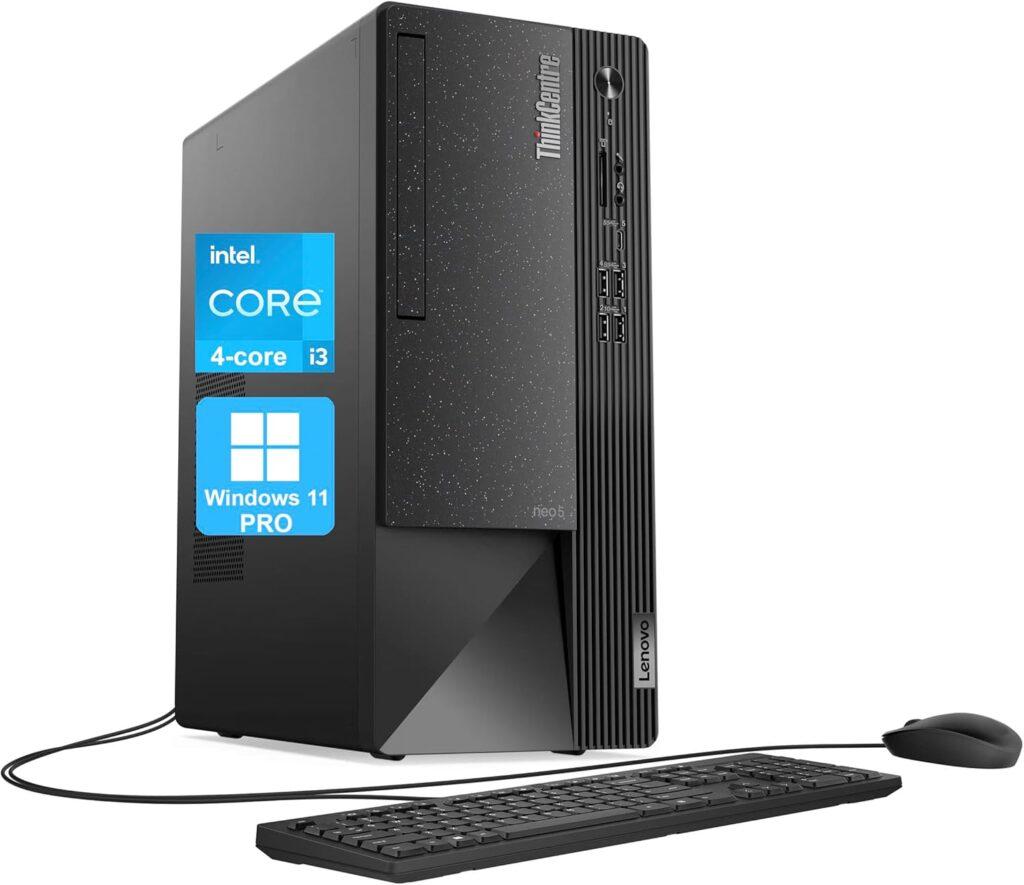
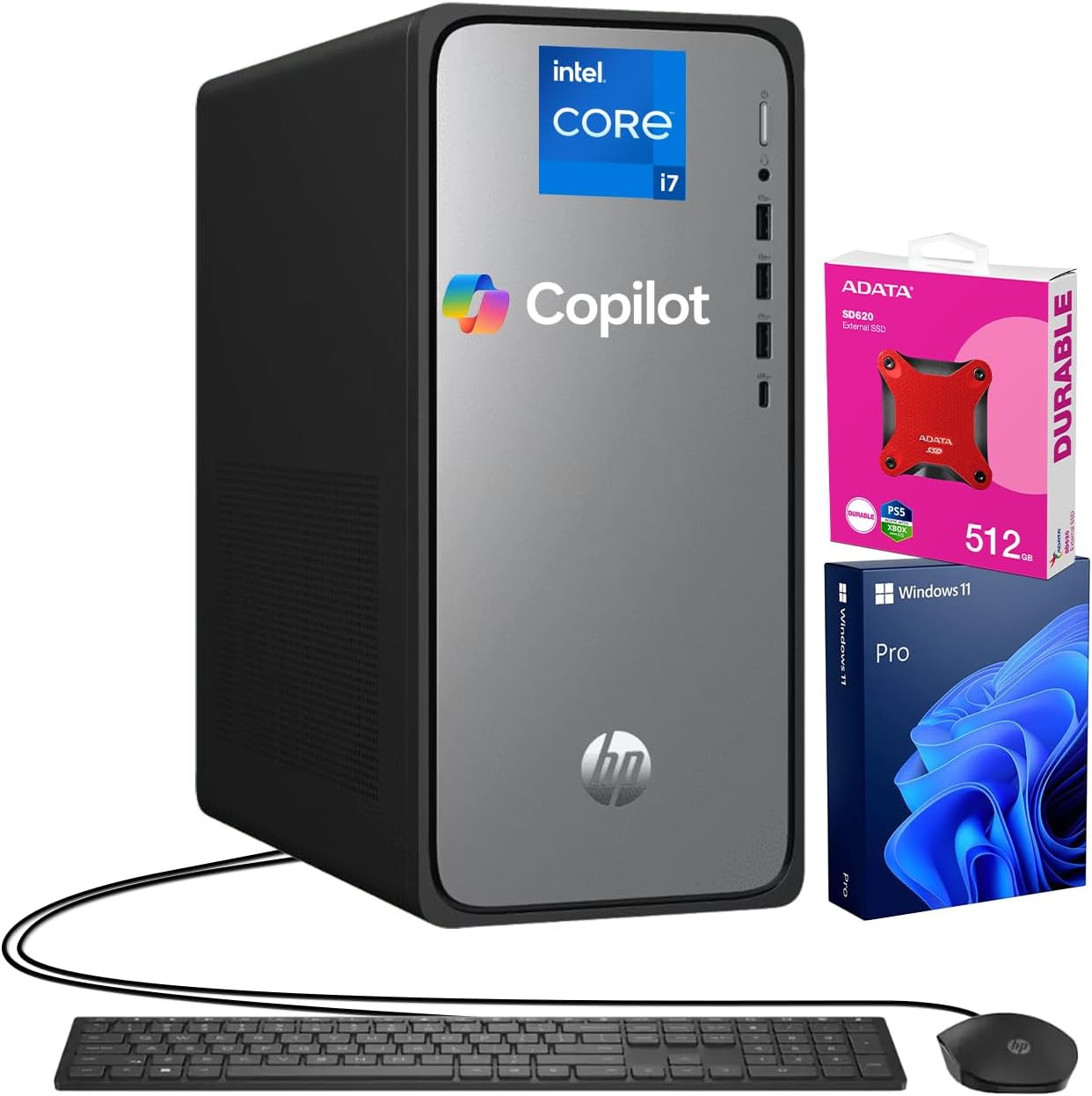

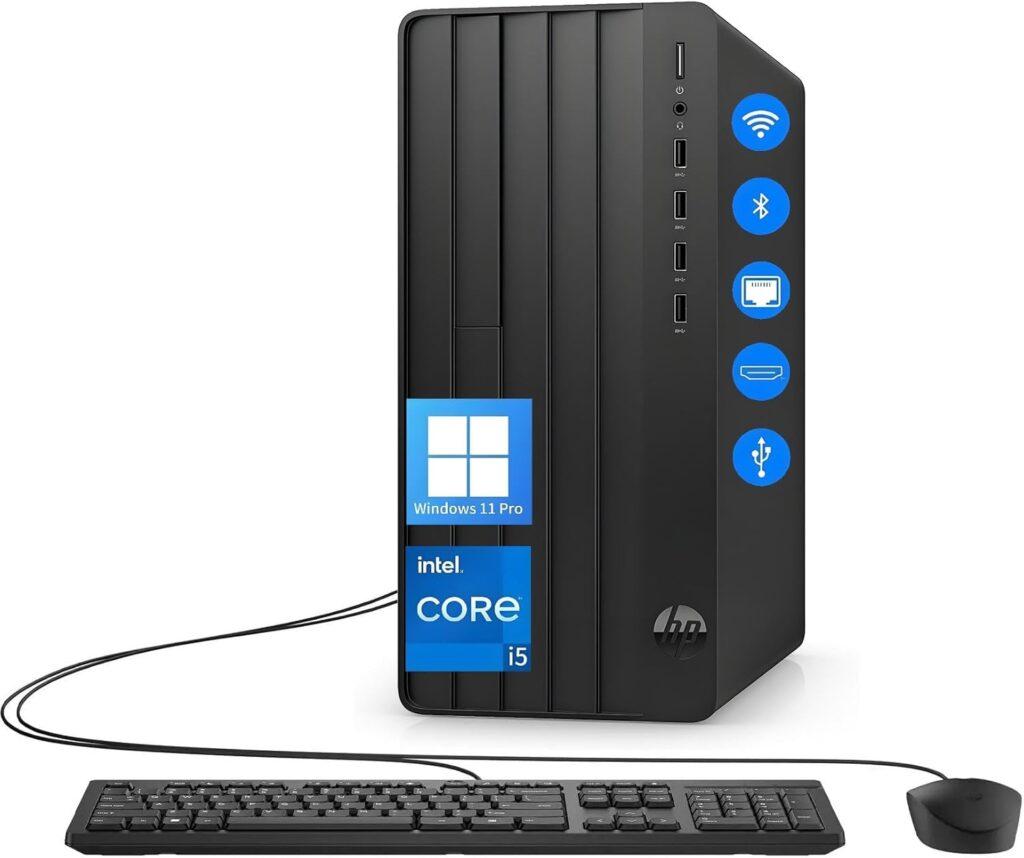
The 12 Best Tower Business Desktop Computers In 2026 Tested Reviewed Dell Tower Desktop ECT1250 . The 12 Best Tower Business Desktop Computers In 2026 Tested Reviewed Lenovo ThinkCentre Neo 50t Tower Desktop 1024x885 . The 12 Best Tower Business Desktop Computers In 2026 Tested Reviewed HP 2025 Omnidesk Envy Next Brand M02 AI Copilot Business Tower Desktop . Top 10 Best Desktop Computers 2026 For Home Office And Work Lenovo Legion Tower 5i 2026 Budget Desktop Computer For Home Office Among Best Desktop. The 12 Best Tower Business Desktop Computers In 2026 Tested Reviewed HP Desktop Computers Tower PC 1 1024x858


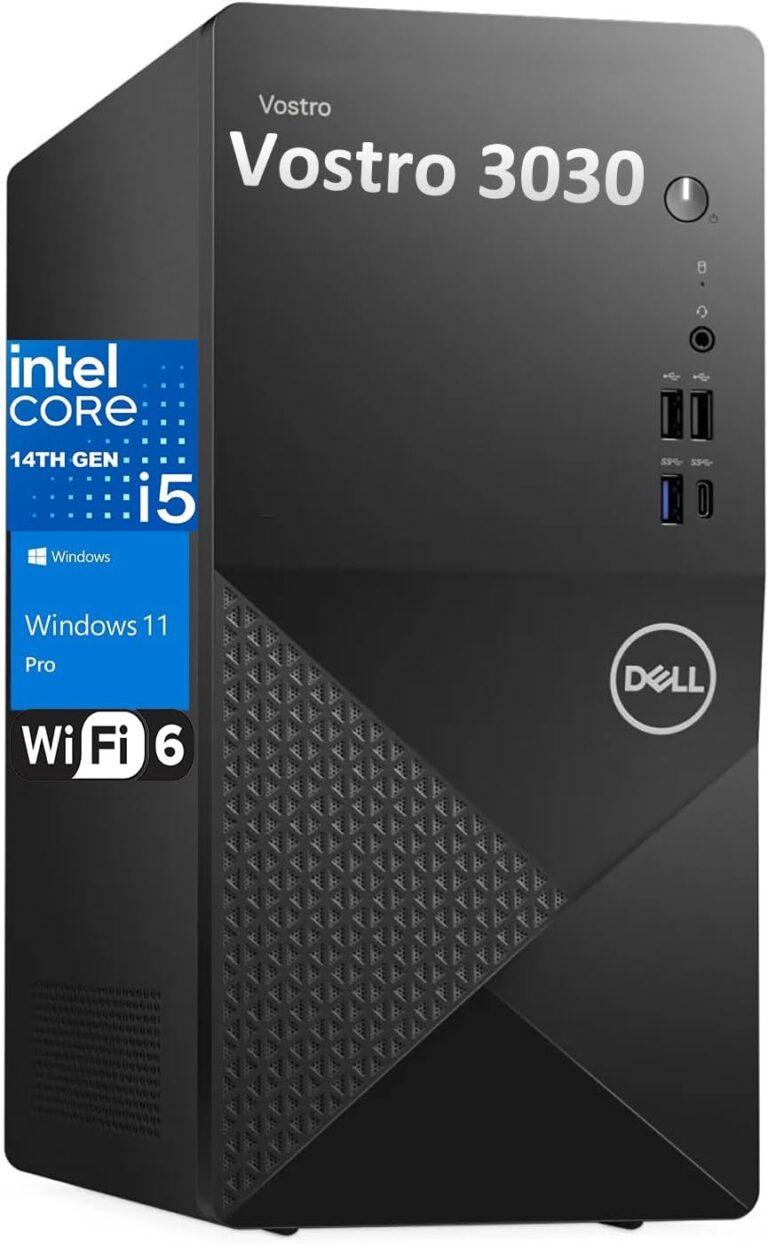

Top 10 Best Desktop Computers 2026 For Home Office And Work Dell Tower Plus 2026 Desktop Computer With Sleek Design And Powerful Components For Best. Amazon Com Dell 2026 Pro Desktop Computers Tower PC For Home 8110dW 9uhL. AC SL1500 . The 12 Best Tower Business Desktop Computers In 2026 Tested Reviewed Slide5 . The 12 Best Tower Business Desktop Computers In 2026 Tested Reviewed Dell Desktop Computers Tower 768x1244 . Top 10 Best Desktop Computers 2026 For Home Office And Work Corsair Vengeance I7600 2026 Desktop Computer With Premium Build Quality Listed In Best Desktop
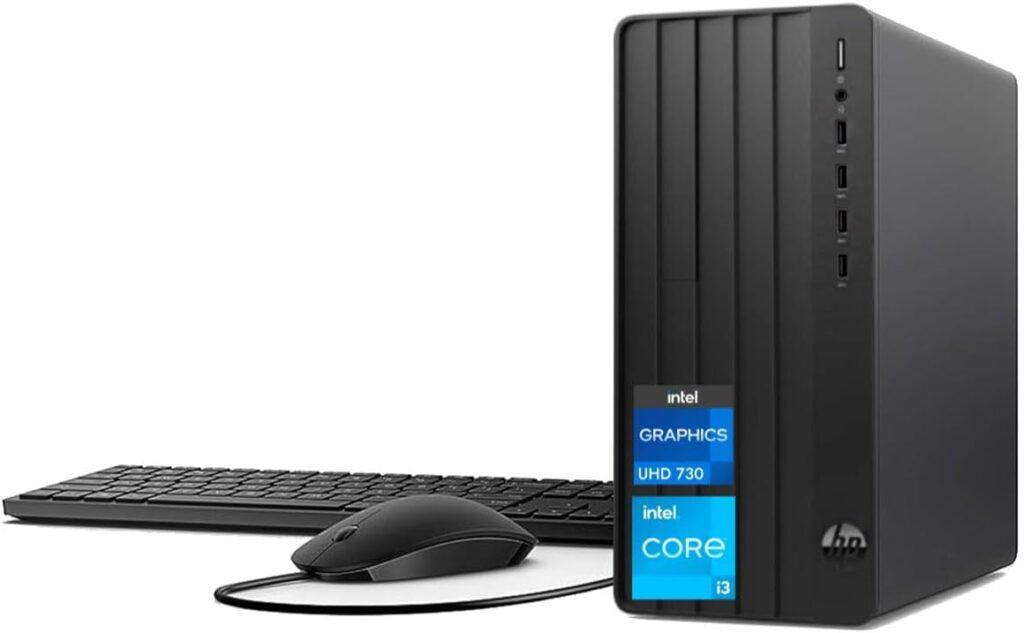

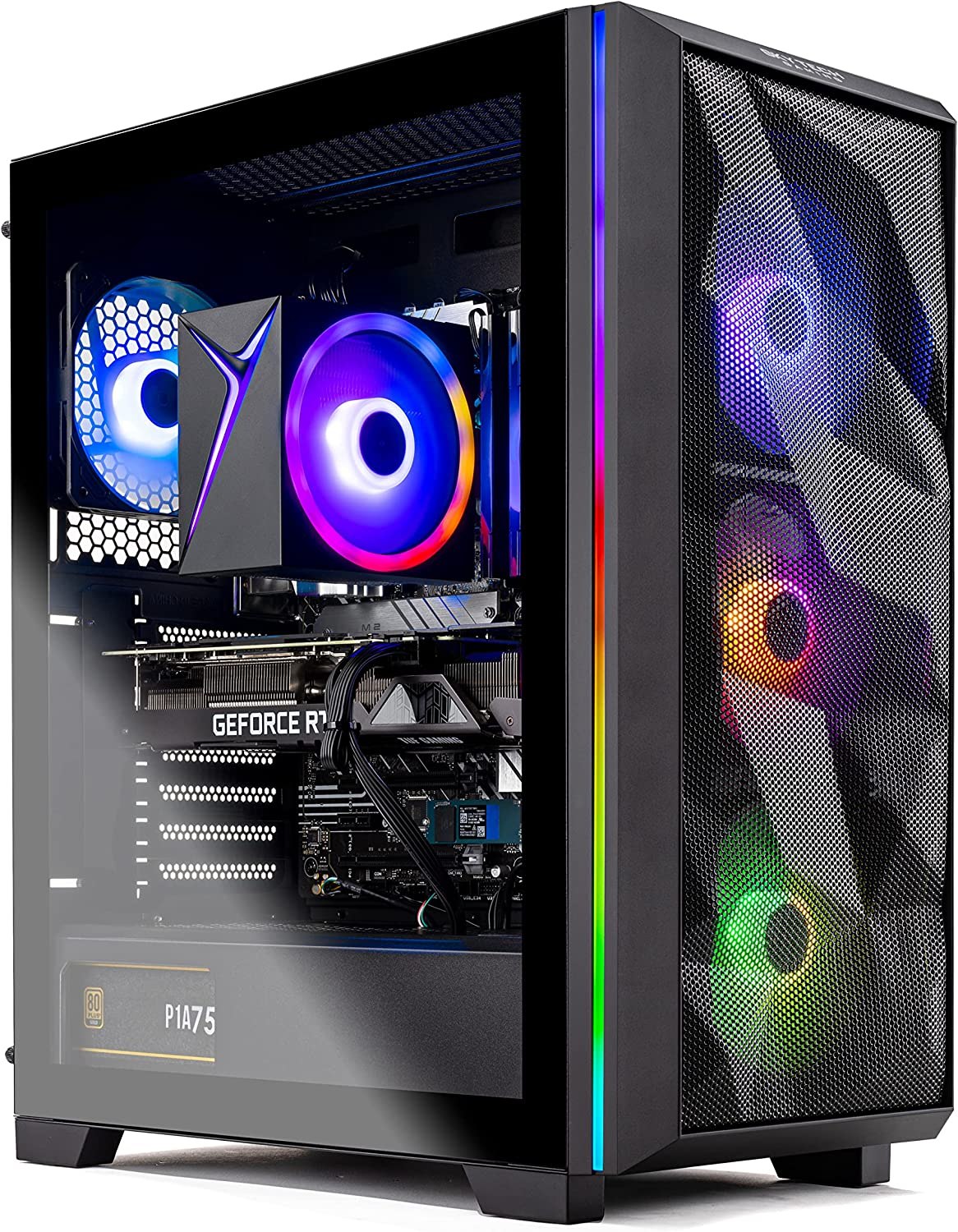


The 12 Best Tower Business Desktop Computers In 2026 Tested Reviewed HP Pro Tower 290 G9 Business Desktop 1024x633 . 6 Best Desktop Computers 2026 YouTube . 5 Best Tower Desktops June 2026 BestReviews Best Gaming Deskto Skytech Chronos . The 10 Best Tower Computers Of 2026 Reviews AC SR480,480 . The 10 Best Dell Tower Computers Of 2026 AC SR480,480
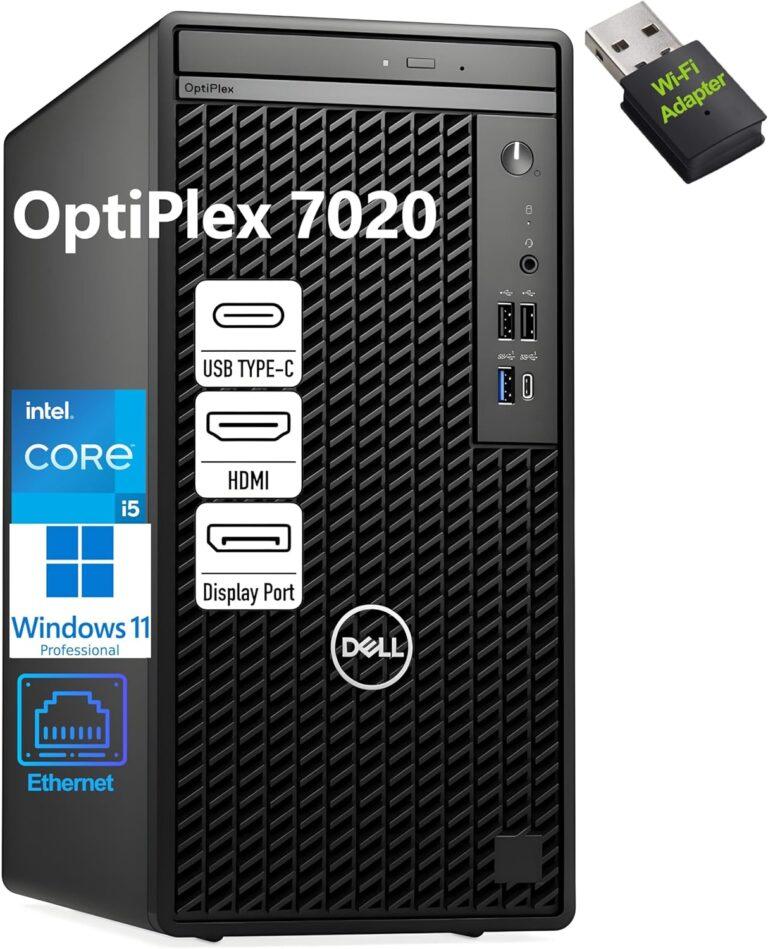


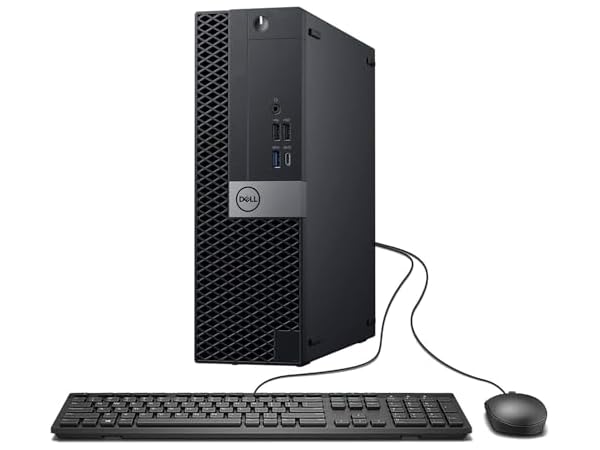

The 12 Best Tower Business Desktop Computers In 2026 Tested Reviewed Dell OptiPlex 7020 Tower Business Desktop 768x949 . Amazon Com Dell Tower Plus EBT2250 Desktop 2026 Ai Computer Intel AC SL1500 . The Best Desktop Computers For Business In 2026 The Best Desktop For 2026 53ww.640 . The 10 Best Tower Computers Of 2026 Reviews . Best Desktop Computers For Home Use In 2026 Technobezz Technobezz 2026 03 11 T142543 296 09ffd22ab9
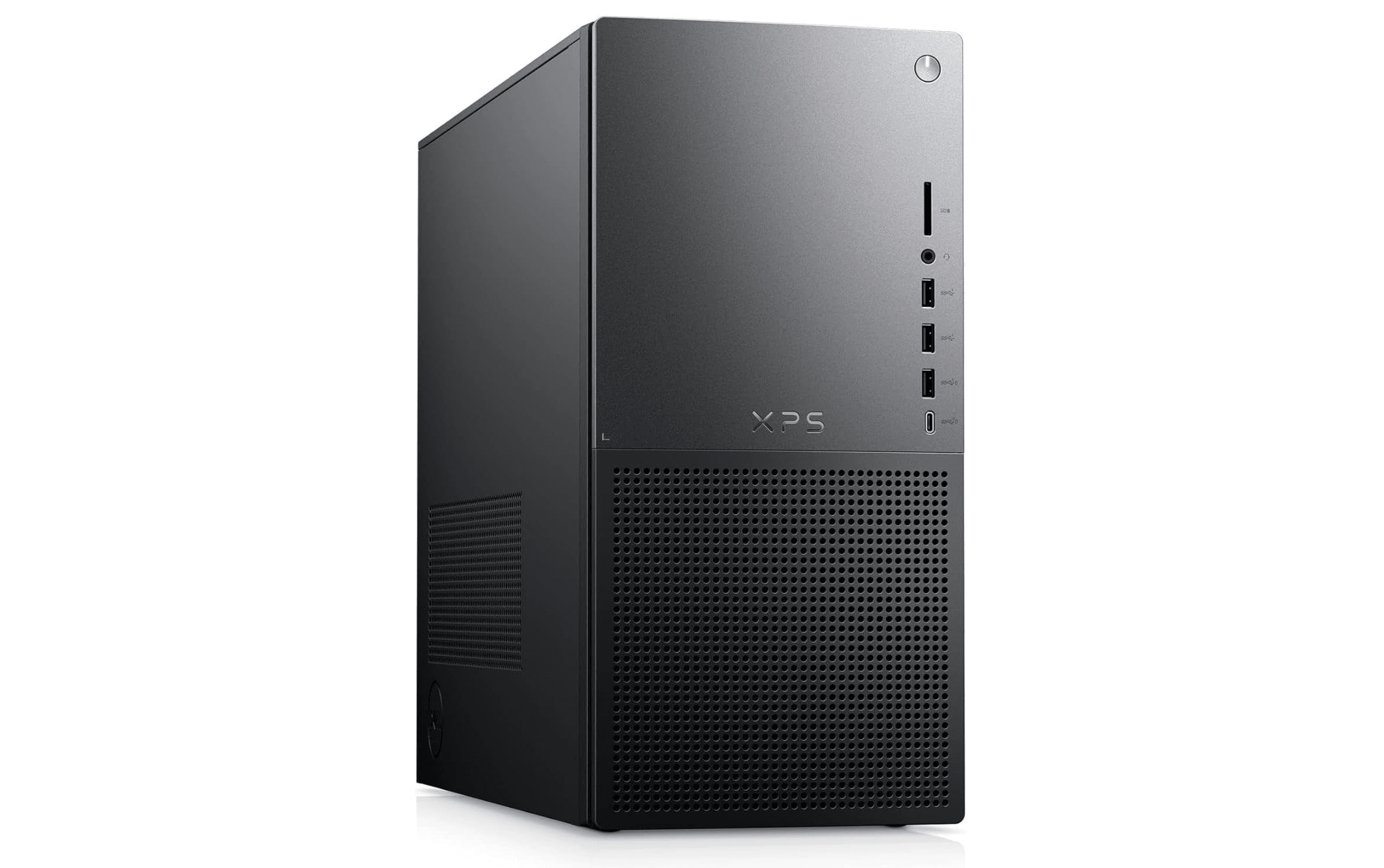

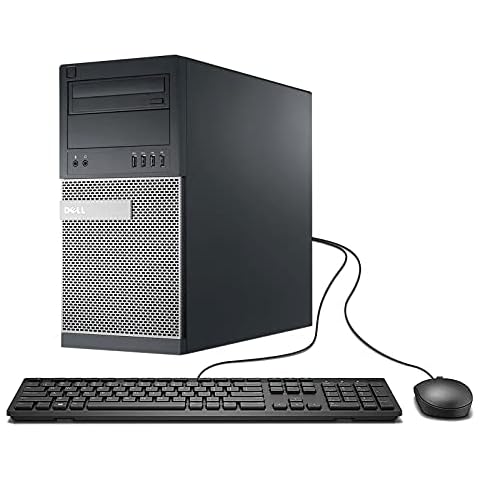
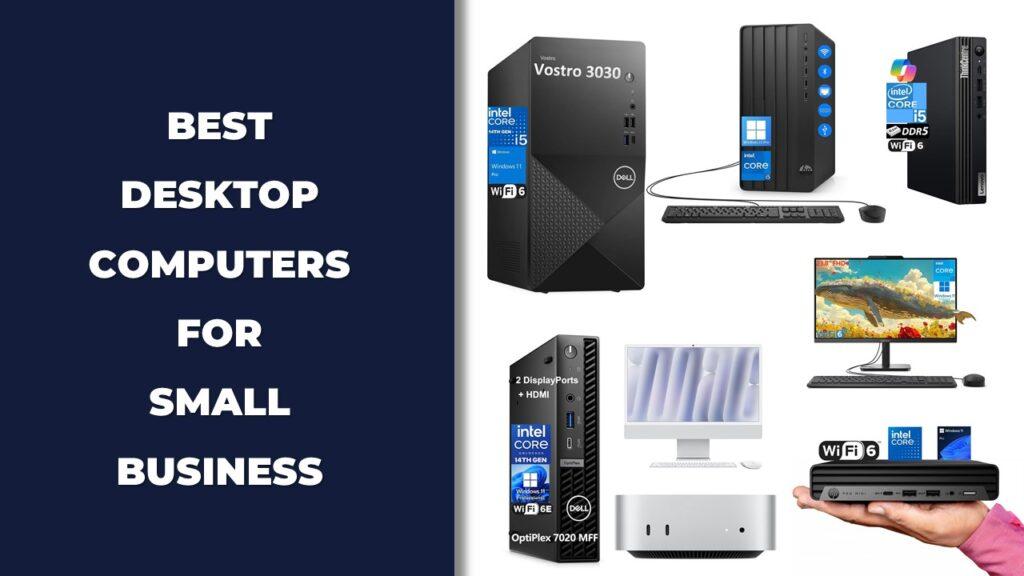
Best Desktop Computers For Home Use In 2026 Technobezz 2026 02 06 At 2 14 38 AM 7c0bace8e1 . The 12 Best Tower Business Desktop Computers In 2026 Tested Reviewed HP Desktop Computer Business Tower PC 238x300 . 12 Best Business Desktop Computers In 2026 Tested Reviewed HP Pavilion Tower Desktop Computer . The 10 Best Tower Computers For Business Of 2023 Reviews 41 JyDiw7WL. AC SR480,480 . The 12 Best Tower Business Desktop Computers In 2026 Tested Reviewed Slide1 1024x576
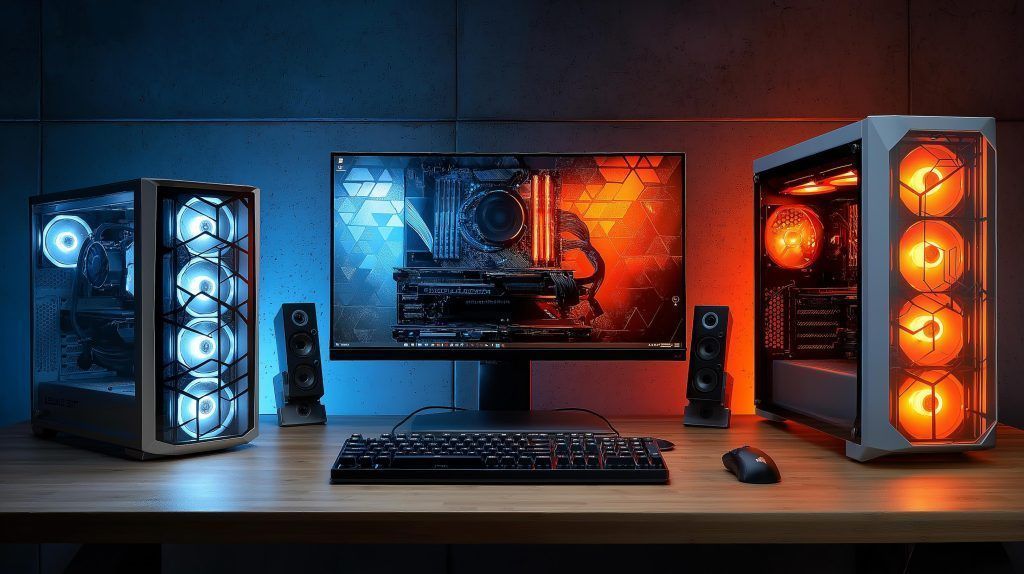
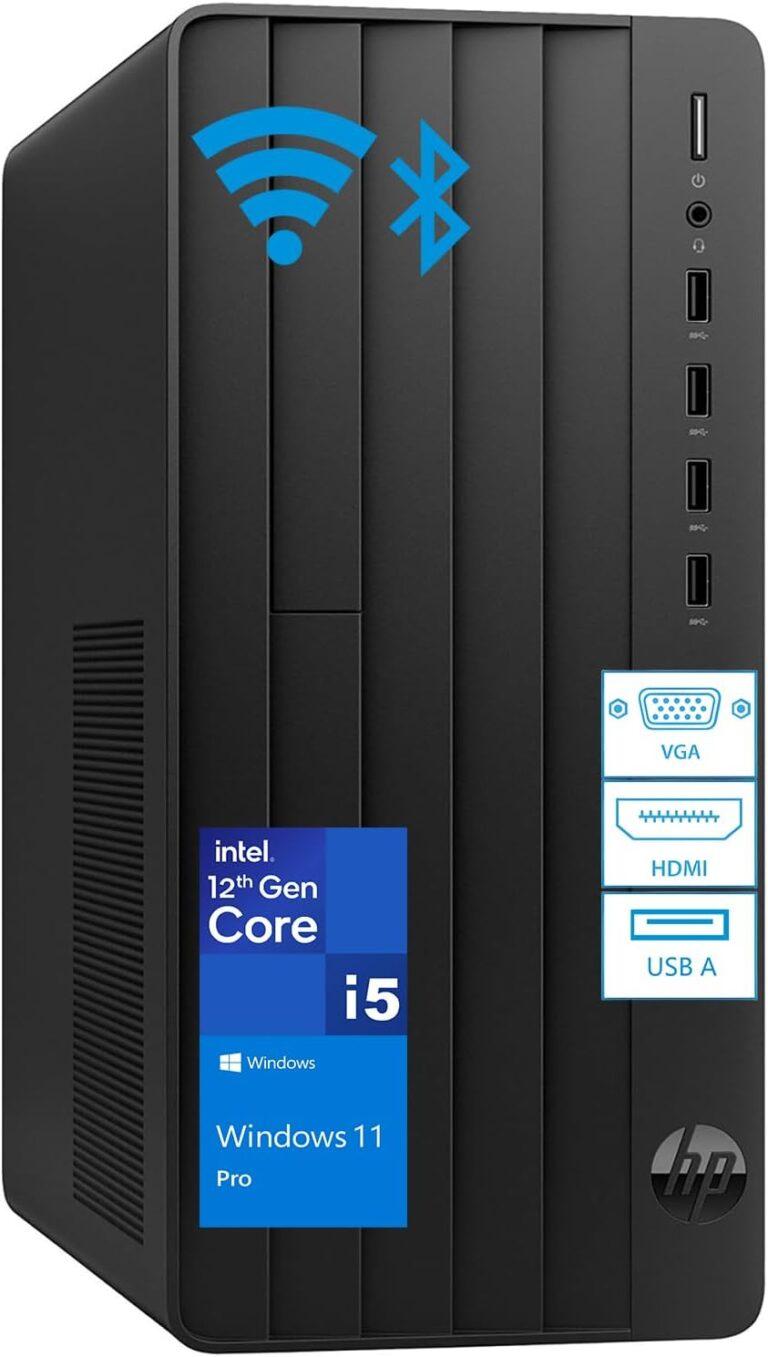


Ultimate 2025 2026 Desktop PC All In One Showdown Top Picks For Desktop Pc 1024x574 . The 12 Best Tower Business Desktop Computers In 2026 Tested Reviewed HP Tower PC Desktop Computer 768x1357 . Top 10 Best Desktop Computers 2026 For Home Office And Work Apple IMac M4 2026 All In One Desktop Computer For Creative In Best Desktop. Top 10 Best Desktop Computers 2026 For Home Office And Work HP OmniStudio X Pro 2026 All In One Desktop Computer With Large Display Ranked Among Best. The 12 Best Tower Business Desktop Computers In 2026 Tested Reviewed Slide11 1024x576



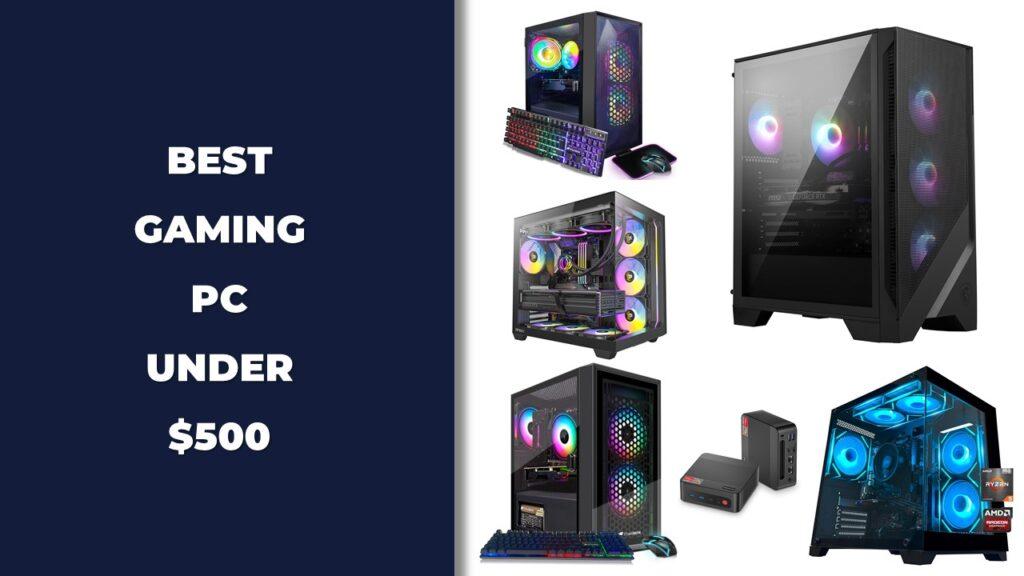
10 Best Hp Desktop Tower 2026 In The US There S One Clear Winner AC CX679 . Top 10 Best Desktop Computers 2026 For Home Office And Work HP Omen 35L 2026 Workstation Desktop Computer For Intensive Work In Best Desktop. Restored HP G4 Desktop Tower Computer PC Intel Hexa Core I5 8500 Upto 4 Restored HP G4 Desktop Tower Computer PC Intel Hexa Core I5 8500 Upto 4 10GHz 64GB Ram 2TB SSD New 24 LED Monitor Screen Built In Wi Fi Bto Keyboard 80ae0cd4 D12d 44f8 Bb92 . Best Tower Computer For Business 71yqpfqOJ L. AC SL1500 . We Chose The Best Desktop Computers In The UK 6 2026 Toproducts Co Uk SL160