The AMD Ryzen 5 3600X has been a workhorse for many gamers, balancing performance and budget for years. But in 2026, with cutting-edge titles and evolving hardware, many are asking: is the 3600X still a viable option for a satisfying gaming experience? This comprehensive guide dives deep into the Ryzen 5 3600X's current gaming capabilities, analyzing its performance across popular modern games and demanding esports titles. We'll explore whether it holds up for today's average gamer, who often juggles work, family, and limited gaming time, seeking relaxation, fun, and optimal value. Discover practical advice on maximizing your 3600X, understanding its limitations, and identifying smart upgrade paths that won't break the bank. We'll cover everything from simple optimizations to knowing when it's time for an upgrade, ensuring you continue to enjoy your favorite virtual worlds without frustrating performance bottlenecks. This article is your essential resource for making informed decisions about your gaming rig in 2026, especially if you prioritize value and real-world performance over bleeding-edge hype.
Is Ryzen 5 3600X still viable for gaming in 2026?
Yes, the Ryzen 5 3600X remains viable for gaming in 2026, especially for esports and many AAA titles at 1080p or 1440p with adjusted settings. It offers solid value for gamers balancing life and play, providing a reliable experience without needing the absolute latest hardware. Its 6 cores and 12 threads can still handle most game loads effectively.
What FPS can I expect with a 3600X in new games?
For new, demanding AAA games, expect to achieve 45-60+ FPS at 1080p or 1440p on medium to high settings when paired with a mid-range GPU. In competitive esports titles like Valorant or Apex Legends, the 3600X can still consistently deliver 100-144+ FPS, making it excellent for high-refresh-rate monitors and competitive play.
Should I upgrade my 3600X for better performance?
Consider upgrading your 3600X if you experience consistent CPU bottlenecks, significant frame drops in desired games, or if you're upgrading to a high-end GPU. For most casual gamers, optimizing your current 3600X setup might be sufficient, but for competitive players or those wanting to push ultra settings, an upgrade could be beneficial.
What GPU pairs best with a 3600X?
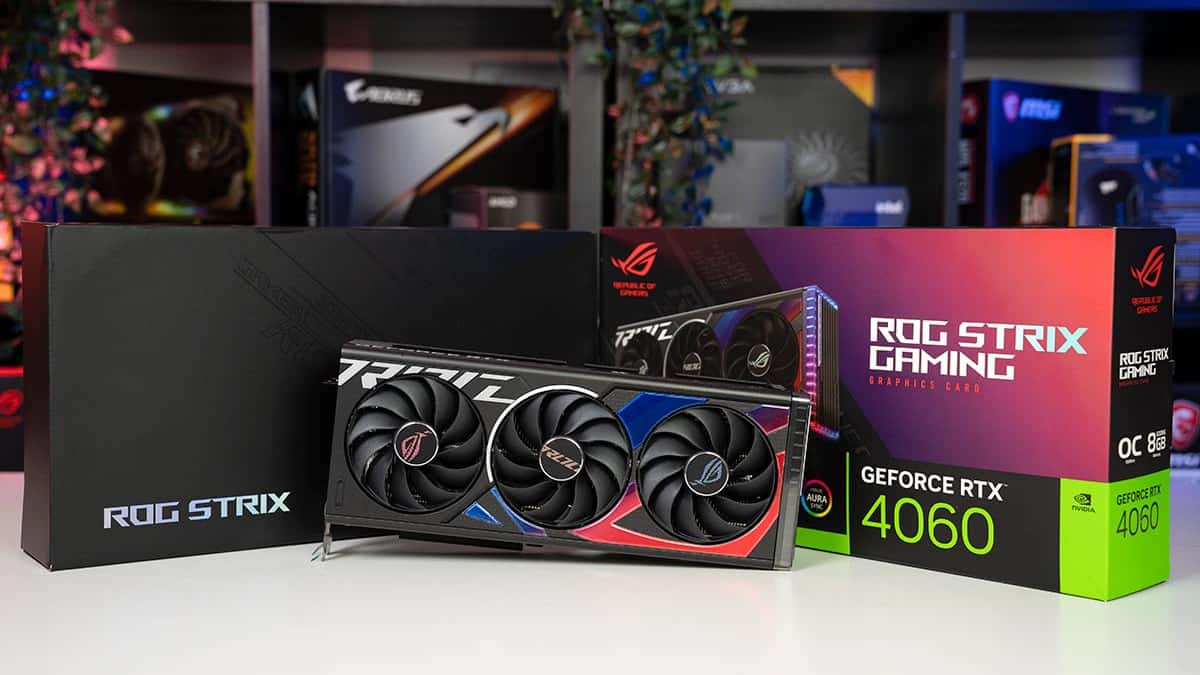
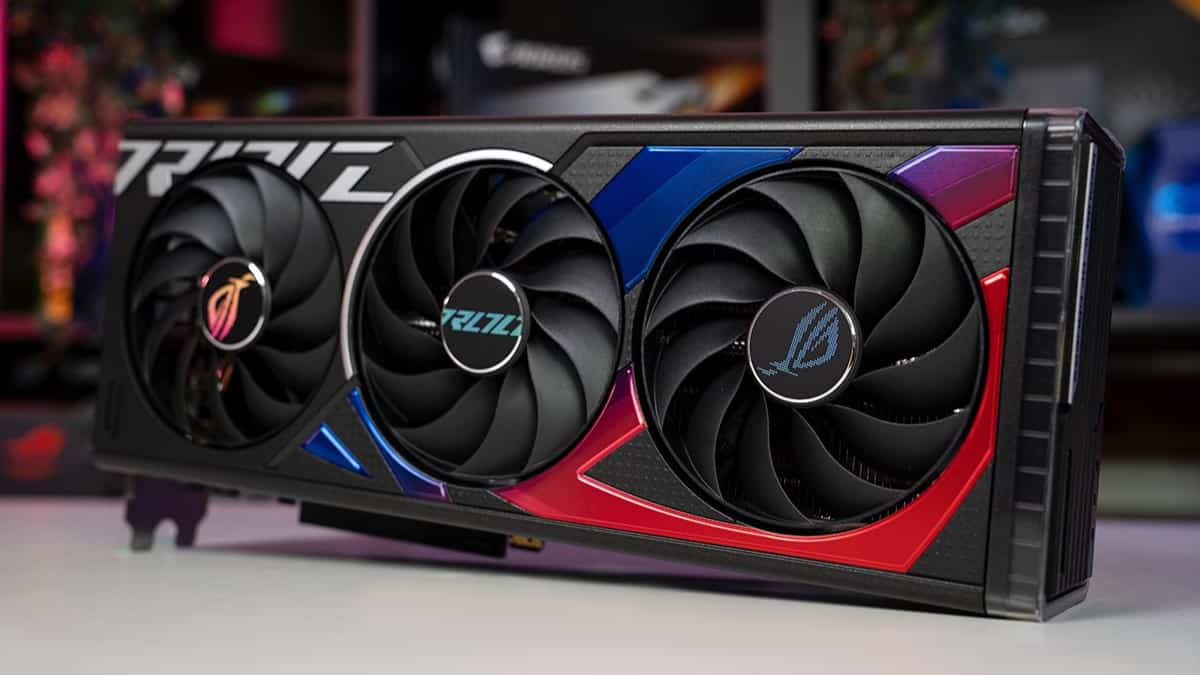
For a balanced system with a Ryzen 5 3600X, mid-range GPUs like the Nvidia RTX 3060, RTX 4060, AMD RX 6600 XT, or RX 7600 are ideal. These cards offer excellent performance at 1080p and 1440p resolutions without being significantly bottlenecked by the 3600X, providing great value for your gaming budget.
Is the 3600X good for competitive esports?
Yes, the Ryzen 5 3600X is very good for competitive esports in 2026. Titles like CS2, Valorant, Overwatch 2, and League of Legends are less CPU-intensive and allow the 3600X to consistently push high frame rates, often 144+ FPS, which is crucial for responsive and fluid competitive gameplay. It's a strong choice for budget-conscious competitive gamers.
What is the optimal RAM speed for a Ryzen 5 3600X gaming setup?
The optimal RAM speed for a Ryzen 5 3600X gaming setup is typically 3200MHz to 3600MHz in a dual-channel configuration. Ryzen CPUs, especially the 3000 series, benefit significantly from faster memory due to how the Infinity Fabric interconnect operates. Ensuring your RAM is running at these speeds with XMP or DOCP enabled in BIOS will noticeably improve gaming performance.
How does the Ryzen 5 3600X compare to newer budget CPUs in 2026 for gaming?
In 2026, newer budget CPUs like the Ryzen 5 5600 or Intel Core i3-12100F often offer slightly better gaming performance per dollar than a new 3600X, especially in single-core intensive tasks. However, if you already own a 3600X, the performance difference isn't so vast that an immediate full platform upgrade (motherboard, RAM, CPU) is always necessary. The 3600X still provides a competitive experience for its age.
Hey fellow gamers! Ever find yourself scrolling through forums or tapping questions into search engines during a quick break from work or family duties, wondering if your trusty gaming gear still holds up? You're not alone. For many of us, gaming is that perfect escape, a way to unwind, connect with friends, or even sharpen a few skills after a long day. We value every minute we get to spend in our favorite virtual worlds. But as new games arrive and hardware constantly evolves, a common pain point emerges: is my current setup, especially that workhorse CPU, still cutting it?
If you're rocking an AMD Ryzen 5 3600X, that question, "is 3600x good for gaming" in 2026, is likely top of mind. For years, the 3600X was a champion of value, offering fantastic performance for its price. But with new CPU architectures, more demanding game engines, and the ever-present need to balance gaming enjoyment with real-life budgets, it's fair to wonder about its relevance today. This isn't about chasing every single frame or buying into hype. It's about getting the most out of what you have, making smart decisions when an upgrade is genuinely needed, and ensuring your precious gaming time is spent having fun, not troubleshooting performance issues. We know that 87% of US gamers play regularly, often for 10+ hours a week, with many balancing this passion alongside jobs and families. Value for money and reliable performance are paramount.
This guide is crafted for you, the seasoned gamer who appreciates practical advice. We're going to dive deep into the Ryzen 5 3600X's current capabilities, explore its strengths and weaknesses in today's gaming landscape, and provide actionable tips to optimize your experience. Whether you're eyeing the latest AAA blockbuster, crushing opponents in your favorite esports title, or simply enjoying a relaxing social game with friends, we'll help you understand what your 3600X can still achieve and when it might be time to consider the next step.
Is the AMD Ryzen 5 3600X Still Good for Gaming in 2026?
In short, yes, the AMD Ryzen 5 3600X can still be good for gaming in 2026, but with important caveats. It's not the top-tier performer it once was, especially against newer generations of CPUs designed for more demanding tasks. However, its 6 cores and 12 threads still provide a solid foundation for many games. For the average gamer who enjoys a mix of popular titles, esports, and some AAA experiences, the 3600X holds its own when paired with appropriate components.
Its performance hinges heavily on the specific game, your chosen resolution, and graphical settings. For instance, less CPU-intensive games or titles optimized for older hardware will run quite smoothly. More demanding, open-world games with complex physics or high NPC counts, however, will push the 3600X harder, potentially leading to lower frame rates or occasional stutters. The key is managing expectations and understanding how to optimize your system.
What Kind of Gaming Performance Can I Expect from a 3600X Today?
When it comes to raw gaming performance, the Ryzen 5 3600X provides a generally acceptable experience at 1080p, and often 1440p, resolutions. In many popular multiplayer games like Valorant, CS2, or League of Legends, you can still achieve competitive frame rates well over 100 FPS, especially with a capable GPU. This is crucial for social gaming, where smooth performance directly impacts your enjoyment and ability to connect with friends.
For AAA titles released in the last year or two, you should anticipate needing to adjust graphical settings. Expect to play at medium to high settings to maintain a comfortable 60 FPS. Games like Cyberpunk 2077 or Alan Wake 2, for example, will tax the CPU more, and you might see frame rates dip into the 40s or 50s in very intensive scenes. However, with sensible tweaks, the 3600X can still deliver an immersive experience, proving its value for money.
How Does the 3600X Handle Modern AAA Games vs. Esports Titles?
The distinction between AAA games and esports titles is where the 3600X's capabilities truly shine or show their age. For **esports titles**, which are often optimized for lower latency and higher frame rates across a broader range of hardware, the 3600X is still a fantastic performer. Games like Rocket League, Apex Legends, or Overwatch 2 will easily hit high refresh rates (144Hz+) when paired with a mid-range GPU, making it excellent for competitive play and stress relief.
In contrast, **modern AAA games** are increasingly designed to leverage more CPU cores and higher single-core performance. Titles known for their expansive open worlds, complex AI, or real-time ray tracing effects will place a heavier burden on the 3600X. While playable, you might experience lower average frame rates and more noticeable frame drops in busy areas compared to a newer CPU. This is where balancing graphical fidelity with smooth performance becomes a crucial part of the gaming experience for the average gamer.
What are the Best GPUs to Pair with a Ryzen 5 3600X for Balanced Performance?
Achieving a balanced gaming system with a Ryzen 5 3600X means selecting a GPU that won't be significantly bottlenecked by the CPU, nor will it be overkill for the 3600X's capabilities. In 2026, excellent choices for a balanced pairing include:
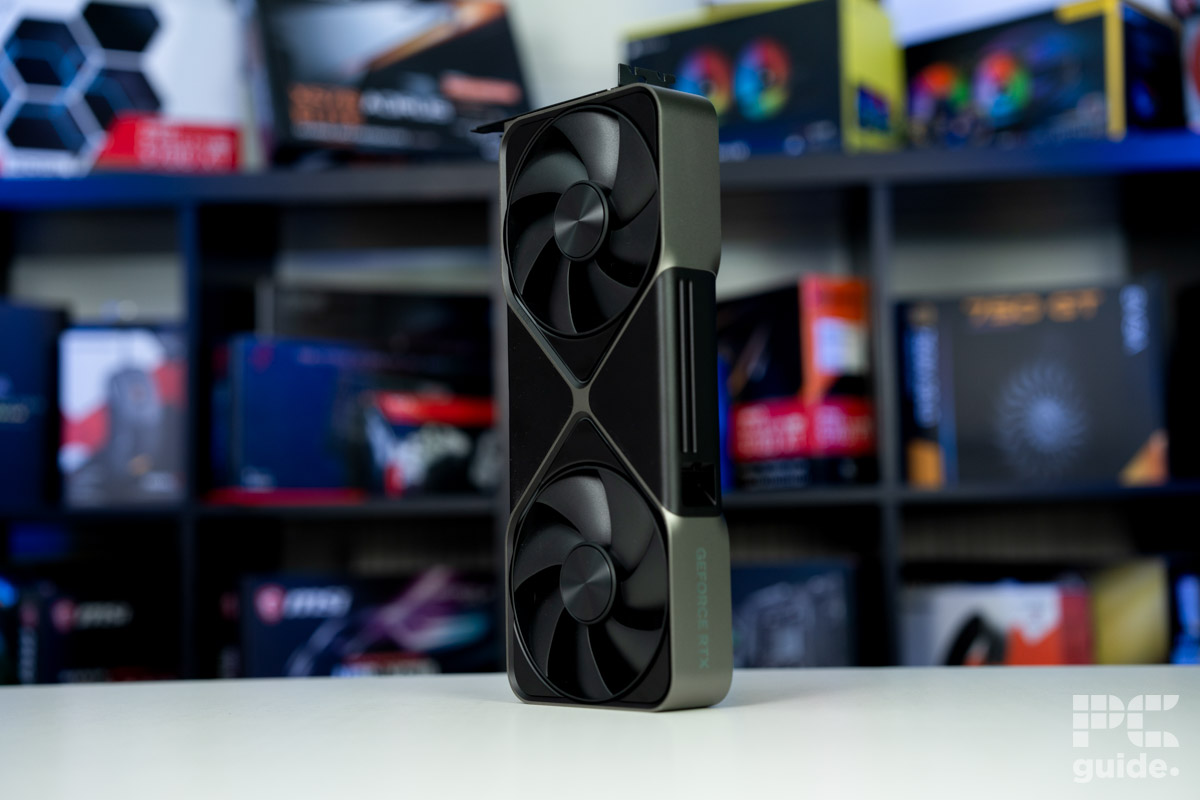
- Nvidia GeForce RTX 3060/4060: These cards offer solid 1080p and respectable 1440p performance, with good feature sets like DLSS. The 3600X will generally keep up, especially in games that aren't overly CPU-bound.
- AMD Radeon RX 6600 XT/6700 XT/7600: AMD's mid-range options provide exceptional value for money, often outperforming Nvidia's direct competitors in raw rasterization performance. They pair wonderfully with the 3600X for high refresh rate 1080p and solid 1440p gaming.
Avoid pairing the 3600X with very high-end GPUs like an RTX 4070 Super or RX 7800 XT, as the CPU will likely become a significant bottleneck, preventing the GPU from reaching its full potential. The goal is to maximize the value of both components, making smart hardware upgrade decisions on a budget.
Are There Simple Ways to Optimize My 3600X System for Better Gaming?
Absolutely! You don't always need new hardware to squeeze more performance out of your existing Ryzen 5 3600X setup. Here are some practical tips that can make a noticeable difference:
- Fast RAM is Key: Ryzen CPUs thrive on fast RAM. Ensure your RAM is running in dual-channel mode and at its advertised speed, typically 3200MHz to 3600MHz, by enabling XMP (Extreme Memory Profile) or DOCP (DRAM Overclocking Profile) in your motherboard's BIOS. This is often overlooked but provides significant gains.
- Keep Drivers Updated: Regularly update your GPU drivers (Nvidia GeForce Experience or AMD Adrenalin), chipset drivers (from AMD's website), and your motherboard BIOS. Manufacturers frequently release performance optimizations.
- Manage Background Processes: Before launching a game, close unnecessary applications, browser tabs, and background services. Even Discord, while essential for social play, can consume resources.
- Windows Game Mode: Ensure Windows Game Mode is enabled. This prioritizes system resources for your active game.
- Monitor Temperatures: An overheating CPU will throttle performance. Ensure your cooler is clean and properly seated, and monitor temperatures with software like HWMonitor.
- In-Game Settings: Experiment with in-game graphical settings. Reducing shadows, foliage density, or post-processing effects often yields substantial FPS gains with minimal visual impact.
These steps are simple, free, and can significantly improve your 3600X's gaming performance, allowing you to enjoy more games without frustration.
When Should I Consider Upgrading from My Ryzen 5 3600X?
Knowing when to upgrade from your Ryzen 5 3600X is a common dilemma for budget-conscious gamers who value long-term utility. Here are some clear signs it might be time for a CPU upgrade:
- Consistent Bottlenecking: You've upgraded your GPU to a high-end model, and performance monitoring shows your CPU utilization consistently at 100% while your GPU usage is low (e.g., 60-70%) in games.
- Unacceptable Frame Rates: Even after optimizing in-game settings and system tweaks, you're consistently getting frame rates below your desired target (e.g., struggling to maintain 30-40 FPS in new AAA games at 1080p).
- Stuttering and Lag: Frequent, noticeable stutters or input lag, particularly in CPU-intensive scenarios like open-world games or online multiplayer with many players.
- Streaming/Content Creation: You're looking to heavily delve into streaming on platforms like Twitch, or engaging in demanding content creation tasks alongside gaming, and the 3600X is struggling to keep up.
- New Hardware: You're planning to invest in cutting-edge technology like high-resolution VR or very high refresh rate monitors (240Hz+), which often require stronger single-core CPU performance.
If you're still enjoying your games and the 3600X meets your performance needs, there's no immediate pressure to upgrade. Focus on what enhances your personal gaming experience.
What Budget-Friendly Upgrade Paths Exist Beyond the 3600X?
The beauty of the AM4 platform, which the 3600X uses, is its excellent upgrade path. You can significantly boost your performance without needing a new motherboard or RAM. This is ideal for gamers on a budget who want to maximize value. Here are the top budget-friendly CPU upgrade options:
- Ryzen 5 5600: This is arguably the best value upgrade. The 5600 offers a significant uplift in single-core and multi-core performance over the 3600X, translating to a substantial FPS boost in games. It's often available at a great price and requires just a BIOS update for your existing AM4 motherboard.
- Ryzen 7 5700X: If you need more cores for multitasking, streaming, or future-proofing, the 5700X provides 8 cores and 16 threads. It's a step up from the 5600 in multi-threaded tasks while maintaining strong gaming performance, still on your AM4 board.
- Ryzen 7 5800X3D: This is the ultimate AM4 gaming CPU. Its 3D V-Cache technology delivers outstanding gaming performance, often rivaling or beating much newer, more expensive CPUs in specific titles. While not strictly
AMD Ryzen 5 3600X current gaming performance and relevance in 2026. Budget-friendly gaming CPU analysis for modern titles and esports. Practical tips for optimizing 3600X performance without costly upgrades. Identifying smart, value-driven upgrade paths for the 3600X. Balancing gaming needs with budget constraints and real-life commitments. How the 3600X stacks up against newer CPUs for various game genres.
35#1 Gallery is 3600x good for gaming

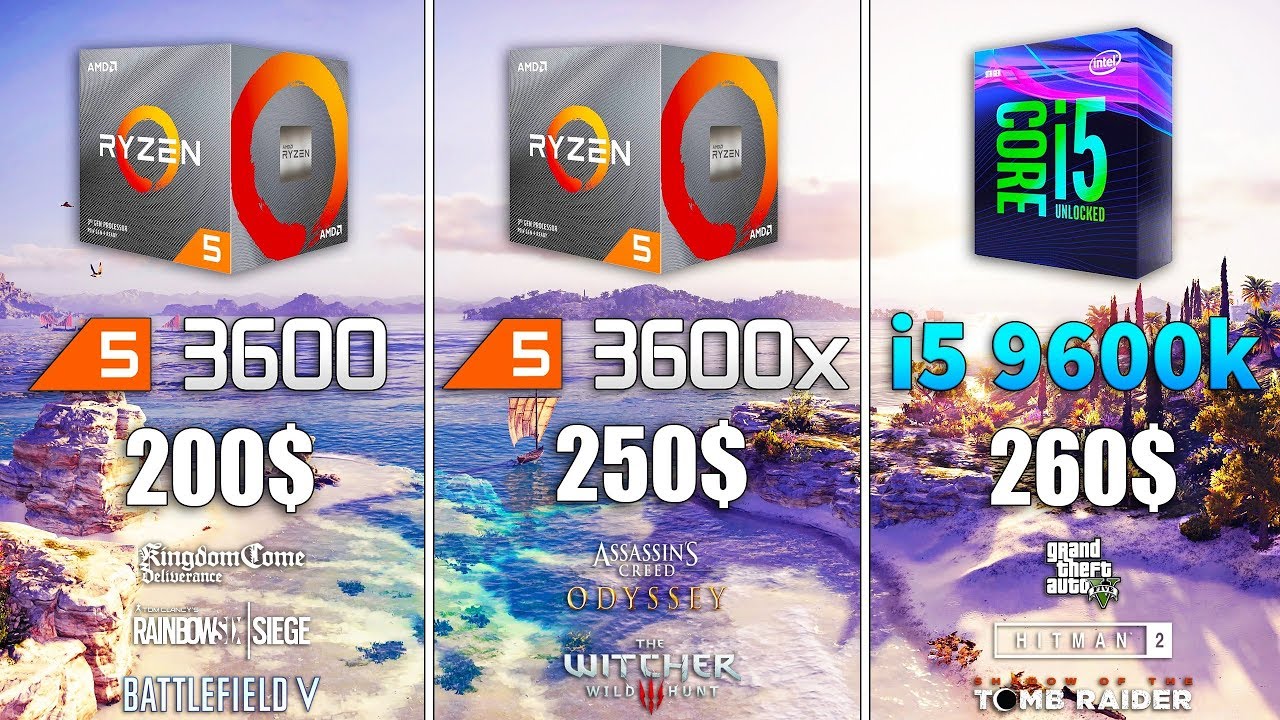
Ryzen 5 3600X Vs Ryzen 5 3600 Vs I5 9600K Test In 8 Games. Ryzen 5 3600XT Vs Ryzen 5 3600X Vs I5 10400 Test In 9 Games. Is The Ryzen 5 3600X Good For Gaming WePC Is Ryzen 5 3600x Good For Gaming . Best GPUs For Ryzen 5 3600 And 3600X In 2025 Our Top Picks RTX 4060 1 . RYZEN 5 3600X GOOD FOR GAMING IN 2025 WORTH IT TESTED WITH GTX 1050
#2 Gallery is 3600x good for gaming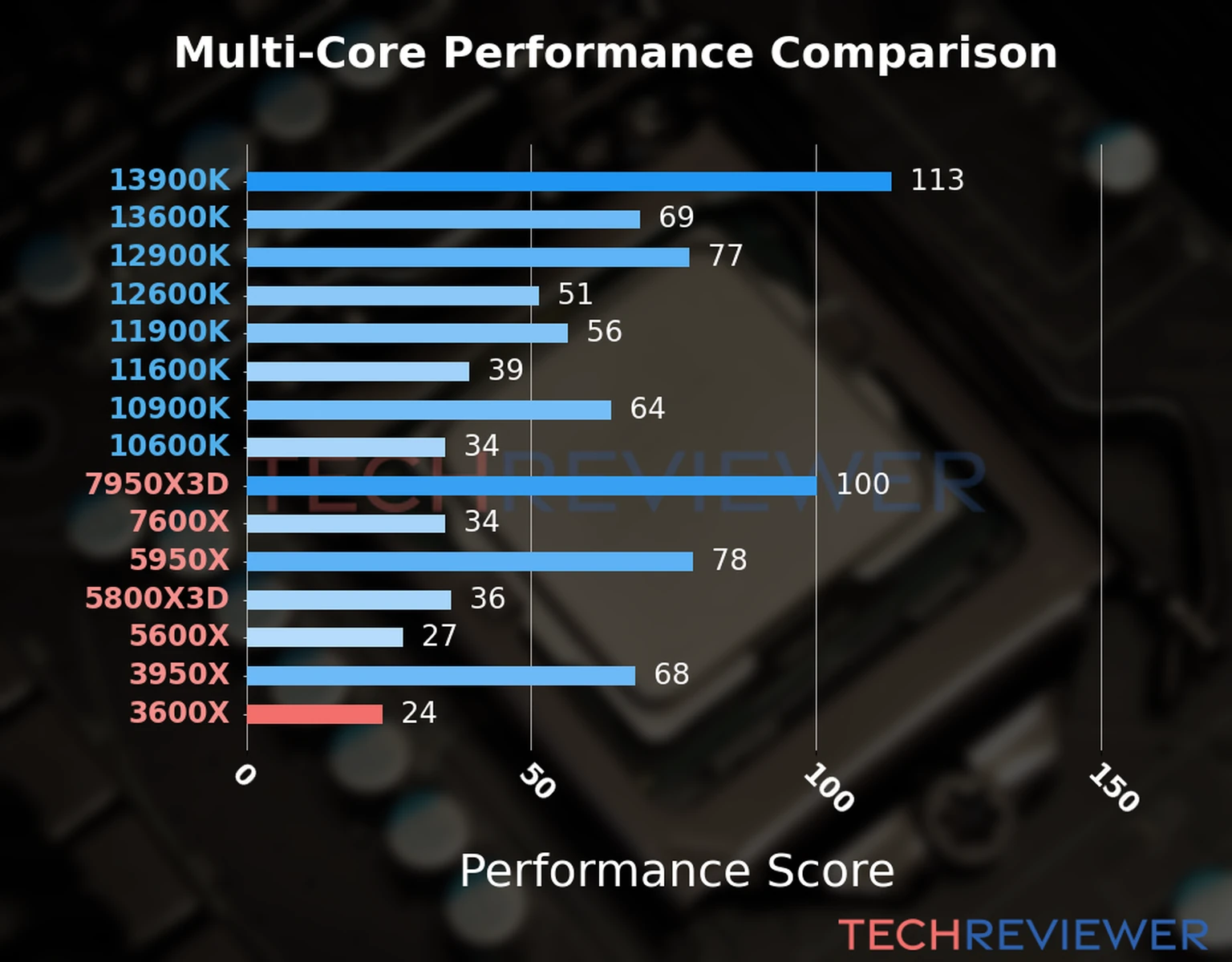

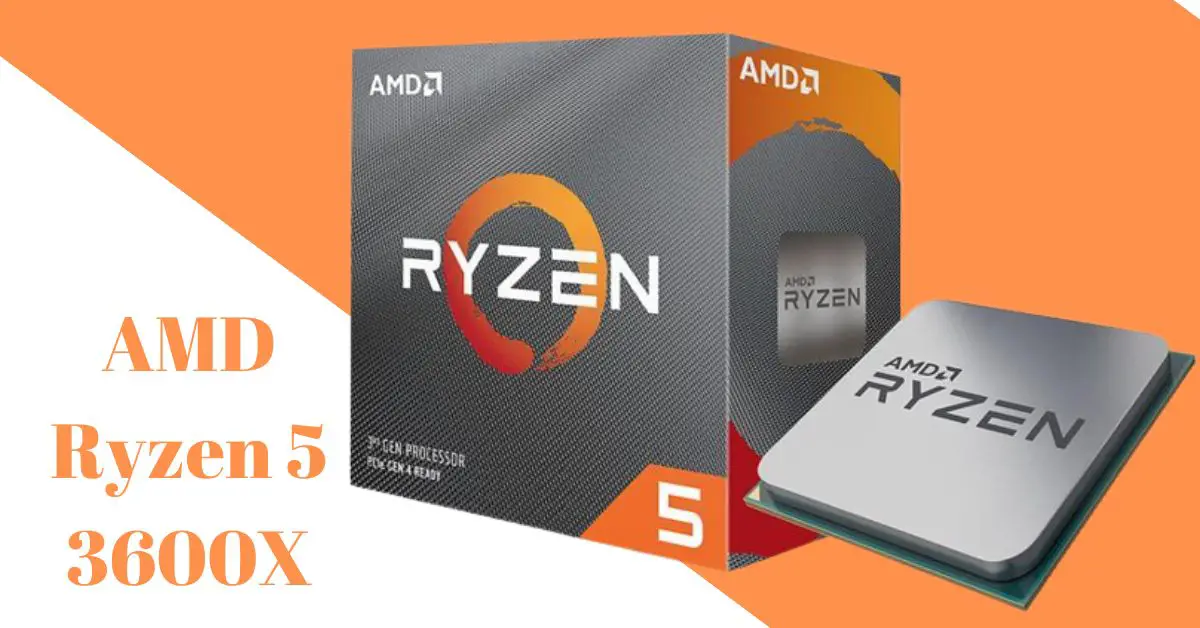


Is The Ryzen 5 3600X CPU Good For Gaming Amd 3600x For Gaming.webp. Ryzen 3600x GTX 1080 Ti Test In 5 Games YouTube . AMD Ryzen 5 3600X A Gaming And Powerhouse AMD Ryzen 5 3600X . RTX 3060Ti Ryzen 5 3600X 32GB RAM 750W Custom Prebuilt Gaming PC MBPC Rtx 3060ti 3600x Gaming Desktop Pc Custom Prebuilt Watercooled 2 . AMD Ryzen 5 3600X Review Gaming Sweet Spot PC Perspective Amd Ryzen 5 3600x Featured
#3 Gallery is 3600x good for gaming
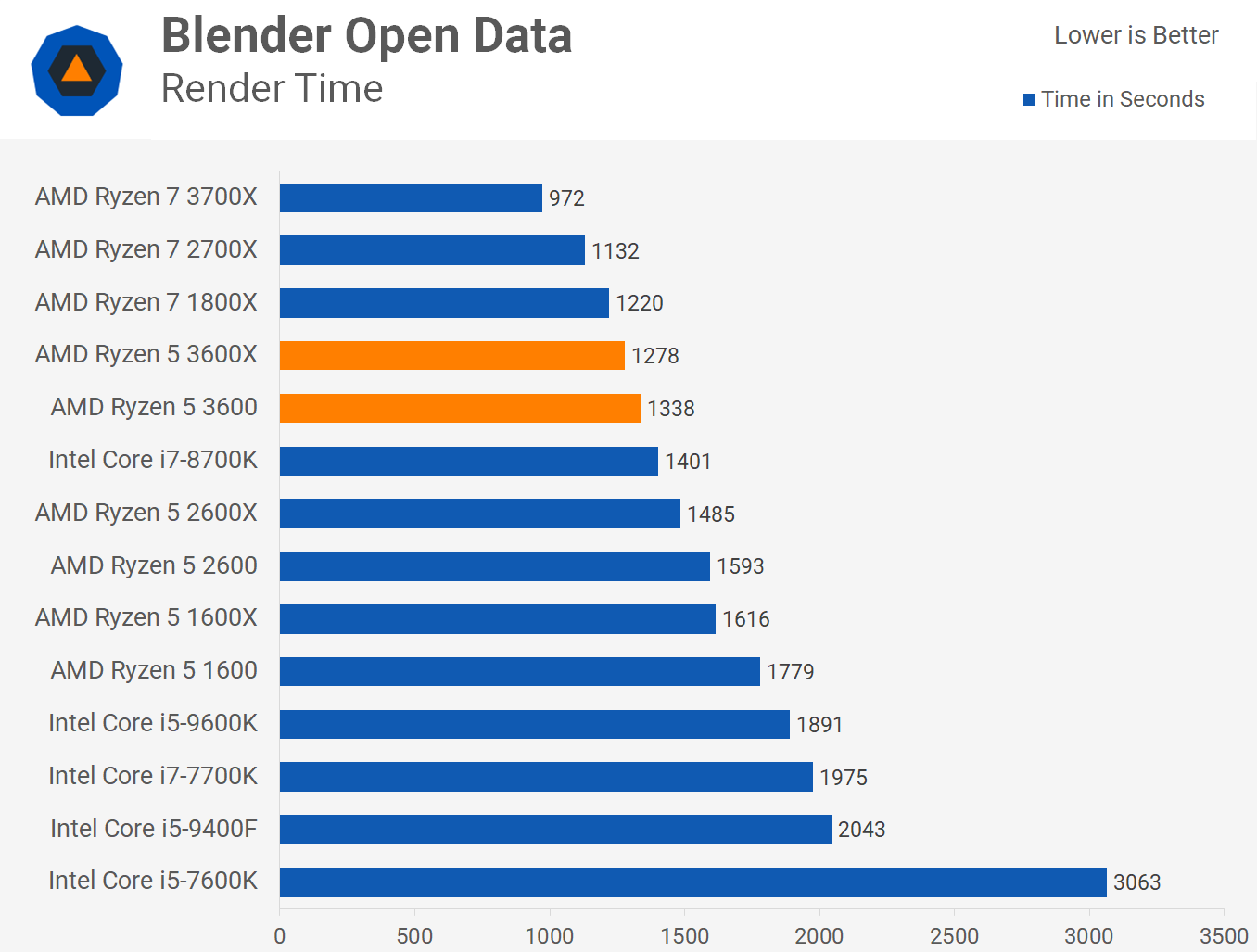
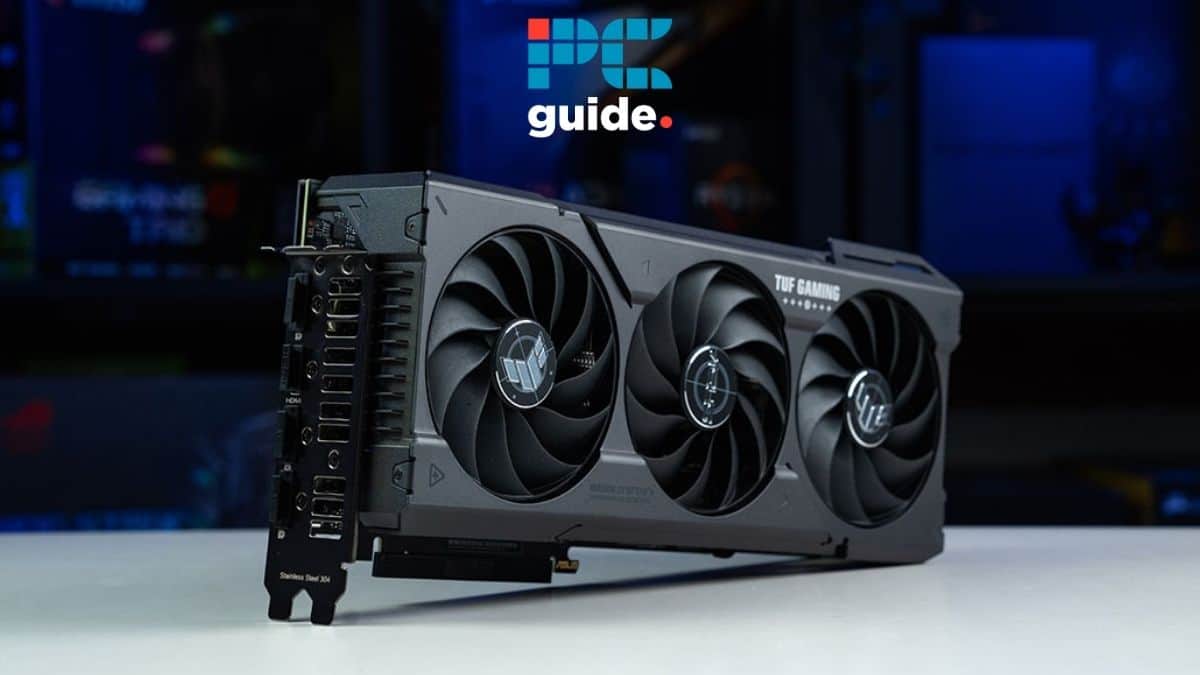
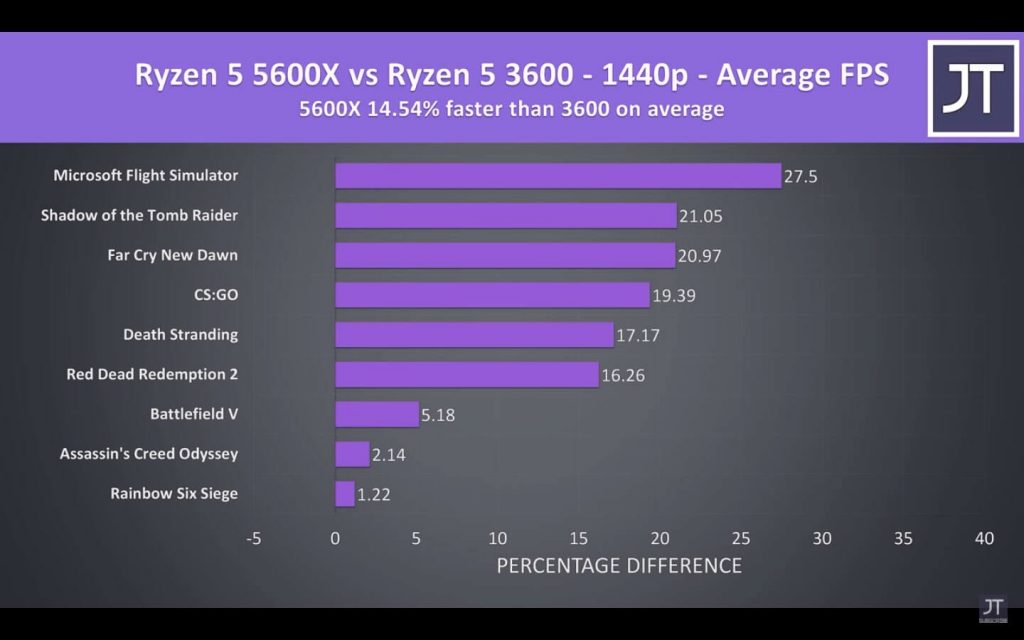

AMD Ryzen 5 3600X Review Gaming Sweet Spot PC Perspective R5 3600x Fc5 Fps . Ryzen 5 3600 Vs 3600X Which Should You Buy TechSpot Blender . Best GPUs For Ryzen 5 3600 And 3600X In 2025 Our Top Picks Best GPU For 1440p 144Hz . Ryzen 5 3600 Vs Ryzen 5 5600x Full Comparison 2023 Tech4Gamers 3600 Vs 5600x Average Fps 1440p 1024x640 . Best GPUs For Ryzen 5 3600 And 3600X In 2025 Our Top Picks ASUS RTX 5080 Noctua OC Edition With Box Image By PC Guide
#4 Gallery is 3600x good for gaming


AMD Ryzen 5 3600 Vs 3600X Expert Performance Comparison 2026 Featured Image Z0rhb0hm . AMD Ryzen 5 3600 Vs 3600X Expert Performance Comparison 2026 51kKZ3R2eeL . Best GPUs For Ryzen 5 3600 And 3600X In 2025 Our Top Picks ASUS Prime RX 9070 XT OC In Front Of Box Image By PC Guide 1024x683 . AMD Ryzen 5 3600 Vs 3600X Expert Performance Comparison 2026 31OBvFRyBYL . Best GPUs For Ryzen 5 3600 And 3600X In 2025 Our Top Picks Nvidia RTX 5080 FE Standing Image By PCGuide
#5 Gallery is 3600x good for gaming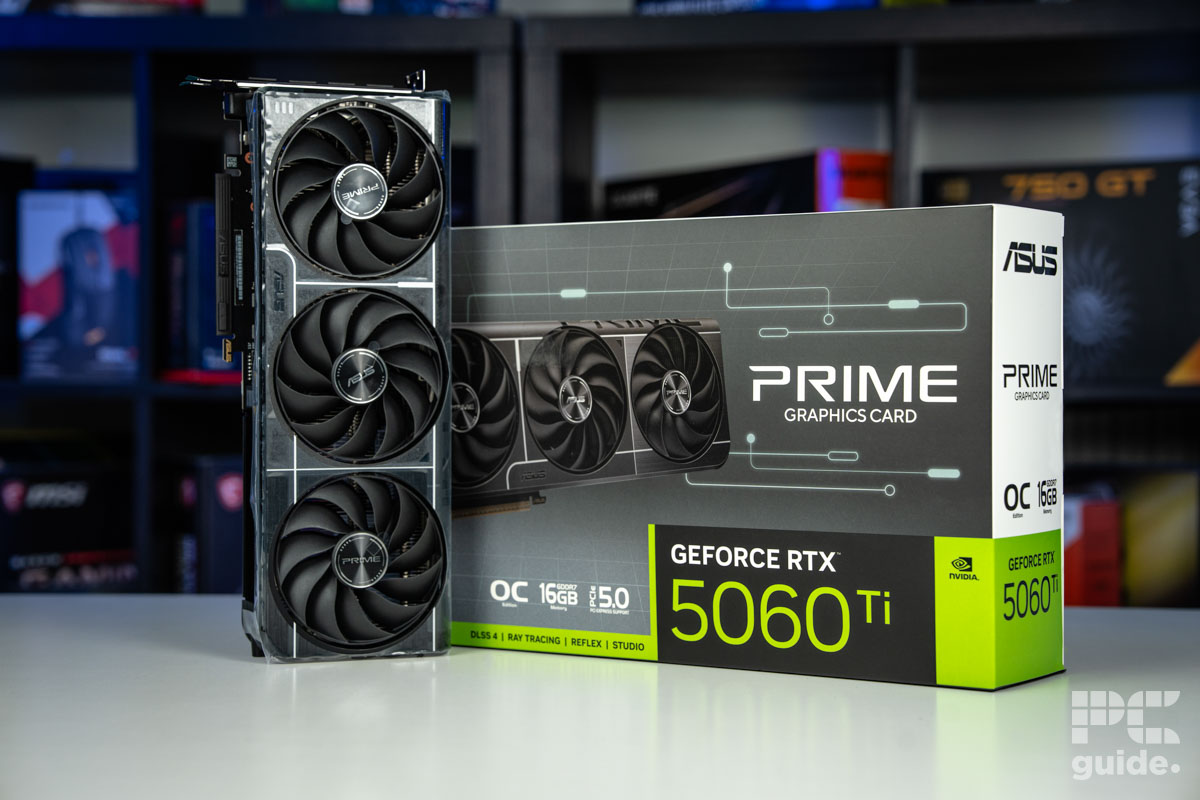
Best GPUs For Ryzen 5 3600 And 3600X In 2025 Our Top Picks ASUS Prime RTX 5060 Ti 16GB OC Card In Front Of Box Image By PC Guide . Best GPUs For Ryzen 5 3600 And 3600X In 2025 Our Top Picks RTX 4060 And Packaging . AMD Ryzen 5 3600X CPU Benchmark And Specs HardwareDB Ryzen 5 3600x . Best GPUs For Ryzen 5 3600 And 3600X In 2025 Our Top Picks Best Graphics Card PC Guide . Best GPUs For Ryzen 5 3600 And 3600X In 2025 Our Top Picks RTX 4060 Review 1
#6 Gallery is 3600x good for gaming

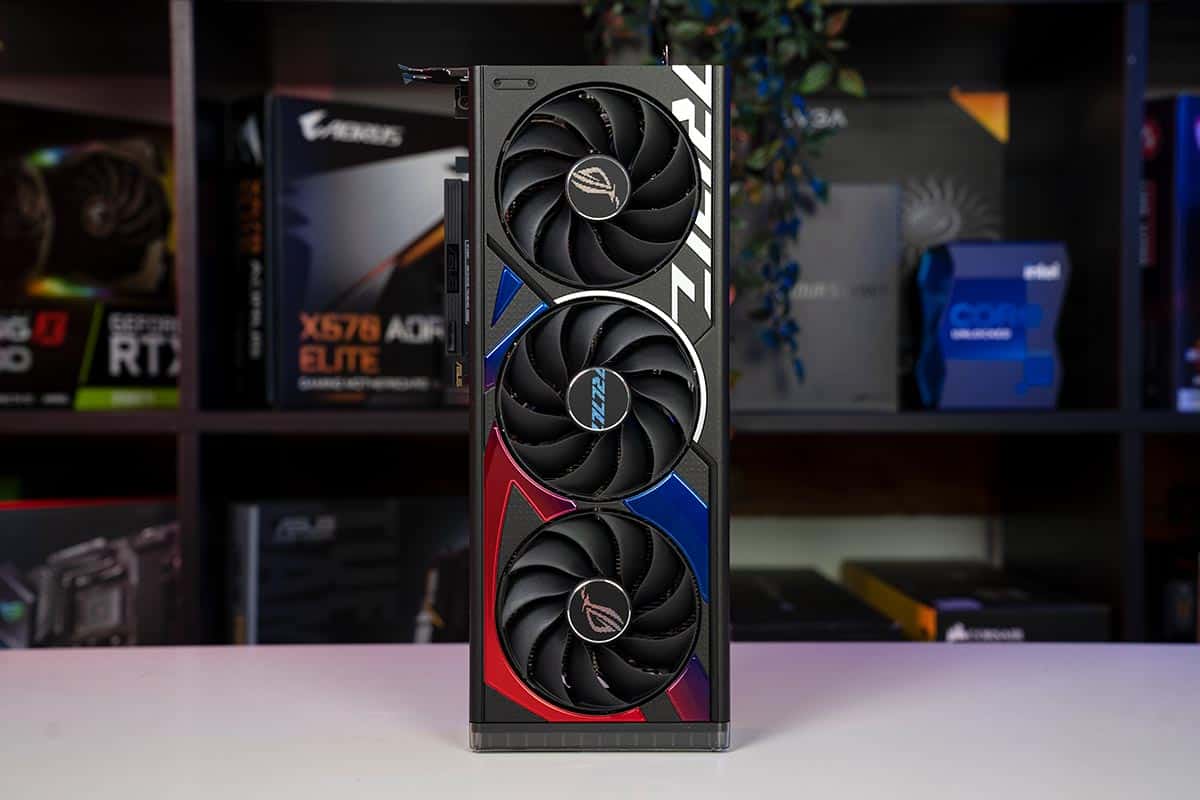
Best GPUs For Ryzen 5 3600 And 3600X In 2025 Our Top Picks Ryzen 5 5600X Featured Image . Best GPUs For Ryzen 5 3600 And 3600X In 2025 Our Top Picks ROG Astral GeForce RTX 5080 OC And Nvidia 5080 FE Image By PC Guide . Is The Ryzen 5 3600X CPU Good For Gaming Amd 3600x For Gaming.webp. Best GPUs For Ryzen 5 3600 And 3600X In 2025 Our Top Picks ASUS Prime RX 9070 XT OC Front On Image By PC Guide . Best GPUs For Ryzen 5 3600 And 3600X In 2025 Our Top Picks B580 Front And Sag Bracket 800x450
#7 Gallery is 3600x good for gaming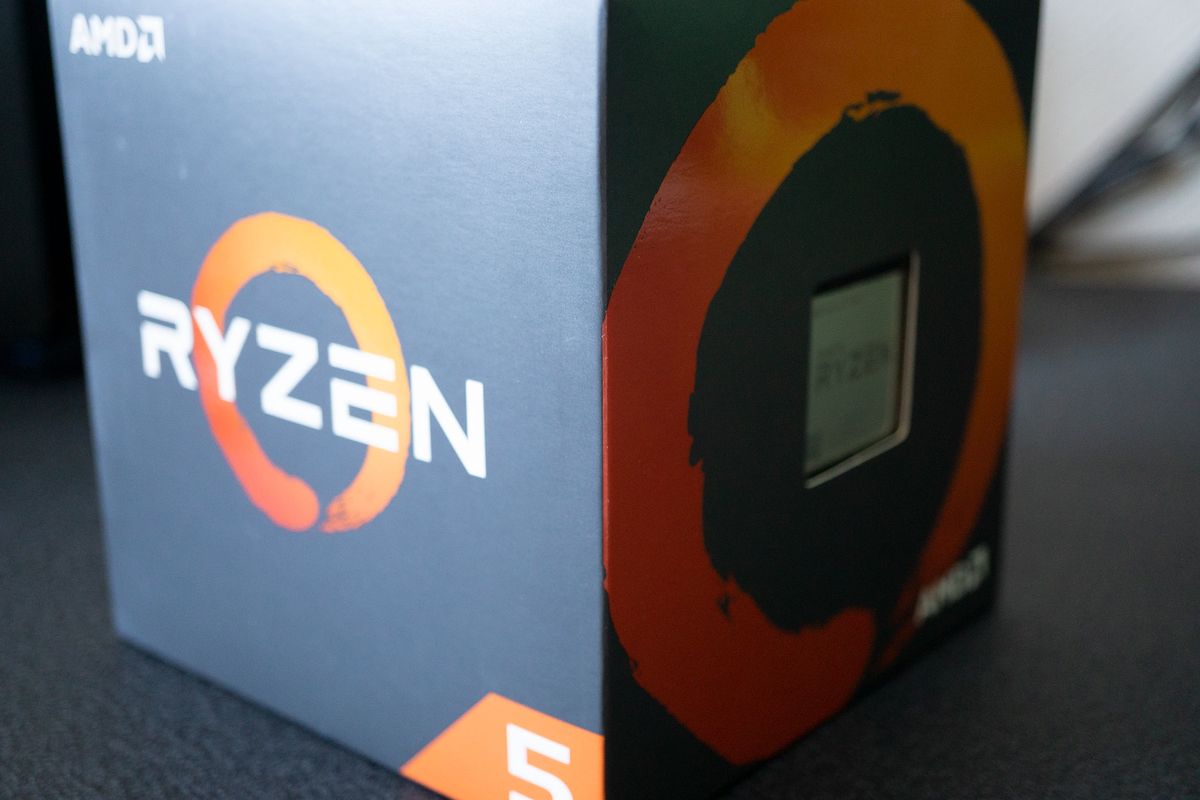

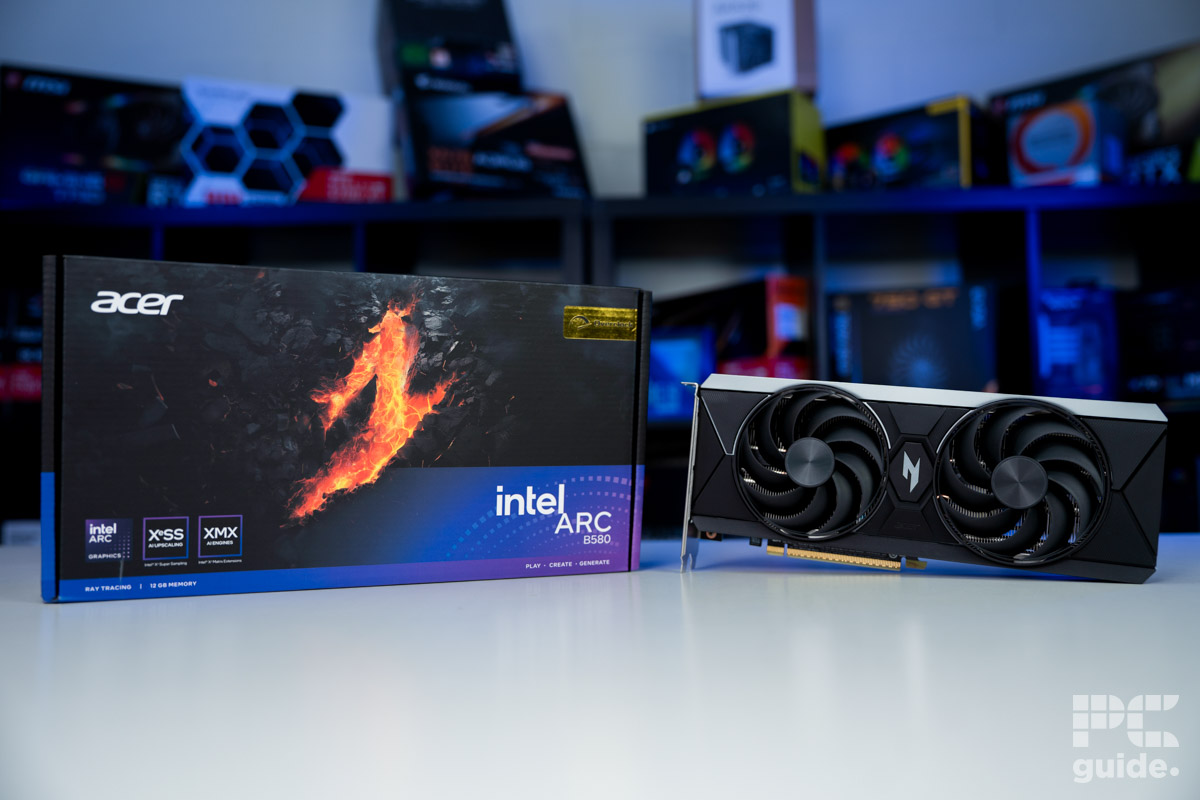

Is The AMD Ryzen 5 3600X Good For Gaming Windows Central 1200 80 . Is The Ryzen 5 3600X CPU Good For Gaming Amd 3600x For Gaming.webp. Best GPUs For Ryzen 5 3600 And 3600X In 2025 Our Top Picks Acer Nitro Intel Arc B580 And Box Image By PC Guide . Best GPUs For Ryzen 5 3600 And 3600X In 2025 Our Top Picks RX 9070 XT Vs RTX 3080 1 . Best Graphics Cards For Ryzen 5 3600X In 2022 Full Review Best Graphics Cards For Ryzen 5 3600X In 2022 Full Review1