Are you a seasoned Roblox player who misses the nostalgic simplicity of the old Roblox health bar? Many adult gamers, balancing work and family, find comfort and clarity in familiar interfaces. This comprehensive guide delves into why the classic health bar is so cherished and explores various avenues for recapturing that vintage aesthetic. We understand that for busy US gamers, often dedicating 10+ hours a week to their passion, optimizing their experience, even down to UI elements, is crucial for maximum enjoyment and stress relief. From understanding official limitations to exploring community-driven solutions and in-game customization tricks, this article provides practical, actionable advice. Whether you're aiming to purely relive fond memories or enhance your current gameplay with a less distracting UI, discover how to bring a touch of the past into your modern Roblox sessions. This month, we're seeing renewed interest in personalized game interfaces, making the classic health bar a popular query.
What was the original design of the old Roblox health bar?
The original Roblox health bar, prevalent during the platform's earlier years, featured a distinctive horizontal bar with red and green segments. Typically located at the top of the screen, the green portion represented remaining health, which would visibly decrease as a player took damage, revealing more of the red background. Its blocky, pixelated aesthetic perfectly matched Roblox's visual style at the time, offering a clear and immediate visual indicator of a player's vitality.
Why do many veteran Roblox players miss the old health bar?
Veteran Roblox players, particularly those who have been with the platform since its early days, often miss the old health bar primarily due to nostalgia. It symbolizes a simpler era of Roblox and evokes fond memories of their initial gaming experiences. Beyond sentimentality, some players found its straightforward, high-contrast design to be less distracting and more immediately readable than newer, more stylized UI elements, which is especially valued by adult gamers with limited play time.
Is there an official setting in Roblox to switch back to the classic health bar?
As of 2026, there is no official setting or in-client option provided by Roblox that allows users to revert their UI, including the health bar, to its classic design. Roblox generally implements universal UI updates across its platform to ensure consistency and a modern user experience. These updates are typically permanent, focusing on forward development rather than supporting deprecated visual styles for individual users.
Are client-side modifications a safe way to bring back the old Roblox health bar?
Using client-side modifications or unofficial third-party software to alter the Roblox UI, such as to bring back the old health bar, is generally not safe. Such methods often violate Roblox's Terms of Service, potentially leading to account suspension or permanent bans. More importantly, these unauthorized tools can introduce security risks, including malware or performance issues. It is highly recommended to avoid unofficial modifications to protect your account and system integrity.
How can Roblox game developers implement an old-style health bar in their experiences?
Roblox game developers can effectively implement an old-style health bar within their own experiences using Roblox Studio's UI tools. They achieve this by creating custom ScreenGuis, ImageLabels, and Frames, then scripting them to replicate the visual and functional behavior of the classic health bar. This method is fully compliant with Roblox's guidelines and allows players to enjoy the nostalgic aesthetic directly within the game without any client-side modifications, offering a safe and legitimate way to experience the old UI.
What are the best ways to find Roblox games that feature an old-style health bar?
To find Roblox games featuring an old-style health bar, focus on searching for games specifically designed with a retro or classic aesthetic. Look for keywords like 'classic Roblox,' 'old-school,' 'retro UI,' or specific past years (e.g., '2016 style') in game titles or descriptions. Exploring community forums, subreddits dedicated to Roblox history, or YouTube channels showcasing vintage Roblox gameplay can also lead you to experiences created by developers aiming to capture that nostalgic feel.
Why is preserving the old Roblox health bar aesthetic important to some players?
Preserving the aesthetic of the old Roblox health bar is important to some players because it represents a tangible link to their gaming past and the foundational years of Roblox. For many adult gamers who grew up with the platform, it's a powerful symbol of nostalgia and comfort. It also reflects a design philosophy that some find more intuitive and less visually cluttered than modern interfaces. This connection to personal history and preference significantly enhances their enjoyment and immersion in the game world.
Remember the classic Roblox health bar? That iconic red and green blocky design, a staple of countless hours spent building, exploring, and battling in your favorite experiences. For many US gamers, particularly those balancing careers and families who now make up a significant portion of the gaming demographic – with roughly 87% engaging regularly and dedicating an average of 10+ hours weekly – the pull of nostalgia is strong. Modern Roblox has evolved, and with it, its user interface. While new designs bring polish, they can sometimes lack the charm and straightforwardness of yesteryear. If you're one of the many players yearning for the familiar comfort of the old Roblox health bar, this guide is crafted just for you. We understand that finding time for relaxation and fun, especially through gaming, means valuing clarity and efficiency. You want to focus on the game, not get distracted by an unfamiliar UI. Let's dive into how you might reclaim that classic look and optimize your Roblox experience without the hype, just practical solutions.
We'll explore the history, official stances, community efforts, and developer-side tricks to bring back a piece of Roblox's past. This article isn't about promoting risky modifications but about understanding the options available for those who appreciate the aesthetic of the old Roblox health bar. As social gaming continues its dominance, especially on mobile platforms, personalizing your experience, including the UI, becomes a crucial part of making your limited gaming time more enjoyable and reflective of your preferences.
What Exactly Was the Old Roblox Health Bar and Why Is It Missed?
The old Roblox health bar, prominent throughout the 2000s and early 2010s, was characterized by its distinct red and green segments. It was typically located at the top center or top left of the screen, a simple and highly readable indicator of a player's vitality. When damage was taken, the green portion would decrease, revealing more red. Its blocky, pixel-art style was perfectly aligned with Roblox's aesthetic at the time. Gamers miss it for several reasons: it's a powerful symbol of nostalgia, evoking memories of simpler times and early Roblox adventures. For many busy adult gamers, the clean, unambiguous design was less distracting than some modern, more stylized UIs, making it easier to quickly ascertain critical game information without overthinking. It represented a foundational era of the platform that many grew up with.
Can I Officially Revert to the Old Roblox Health Bar Today?
Unfortunately, as of 2026, there is no official setting or option within the Roblox client itself that allows users to revert to the classic health bar UI. Roblox periodically updates its interface elements to improve aesthetics, user experience, and consistency across its ever-expanding platform, which includes PC, console, and mobile versions. These updates are client-side and typically universal, meaning all players experience the same default UI. Roblox focuses on forward compatibility and modern design principles, so providing an option to switch back to a deprecated UI element is generally not prioritized. While inconvenient for those seeking the old look, this approach ensures a unified experience and streamlines development efforts for the platform.
Are There Unofficial Ways to Bring Back the Old Roblox Health Bar Style?
Unofficially, some dedicated community members and developers have explored ways to emulate or visually recreate the old Roblox health bar. This typically involves client-side modifications or custom texture packs, often distributed through community forums or third-party tools. However, it's crucial to exercise extreme caution with such methods. Roblox's terms of service generally prohibit client modification, and using unapproved third-party software can lead to account bans or expose your system to security risks like malware. While the desire for nostalgia is understandable, the potential downsides often outweigh the benefits. Always prioritize account safety and system security when considering any unofficial modifications. A safer approach is to look for games designed with a retro aesthetic.
How Do Developers Recreate the Old Health Bar Aesthetic in Their Games?
Game developers within Roblox have significantly more control over the in-game UI than individual players. Many developers, recognizing the widespread nostalgia, intentionally design custom health bars and other UI elements to mimic the classic Roblox style. They achieve this using Roblox Studio's UI design tools, scripting, and custom textures. By creating a 'ScreenGui' and populating it with 'ImageLabels' or 'Frame' objects, they can replicate the red and green segmented look, complete with custom damage animations. These custom UIs are part of the game's experience, meaning they are fully compliant with Roblox's terms and do not require any client-side modifications from the player. Searching for 'classic Roblox' or 'old-school Roblox' games can often lead you to experiences that naturally feature this desired aesthetic.
What Are the Benefits of Customizing Your Roblox UI, Including the Health Bar?
Customizing your Roblox UI, whether through developer-created in-game options or carefully chosen third-party enhancements, offers several benefits for gamers. For many, it's about personal expression, allowing you to tailor the visual experience to your preferences. A customized UI can improve immersion by aligning better with a game's theme, or it can enhance clarity and readability, which is vital for competitive or fast-paced games. For adult gamers with limited time, a well-designed, less cluttered UI can mean less mental fatigue and more focus on gameplay. It can also be an accessibility improvement, making certain information clearer for players with specific visual needs. The ability to fine-tune your display, even down to the old Roblox health bar feel, contributes significantly to a more enjoyable and efficient gaming session.
How Does the Modern Roblox Health Bar Compare to Its Classic Counterpart?
The modern Roblox health bar typically features a more streamlined, often semi-transparent design, sometimes with gradient colors or smooth animations rather than distinct segments. Its placement might vary slightly depending on the device and game, often integrating more subtly into the overall UI. While visually updated, some players find it less immediately legible in a quick glance compared to the stark red and green contrast of the old design. The classic bar was simple, direct, and universally recognizable across all experiences. The modern bar, while arguably more 'sleek,' trades some of that immediate informational punch for a contemporary aesthetic. Both serve the same function, but their visual philosophies are quite distinct, catering to different design preferences.
Are There Any Risks or Downsides to Using Custom UI Modifications for Roblox?
Absolutely, there are significant risks associated with using unofficial custom UI modifications for Roblox. The primary concern is security: third-party software or injected code can contain malware, keyloggers, or other malicious programs that compromise your personal information or system. Furthermore, using such modifications violates Roblox's Terms of Service, which can result in a temporary suspension or even a permanent ban of your account. These tools can also introduce instability, causing game crashes or performance issues, which directly contradicts the goal of optimizing your gaming experience. For busy gamers who value their precious free time, the frustration of troubleshooting or losing an account due to unauthorized modifications is a major downside. It's always safest to stick to official, in-game customization options or play games designed with your preferred aesthetic in mind.
Where Can I Find Resources or Communities Discussing Old Roblox Features and UI?
If you're looking to connect with others who appreciate old Roblox features, including the classic UI, several online communities are great resources. Dedicated subreddits like r/robloxhistorians or general Roblox communities on platforms like Discord often have channels or threads discussing nostalgic aspects of the game. Forums dedicated to Roblox game development can also be a goldmine, as developers often share techniques for recreating vintage aesthetics. Searching YouTube for 'old Roblox UI' or 'classic Roblox gameplay' can lead to content creators who showcase historical versions of the platform. Always engage with these communities respectfully and verify any information or shared files with caution, prioritizing official sources and your online safety.
How Does Nostalgia Impact Gaming Experiences for Adult Players?
Nostalgia profoundly impacts gaming experiences for adult players, many of whom started gaming in their youth. It's not just about remembering, but often about reliving simpler times and feeling a connection to their past. For adult gamers balancing significant life responsibilities, gaming is a vital outlet for relaxation and escape. Nostalgic games, or elements like the old Roblox health bar, provide a sense of comfort, familiarity, and stress relief. They can rekindle joy, evoke positive emotions, and offer a low-stakes way to unwind. This connection to the past enhances engagement and satisfaction, making those limited gaming hours feel more meaningful. It's why retro gaming, remasters, and games that capture an 'old-school' feel continue to thrive, appealing to a demographic that values proven enjoyment over constant novelty.
What Are Some Popular Roblox Games That Still Capture the Old Roblox Feel?
Many fantastic Roblox experiences are designed to capture the essence of classic Roblox, often featuring UI elements reminiscent of the old health bar. Games like 'Old Roblox Simulator,' 'Bloxy Kart' (for its classic feel), or various 'Obby' games built in older styles can transport you back. Look for games specifically tagged with 'classic,' 'retro,' or '2016' (or earlier year) in their descriptions. Developers often use these tags to signal their intent to a nostalgic audience. Some popular games that might not explicitly be 'old Roblox' but maintain a simpler aesthetic include certain role-playing games with minimalist UIs or survival games that lean into a more traditional Roblox visual style. Exploring these experiences is the safest and most effective way to enjoy the old Roblox health bar aesthetic within the platform today.
In conclusion, while an official toggle for the old Roblox health bar doesn't exist, the spirit of its design lives on through dedicated developers and the enduring power of nostalgia. For gamers who prioritize clarity, familiarity, and a touch of the past, understanding these avenues can significantly enhance your Roblox experience. Always prioritize safety by avoiding unauthorized modifications and instead seek out games and communities that naturally embrace the classic aesthetic. What's your favorite nostalgic Roblox feature? Comment below!
FAQ Section
Q: Is it safe to download custom Roblox health bar textures?
A: It is generally not safe to download custom textures or client modifiers from unofficial sources. These can violate Roblox's terms of service and potentially expose your computer to malware. Stick to in-game customization options provided by developers.
Q: Why did Roblox change its health bar design?
A: Roblox changed its health bar and other UI elements as part of ongoing platform modernization efforts. The goal is to create a more consistent, visually appealing, and user-friendly interface across all devices and to align with current design trends.
Q: Can I request Roblox to bring back the old health bar?
A: While you can provide feedback to Roblox through their official channels, it's unlikely that a deprecated UI element like the old health bar will be officially reinstated as a toggle option, given their focus on platform-wide standardization.
Q: Are there Roblox games specifically designed with old UI?
A: Yes, many Roblox game developers intentionally create experiences with retro or classic UIs, including health bars that mimic the old style. Searching for 'classic Roblox' or 'old Roblox UI' games can help you find these experiences.
Q: How do I identify a game that uses the old Roblox health bar style?
A: Look for game descriptions or titles that mention 'classic,' 'old-school,' 'retro,' or specific years (e.g., '2016 style'). Often, you can also tell from game screenshots or by briefly joining the experience to check the UI elements.
Q: Does the old Roblox health bar perform differently than the new one?
A: No, the visual design of the health bar does not affect its performance or functionality. Both the old and new designs accurately display your health status; the difference is purely aesthetic and user interface presentation.
Old Roblox health bar nostalgia, Recreating classic UI, Roblox health bar customization, Historical Roblox UI changes, Community solutions for old health bar, Modern vs classic health bar design.
35

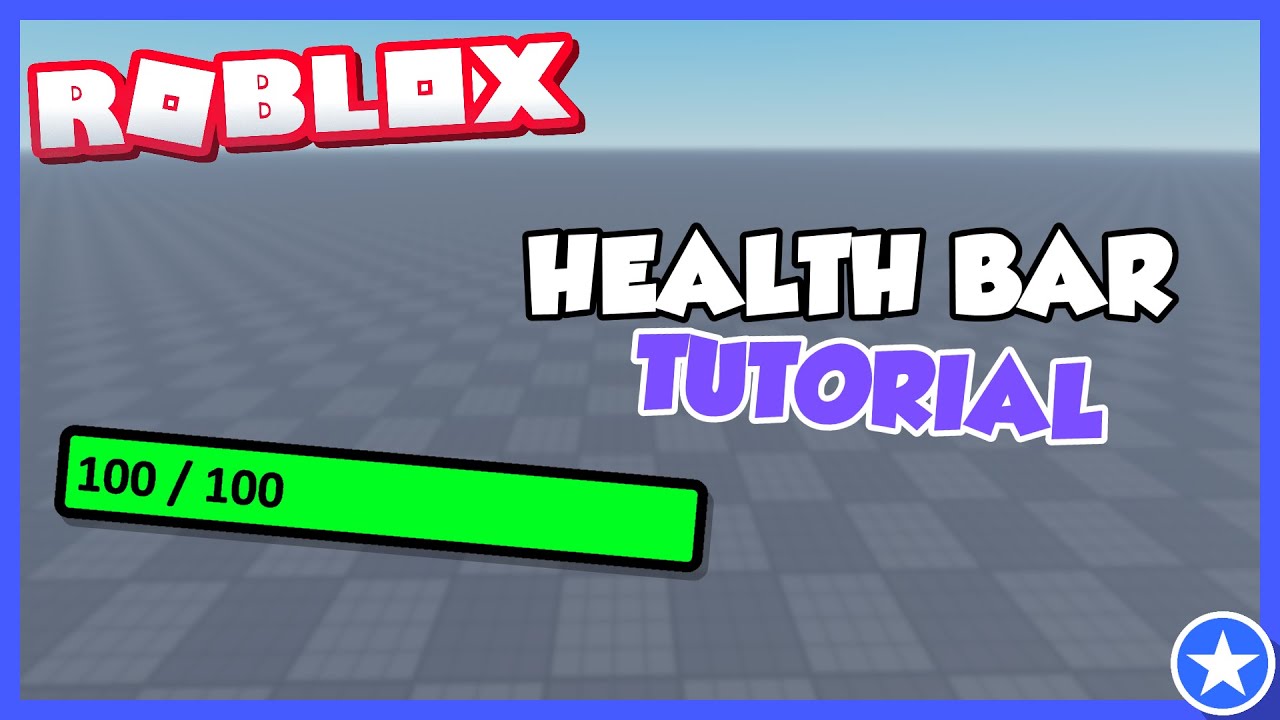

Classic Health Bar Roblox NoFilter. How To Make Health Bar Above Player In Roblox Studio YouTube . ROBLOX Health Bar GUI Tutorial YouTube . Old 2012 Health GUI How To Get It Working Platform Usage Support . Classic Health Bar Roblox NoFilter


How To Make A CUSTOM HEALTH BAR ROBLOX STUDIO 2025 YouTube . How To Make A Health Bar GUI In ROBLOX Studio 2025 YouTube . How To Make A Health Bar In ROBLOX Using Canvas Groups YouTube . How To CREATE HEALTH BAR In ROBLOX STUDIO YouTube . How To Make A HEALTH BAR Roblox Studio YouTube


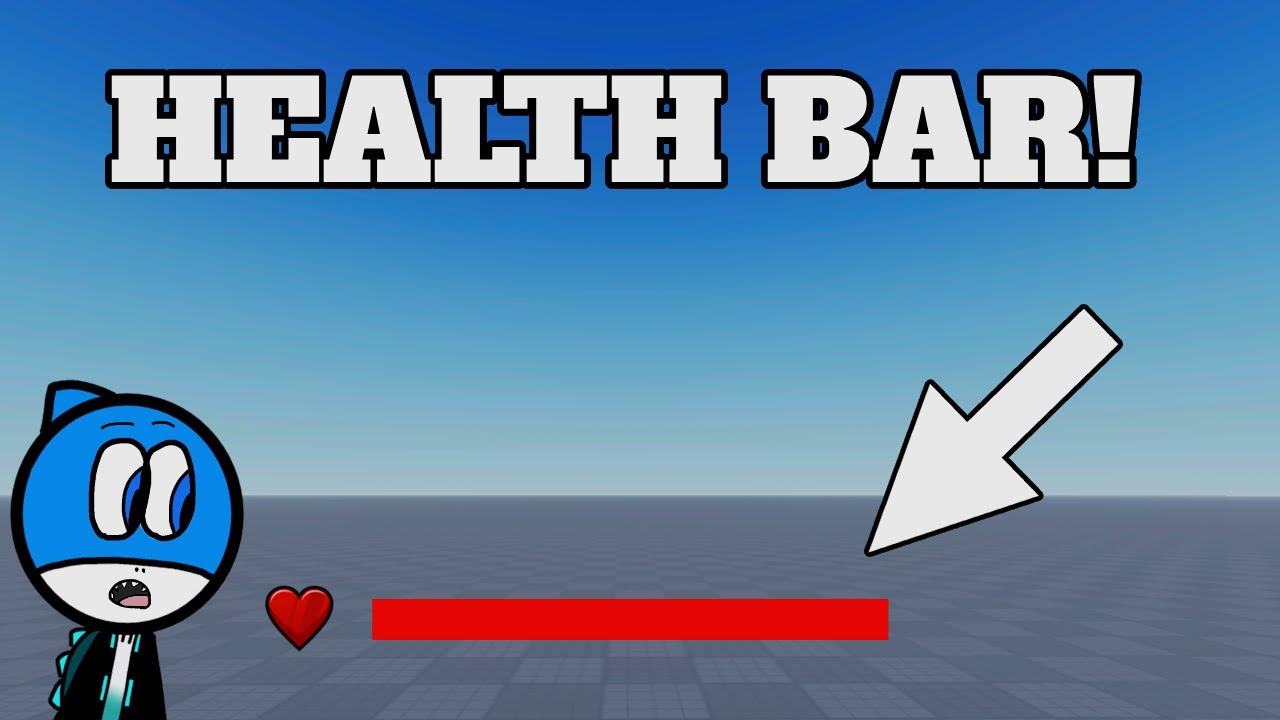
How To Make A Health Bar In ROBLOX Studio YouTube . How To Make A HEALTH BAR In ROBLOX STUDIO YouTube . How To Make A Health Bar In Roblox Studio YouTube . How To MAKE A Health Bar Roblox Studio YouTube . How To Make A Health Bar Like Forsaken In Roblox YouTube


How To Make A Health Bar In Roblox Studio 2024 YouTube . How To Make A Health Bar Gui In Roblox Studio Roblox Studio 2024 . How To Make A HEALTH BAR In ROBLOX Studio YouTube Hqdefault . How To Make A Health Bar In Roblox Updated Roblox Scripting Hqdefault . How To Make A Custom Health Bar Roblox Studio YouTube
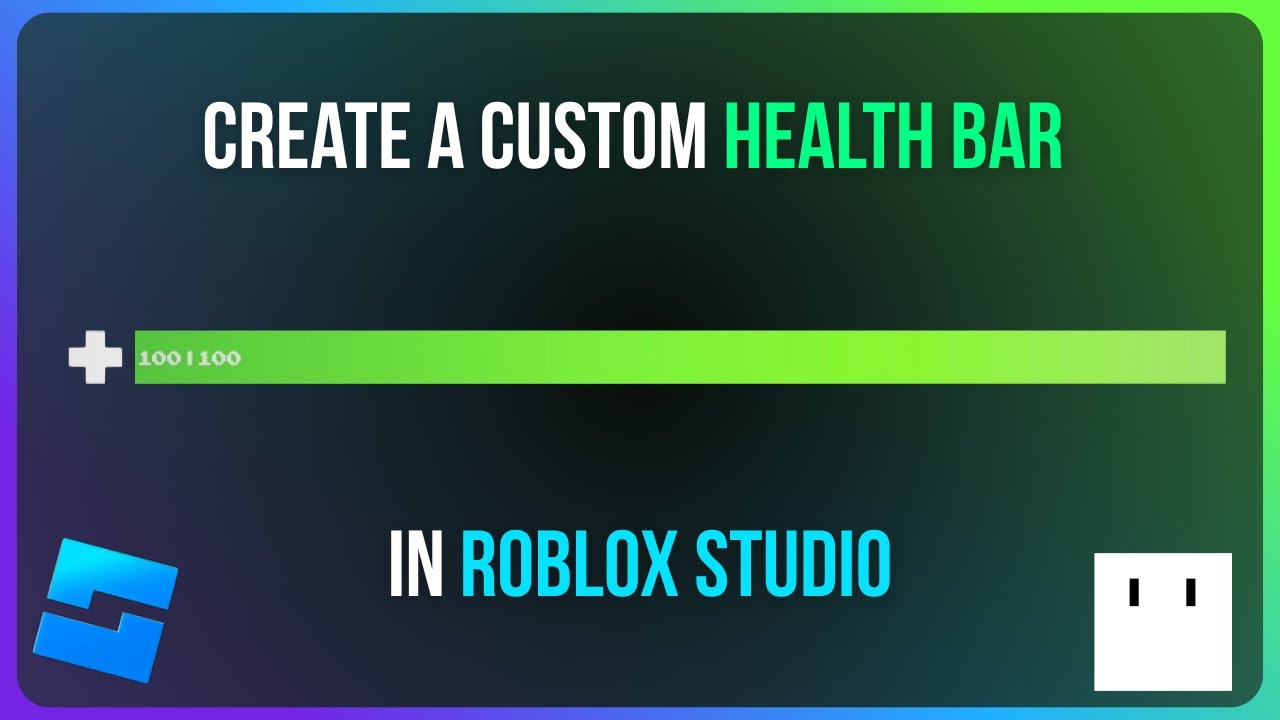


Make Your Own Health Bar Roblox Studio Tutorial YouTube . Simple Health Bar In Roblox Studio Roblox Studio Showcase YouTube . Custom Health Bar Features Roblox Studio YouTube . Roblox Studio Tutorial How To Make A Custom Health Bar GUI YouTube Hqdefault . How To Make A Health Bar In Roblox Studio YouTube



How To Make A Health Bar In Your Roblox Game Roblox Studio YouTube . How To Make A Health Bar In Roblox Studio YouTube . History Of The Roblox Health Bar 2006 2020 YouTube . RBLXDev I Got The Old Health Bar To Appear 3 YouTube Hqdefault . 2013 Health Bar Gui R 2013 Health Bar Gui V0


How To Make A Health Bar In Roblox YouTube . How To Make A Custom Overhead Health Bar GUI In Roblox Studio Roblox . How To Make A Health Bar In Roblox Studio YouTube . How To Make Player Health Bar Tutorial Roblox Studio YouTube . Roblox Studio How To Make A Custom Health Bar YouTube