In the bustling world of Roblox where countless obbies compete for attention a compelling thumbnail is no longer just an option but a necessity. This article dives deep into the art and science of creating eye-catching Roblox obby thumbnails that genuinely grab players interest. For adult gamers balancing work and family time is precious and making every moment count whether playing or creating is key. We'll explore practical strategies design principles and essential tools to help your obby stand out from the crowd without requiring hours of design experience. Discover how a well-crafted thumbnail can significantly boost your game's visibility and player engagement ensuring your hard work gets the recognition it deserves. Learn about current trends what makes a thumbnail clickable and how to implement these techniques effectively to draw in new players.
What are Roblox obby thumbnails?
Roblox obby thumbnails are the small, clickable images displayed on the Roblox platform that represent an 'obby' (obstacle course) game. These visuals are the first thing players see, acting as a critical first impression to entice them to click and play your game over others. They are essentially your game's advertisement.
Why are good obby thumbnails important?
Good obby thumbnails are vital because they directly impact your game's visibility and player count. In a crowded platform like Roblox, an eye-catching thumbnail makes your game stand out, encouraging clicks and higher engagement. This improved visibility helps your obby rank higher and reach more players.
How do I create a Roblox obby thumbnail?
To create a Roblox obby thumbnail, start by taking high-quality screenshots or renders of your obby's most exciting elements within Roblox Studio. Then, use a graphic design tool like Canva or GIMP to enhance the image, add clear text, and apply filters. Finally, upload the finished image through your game settings in Roblox Studio.
What makes an obby thumbnail clickable?
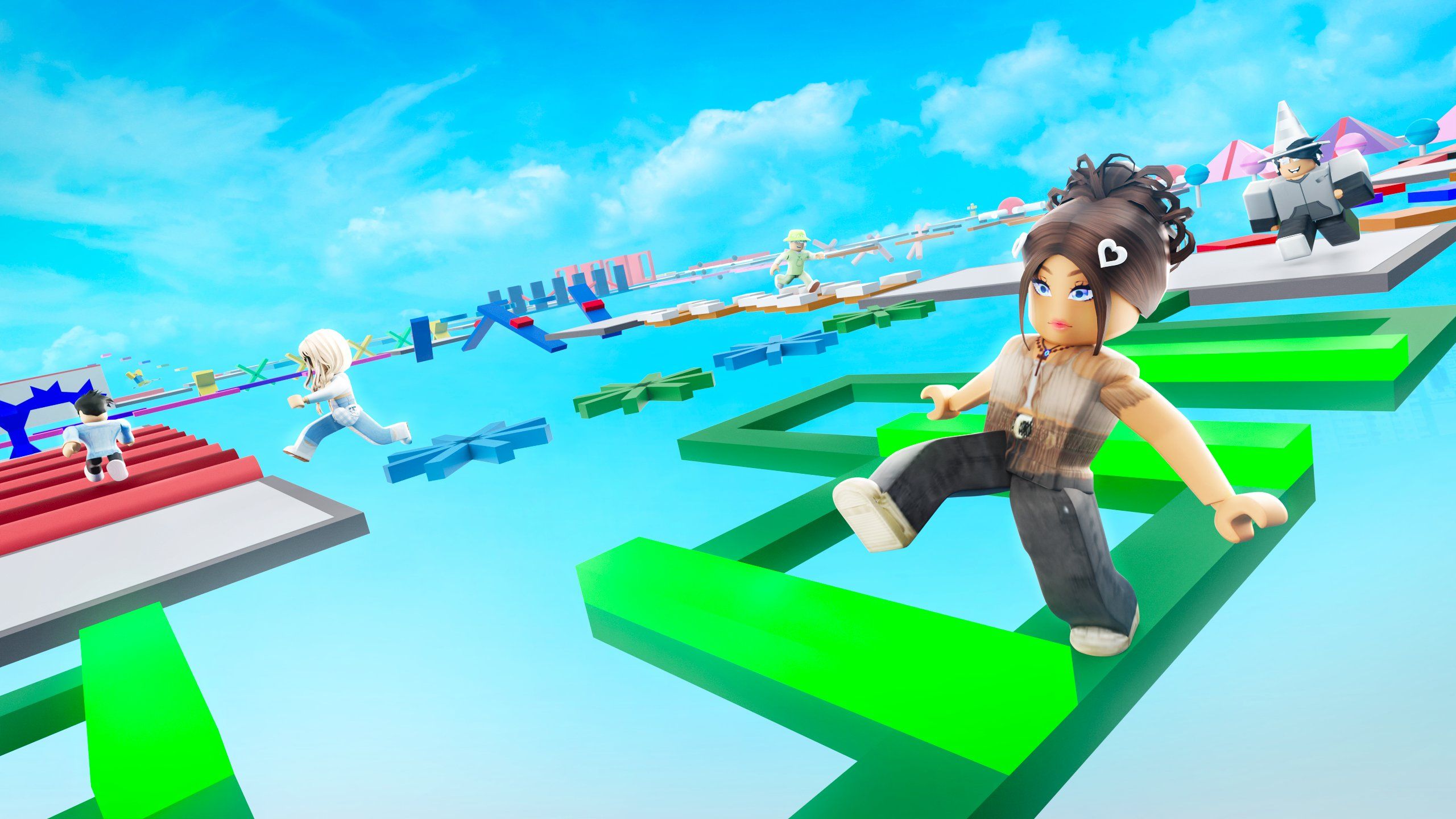
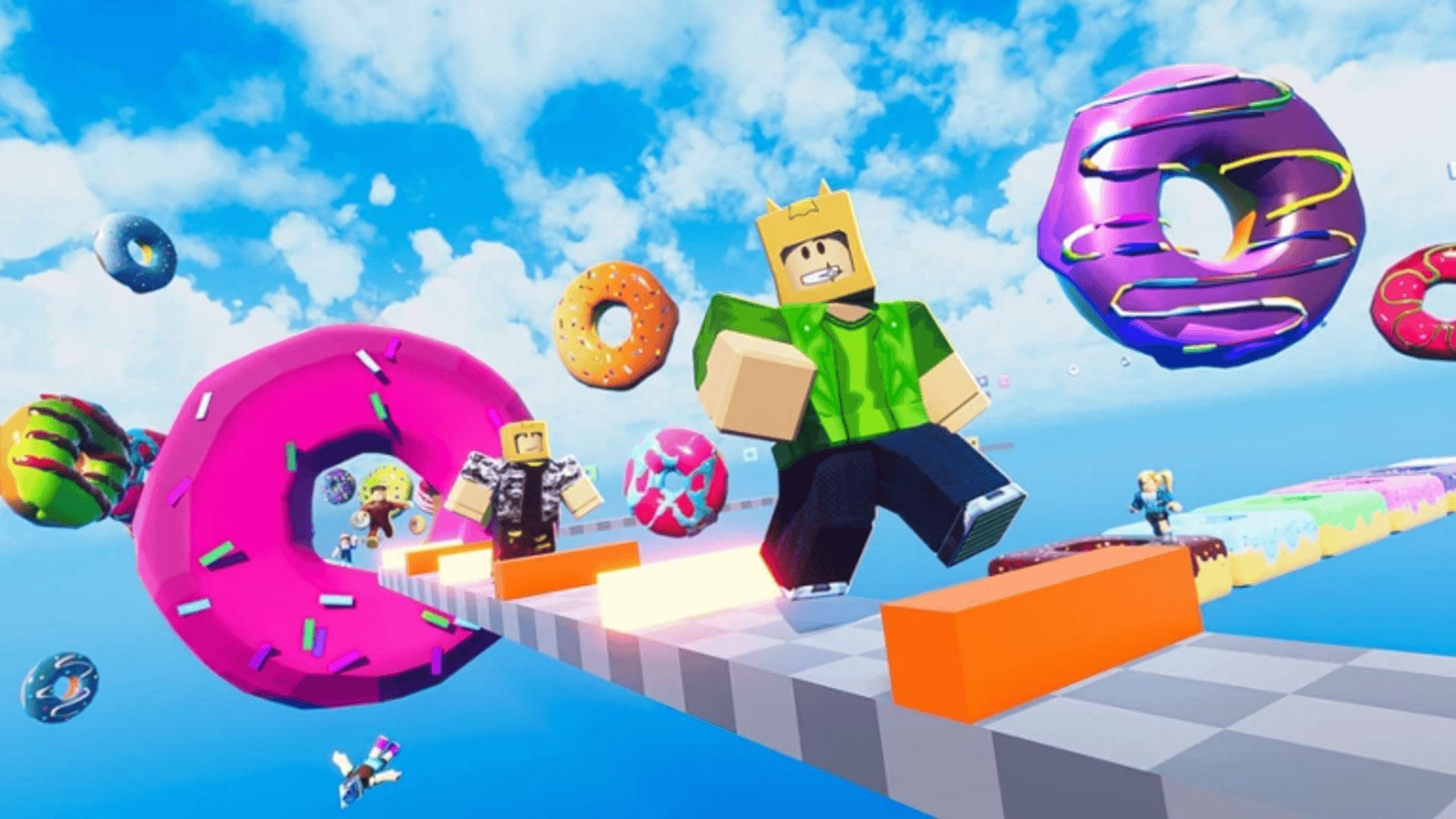
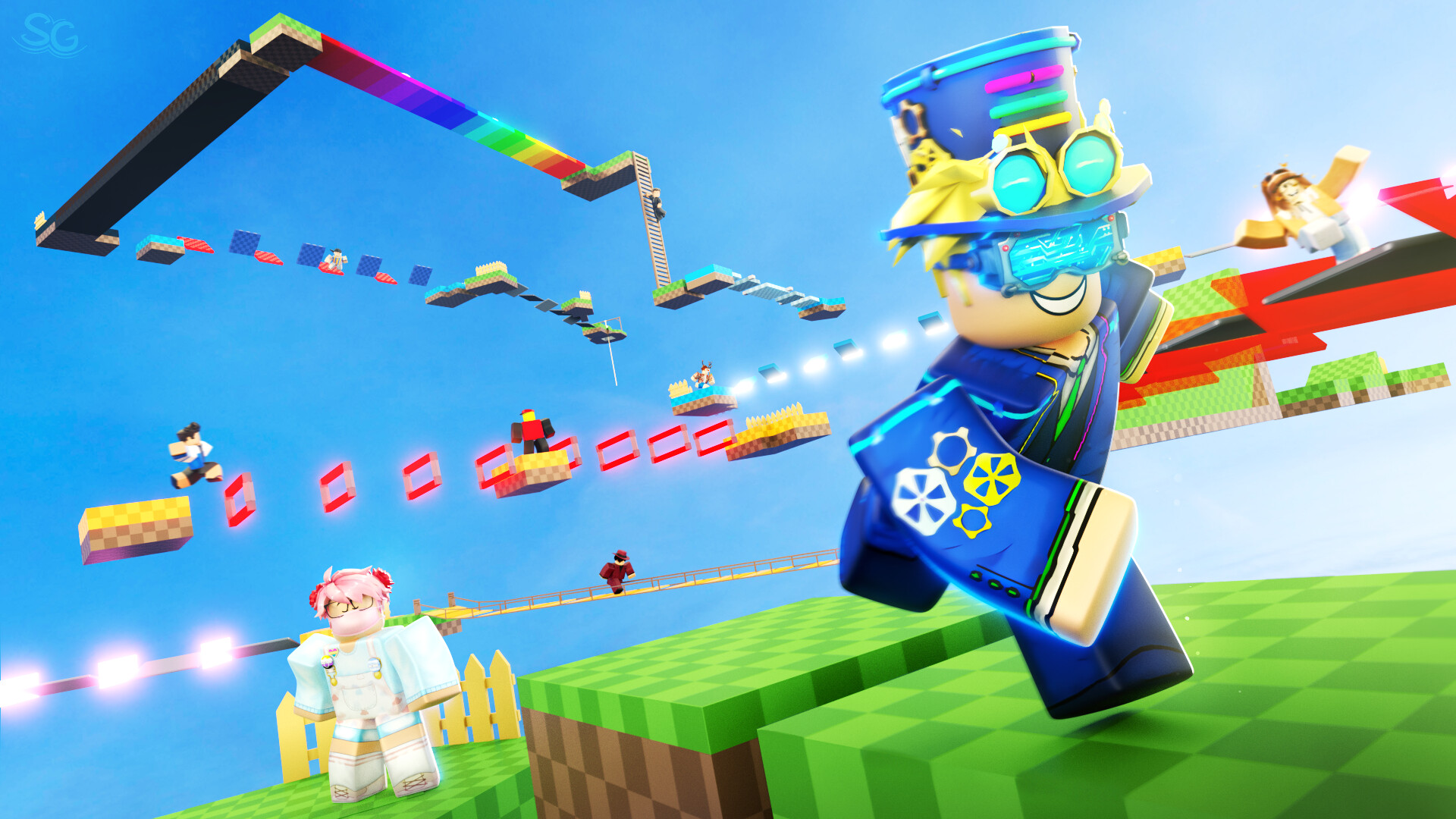
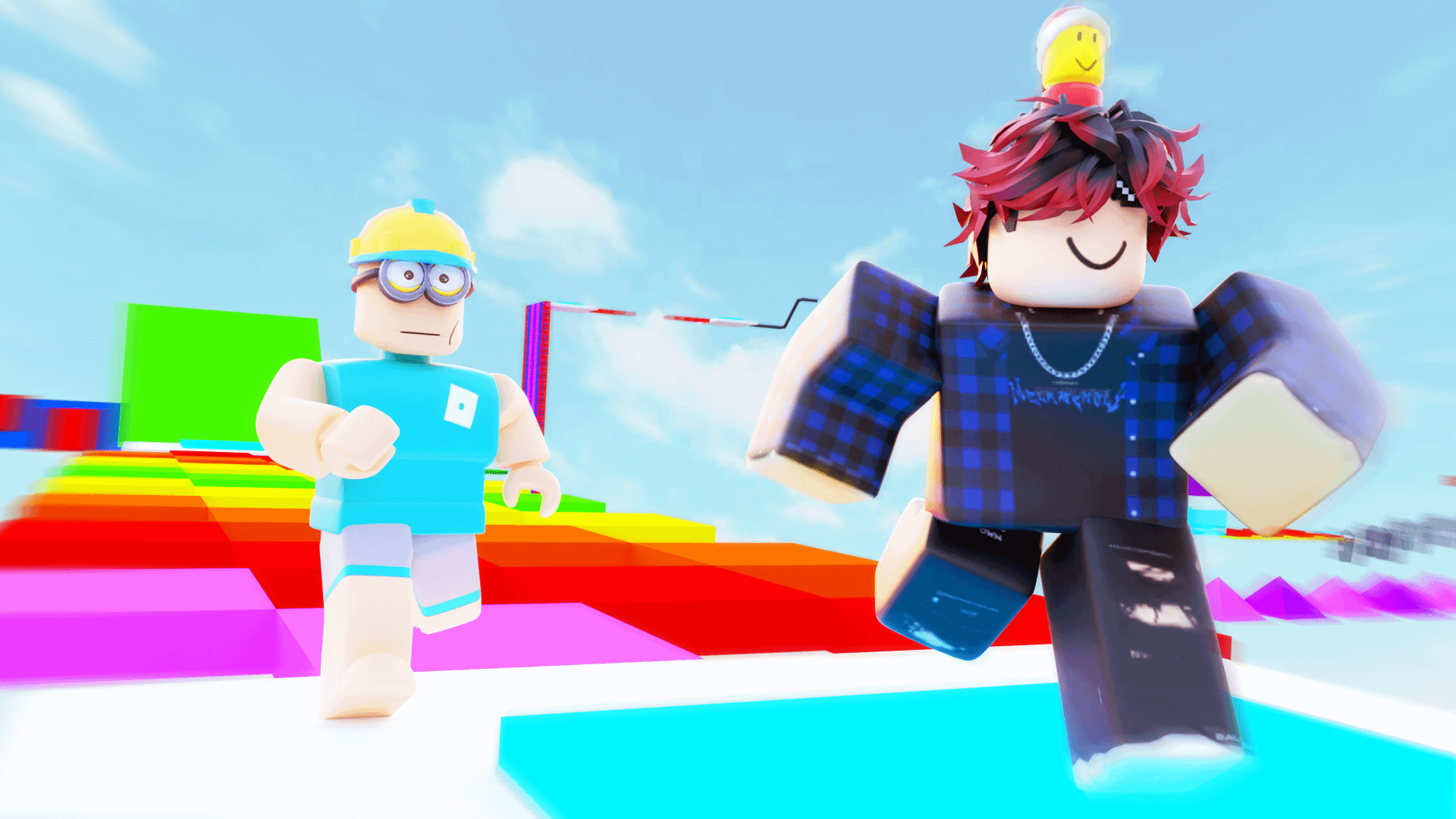
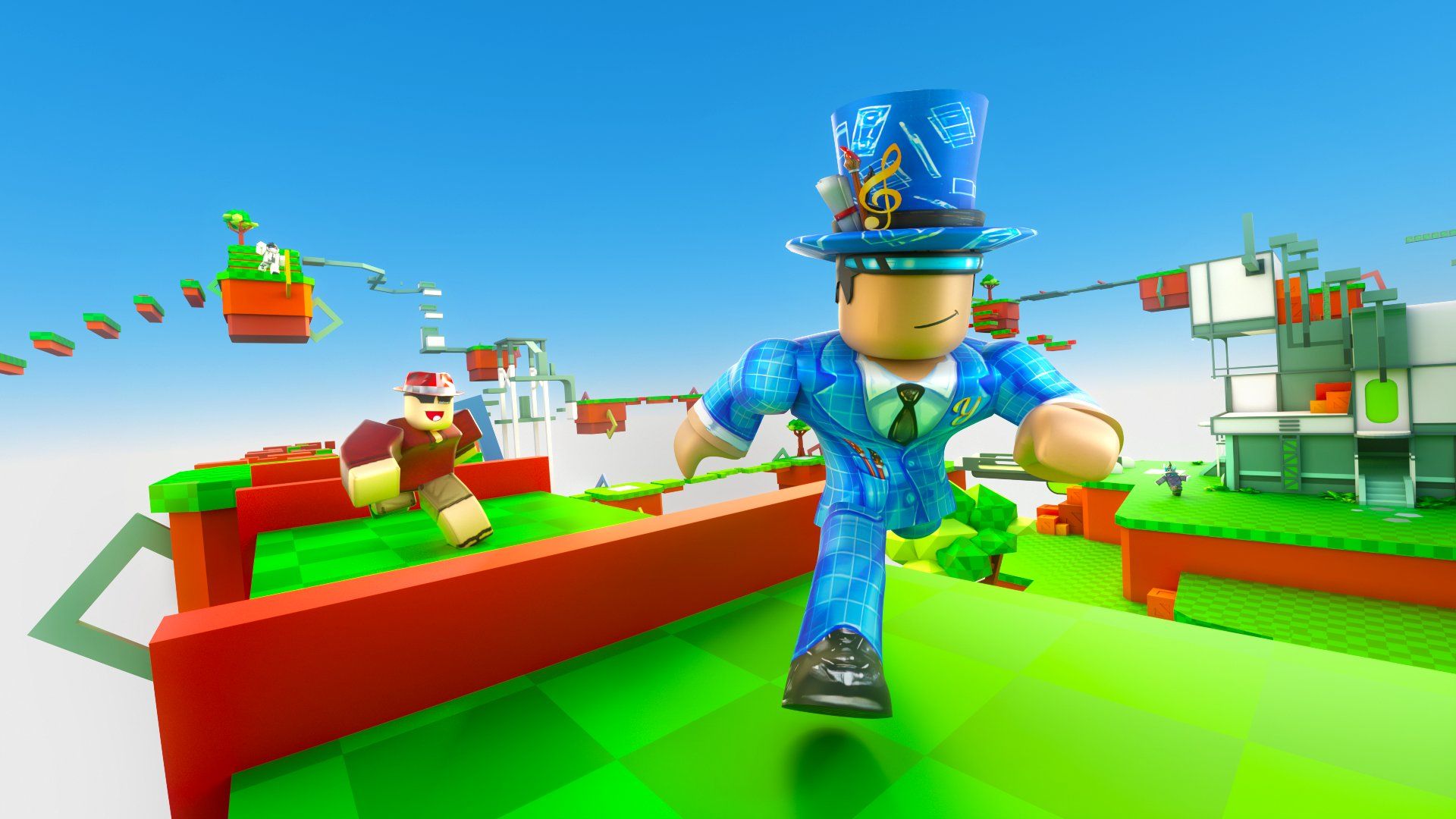
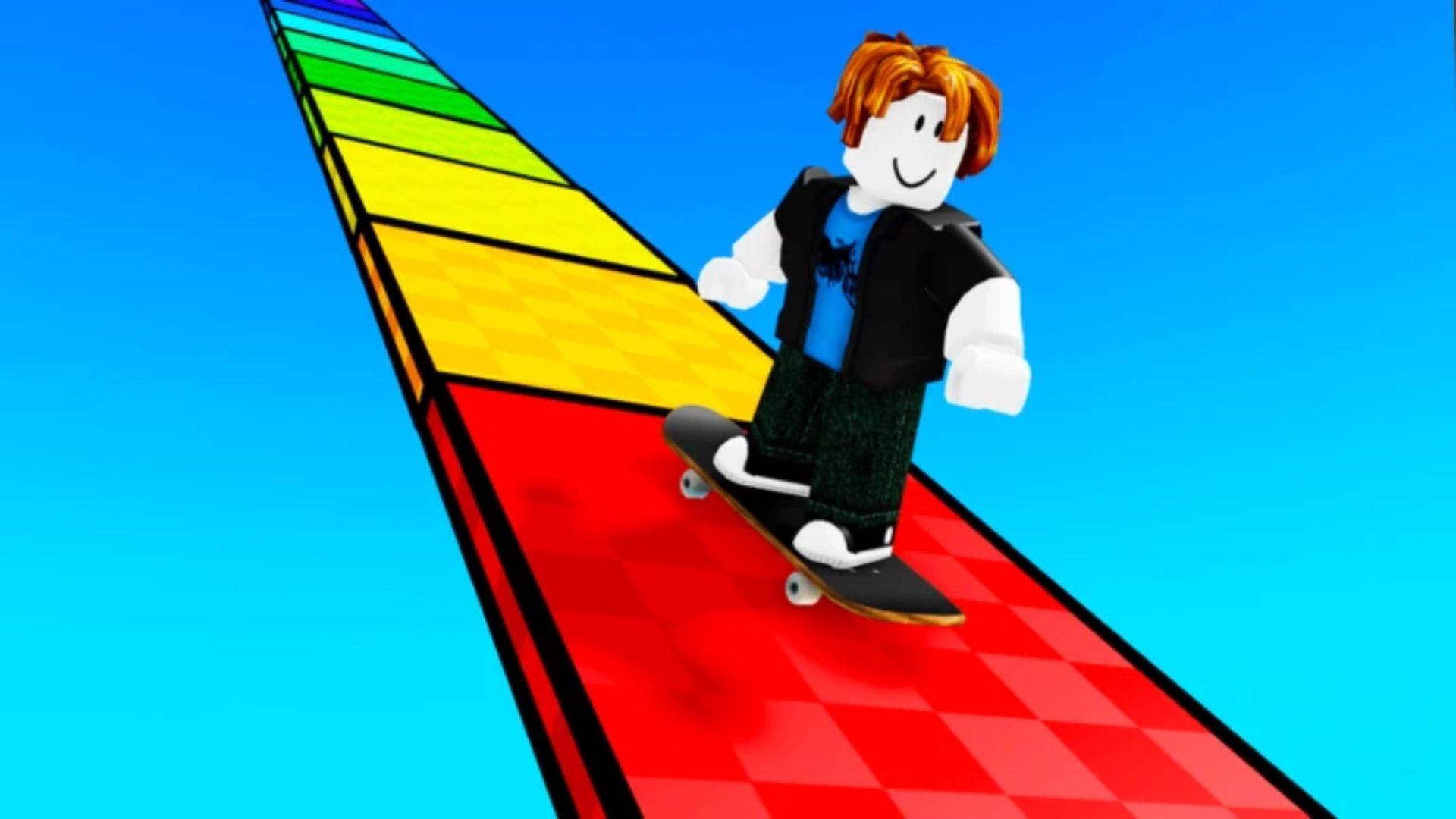
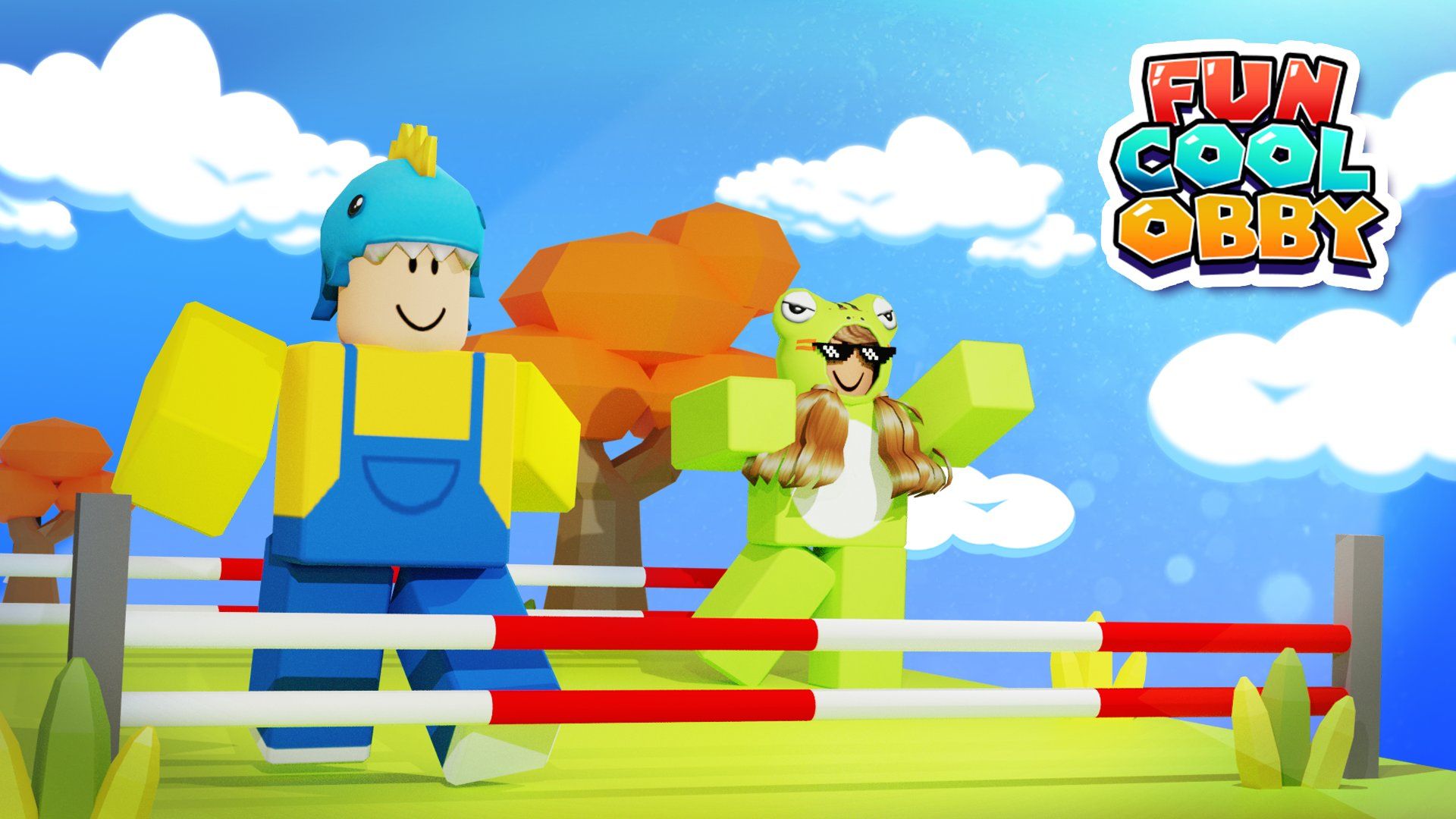
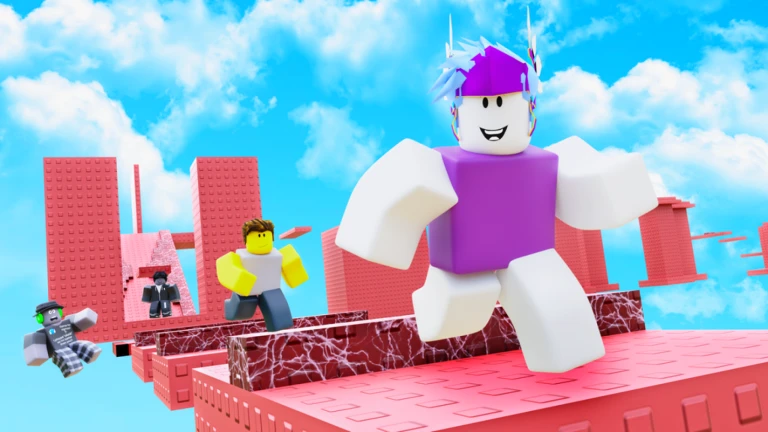
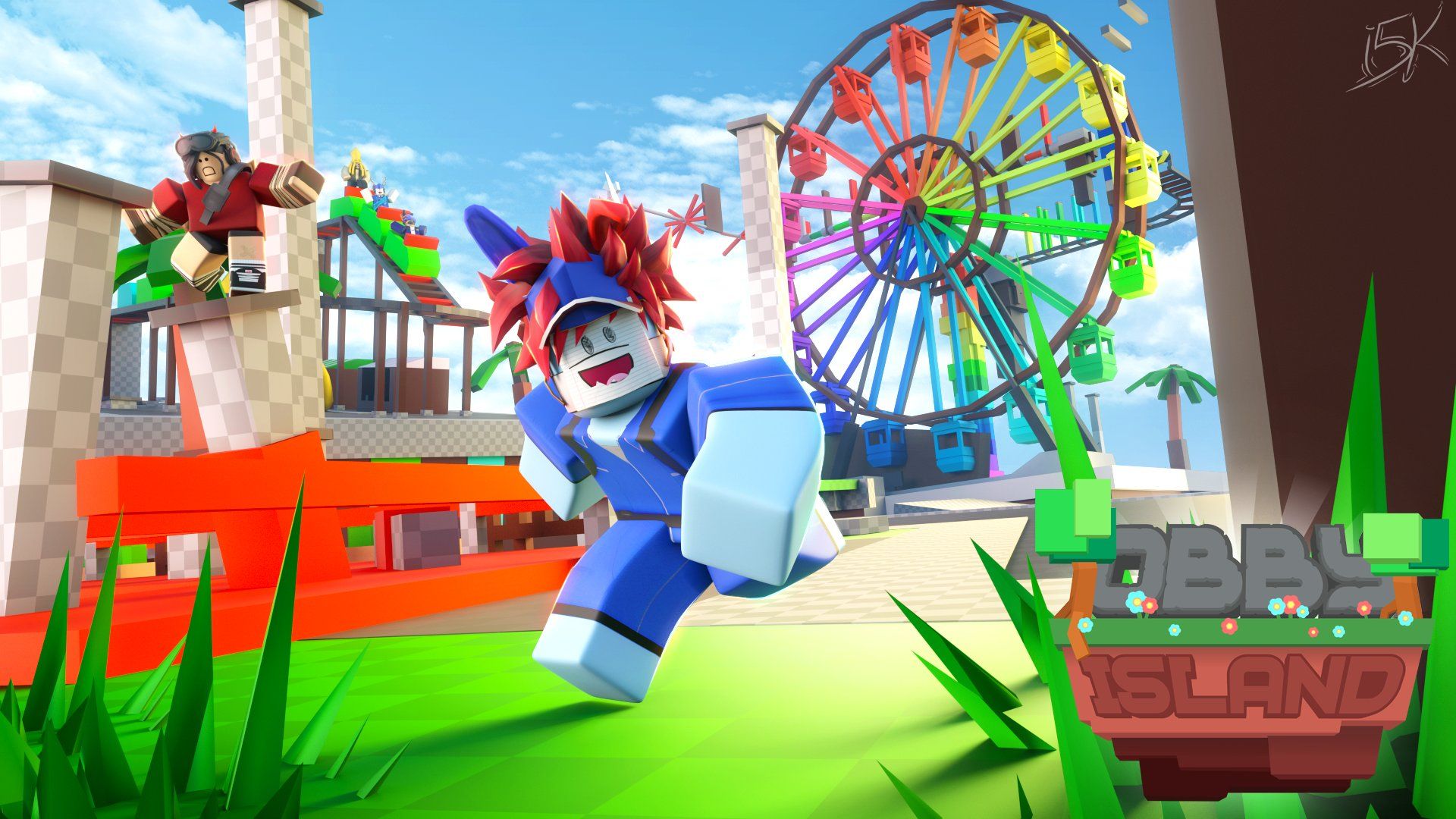
A clickable obby thumbnail is characterized by a clear focal point, vibrant colors, dynamic action (often a character in motion), and minimal, readable text that conveys excitement or the game's unique selling proposition. It instantly communicates what makes your obby fun and worth playing, compelling users to click.
Are there free tools for making obby thumbnails?
Yes, several excellent free tools are available for making obby thumbnails. Roblox Studio provides the ability to capture in-game visuals. For editing, Canva is user-friendly for beginners, while GIMP and Photopea offer more advanced features similar to professional software, all without cost.
How do I make my Roblox obby thumbnail stand out from the competition?
To make your Roblox obby thumbnail truly pop, focus on bold, high-contrast imagery that clearly showcases the most exciting part of your obby. Use vibrant colors, dynamic character poses, and clear, readable text. Modern gamers, especially those on mobile, scan quickly. Incorporate trending Roblox elements or iconic obstacles if relevant to catch the eye. Think about the 'wow' factor – what unique challenge or visual spectacle does your obby offer?
What is the optimal size and resolution for a Roblox obby thumbnail?
The optimal resolution for Roblox obby thumbnails is 1920x1080 pixels (16:9 aspect ratio). While Roblox resizes images, starting with a high-resolution, widescreen image ensures clarity across all devices, from mobile phones to large monitors. This helps maintain crisp details and text, which is vital for attracting attention. Always check how your thumbnail looks on various screen sizes after uploading.
Should I use text on my Roblox obby thumbnail, and if so, what kind?
Yes, strategic text on your Roblox obby thumbnail can be highly effective! Use short, punchy phrases like 'NEW STAGES!', 'IMPOSSIBLE OBBY!', or 'COZY PARKOUR!' to convey your game's unique selling point. Choose clear, bold fonts that are easy to read even when scaled down. Avoid clutter; one or two key words are usually enough to entice players without overwhelming the visual.
How can I showcase my obby's unique features in its thumbnail?
Highlight your obby's most exciting or unique features by capturing dynamic in-game screenshots or renders. If your obby has a giant boss, a unique mechanic, or an impressive build, make that the focal point. Show a player character actively engaging with this feature. This immediately communicates what makes your obby special and encourages players to click and explore.
What's the best way to get feedback on my Roblox obby thumbnail designs?
To gather valuable feedback, share your thumbnail drafts with friends, fellow Roblox developers, or communities on platforms like Discord or Reddit. Ask specific questions: 'Does this thumbnail make you want to play?', 'Is the text clear?', 'What do you think this game is about?' Constructive criticism from your target audience can provide crucial insights and help you refine your design for maximum impact.
How do current gaming trends impact effective Roblox obby thumbnail design?
Current gaming trends significantly influence effective Roblox obby thumbnail design. For instance, if 'cozy games' or 'social experiences' are trending, a thumbnail showcasing friends playing together in a relaxed, aesthetically pleasing obby might perform well. Similarly, if a specific pop culture event or game mechanic is popular, integrating subtle nods can attract players looking for relevant experiences. Staying current helps your thumbnail resonate with what gamers are actively searching for.
What tools are essential for creating professional-looking Roblox obby thumbnails, even for busy creators?
For busy creators, essential tools include Roblox Studio for capturing high-quality in-game screenshots or renders, and a user-friendly image editor. Free options like GIMP or Canva are excellent for quick edits, adding text, and applying filters. For more advanced features, Adobe Photoshop or Affinity Photo offer robust capabilities. The key is finding a tool you can use efficiently to produce clear, vibrant, and engaging visuals without a steep learning curve.
Ever feel like your amazing Roblox obby is a hidden gem, lost in the vast digital universe of millions of games? You pour hours into crafting unique stages, challenging jumps, and fun mechanics, only for it to get minimal player counts. This is a common pain point for many busy adult gamers who balance their passion for creation with demanding jobs and family life. You want your creativity to shine, but finding the time to market it effectively feels like another impossible obby. The truth is, in a platform where millions of games compete for attention, your game's first impression is everything. With 87% of US gamers regularly spending 10+ hours a week playing, and mobile gaming dominating, grabbing their eye instantly is paramount. This is where mastering Roblox obby thumbnails becomes your superpower. These tiny images are your game's billboard, your elevator pitch, and your biggest ally in attracting players.
You might think, 'I'm a builder, not a graphic designer!' and that's perfectly fine. This guide is tailored for you. We understand you value relaxation and fun, want to build skills without the hype, and need practical solutions that fit into your already packed schedule. We’ll cut through the noise and provide clear, actionable steps to create compelling Roblox obby thumbnails that not only look professional but genuinely entice players to click. We'll explore current trends for 2026, reveal free and budget-friendly tools, and help you optimize your thumbnails for maximum discoverability. Get ready to transform your obby's visibility and finally get your creations the recognition they deserve. No more hidden gems, just clear paths to player engagement.
What Makes a Truly Great Roblox Obby Thumbnail Stand Out?
A truly great Roblox obby thumbnail isn't just a pretty picture; it's a carefully crafted marketing tool that instantly communicates value and excitement. It captures attention in a split second, especially important for busy gamers scrolling through hundreds of options on their phones or PCs. Key elements include a clear focal point, often featuring a player character in action on a unique obstacle or an impressive part of the obby. Vibrant, high-contrast colors are crucial for visibility, as is a sense of dynamism that suggests an exciting experience. Imagine a thumbnail showing a character mid-jump over lava, or triumphantly reaching a complex stage's end. This immediate visual storytelling bypasses the need for players to read detailed descriptions, which is vital when people want quick entertainment during a short break.
Effective thumbnails also employ readable, bold text, sparingly used to highlight key features like 'NEW!', 'IMPOSSIBLE!', or 'FRIENDS!'. This month's trends show a preference for clean, modern fonts that are easy to digest. Avoid clutter; too much going on can overwhelm the viewer and make your thumbnail look unprofessional. Think about what emotions your obby evokes – is it challenging, cozy, social? Your thumbnail should reflect that feeling. Ultimately, a standout thumbnail answers the player's unspoken question: 'Why should I click on this game over all the others?' It promises fun, a challenge, or a unique experience, making it an irresistible invitation.
Why Are High-Quality Roblox Obby Thumbnails Crucial for Your Game's Success?
In the highly competitive Roblox ecosystem, where thousands of new games launch monthly, high-quality 'roblox obby thumbnails' are absolutely critical. They are often the very first, and sometimes only, impression your game makes on a potential player. Think of it like this: would you click on a video with a blurry, unappealing thumbnail on YouTube? Probably not. The same applies here. A professional, engaging thumbnail signals to players that your game is well-made, thoughtfully designed, and worth their precious gaming time. For adult gamers juggling work and family, time is a valuable commodity, and they're looking for quality experiences efficiently. A poorly designed thumbnail can make your game seem amateurish or unfinished, causing players to scroll right past even if the obby itself is fantastic.
Recent US gaming stats underscore this importance: 87% of gamers play regularly, often for 10+ hours a week, and a significant portion of that time is spent browsing new content. Mobile gaming's dominance means thumbnails must be legible and appealing on small screens. A compelling thumbnail boosts your game's click-through rate, leading to more plays, which in turn improves your game's visibility in Roblox's search algorithms. This positive feedback loop is invaluable. It helps you stand out in the 'People Also Ask' sections and AI overviews within search engines, effectively doing your marketing for you. A strong thumbnail isn't just about aesthetics; it's a strategic investment in your game's discoverability and long-term success, ensuring your hard work doesn't go unnoticed.
How Do I Design Effective Roblox Obby Thumbnails for Mobile Players?
Designing effective 'roblox obby thumbnails' for mobile players is paramount, given that a vast majority of Roblox users access the platform via smartphones and tablets. What looks great on a large monitor can become unreadable clutter on a 6-inch screen. The key is simplicity and strong visual hierarchy. First, use a single, clear focal point. Avoid busy backgrounds or too many characters. A lone avatar taking on a prominent obstacle often works better than a crowded group scene. Secondly, prioritize readability. Any text you use must be large, bold, and high-contrast against its background. San-serif fonts like Arial or Helvetica are often clearer on small screens. Keep text minimal—a catchy one or two-word phrase is usually enough.
Consider the 'thumb test': shrink your thumbnail down to the size of your actual thumb on your phone screen. Can you still understand what the game is about? Is the text legible? If not, simplify further. Mobile players often scroll rapidly, so your thumbnail needs to grab attention instantly with vibrant colors and clear imagery. Test your designs on different mobile devices to ensure they maintain their impact. Remember, mobile-first design isn't just a buzzword; it's a necessity for reaching the widest possible audience and ensuring your obby appeals to the modern gamer on the go, whether they're on a quick break or unwinding after work.
What are the Essential Elements for a Clickable Roblox Obby Thumbnail?
To create 'roblox obby thumbnails' that are truly clickable, focus on several essential elements that combine to form an irresistible visual hook. First, a High-Quality Image is non-negotiable. This means sharp resolution, good lighting, and no pixelation. A blurred image immediately screams amateur. Second, a Clear Focal Point draws the eye. This is typically your player character in an engaging pose or the most visually impressive part of your obby. Players should instantly understand what kind of experience awaits them. Third, Vibrant, Contrasting Colors help your thumbnail pop against a sea of other games. Don't be afraid to use bold palettes that align with your game's theme, but ensure readability remains a priority.
Fourth, Minimal and Legible Text is vital. If you include text, make it short, impactful, and easy to read even at a small size. A catchy title or a single power word like 'Epic' or 'Unwind' can work wonders. Fifth, Action and Emotion resonate deeply. Show a character expressing excitement, determination, or even humorous frustration. A dynamic scene of a player mid-jump or celebrating a win is far more engaging than a static pose. Lastly, consider Relevance to Current Trends; if 'social hangouts' or 'speedruns' are trending this month, subtly reflecting that in your thumbnail can attract relevant players. These elements work together to create a powerful first impression that compels clicks.
Which Free Tools Can I Use to Create Professional Roblox Obby Thumbnails?
You don't need expensive software to create professional 'roblox obby thumbnails.' Many fantastic free tools are available, perfect for busy creators on a budget. Roblox Studio itself is your primary tool for capturing high-quality in-game screenshots or renders. Use the camera tools to get the best angles and disable the UI for clean shots. For editing, Canva is an incredibly user-friendly online graphic design tool that offers a vast library of templates, fonts, and stock elements. Its drag-and-drop interface makes it ideal for quick, polished designs without prior graphic design experience. You can easily add text, shapes, and effects to your captured Roblox images.
GIMP (GNU Image Manipulation Program) is another robust, open-source alternative to Photoshop. While it has a steeper learning curve, it offers powerful photo editing features for more intricate adjustments, color correction, and layering. Photopea, a free online photo editor, mimics Photoshop's interface and functionality, making it accessible if you're familiar with Adobe products but don't want to pay. Even simple mobile editing apps like Snapseed or PicsArt can perform quick crops, color boosts, and text overlays directly from your phone. The key is to experiment with these tools to find one that fits your workflow and helps you produce clear, vibrant, and compelling thumbnails efficiently.
How Can I Optimize My Roblox Obby Thumbnails for SEO and Discoverability?
Optimizing your 'roblox obby thumbnails' for SEO and discoverability goes beyond just looking good; it's about making your game findable by players actively searching for experiences. While Roblox itself doesn't directly 'read' image content for SEO in the traditional sense, a compelling thumbnail indirectly boosts discoverability by increasing click-through rates (CTR). A higher CTR signals to Roblox's algorithm that your game is engaging, which can lead to better placement in search results and recommendations. To truly optimize, ensure your thumbnail clearly reflects your game's keywords (e.g., 'Mega Easy Obby,' 'Tower of Hell,' 'Parkour') in its visual style and any minimal text. Players search using these terms, and your thumbnail should visually confirm they've found what they're looking for.
Beyond the image itself, ensure your game's title and description are highly optimized with relevant keywords. The thumbnail acts as a visual reinforcement. Monitor what kinds of thumbnails are trending for similar obbies and adapt popular aesthetics while maintaining your unique style. Engage with communities to see what makes people click. This month's data suggests that thumbnails with clear gameplay previews and strong branding perform exceptionally well. Always keep your target audience in mind – are they looking for a chill experience, a brutal challenge, or a social hangout? Your thumbnail should clearly communicate that intent, directly impacting how visible and appealing your game becomes to the right players.
What Common Mistakes Should I Avoid When Creating Roblox Obby Thumbnails?
When creating 'roblox obby thumbnails,' avoiding common pitfalls is almost as important as knowing what to do right. One major mistake is using low-resolution or blurry images. This instantly makes your game look unprofessional and unappealing. Another common error is over-cluttering the thumbnail with too many elements, characters, or excessive text. Simplicity and a clear focal point are always better, especially on mobile. Irrelevant or misleading imagery is a huge no-no; your thumbnail should accurately represent your obby's gameplay and theme. Don't promise an epic boss battle if it's just a basic parkour map.
Neglecting mobile optimization is a critical oversight. If your text is unreadable or your main subject is obscured on a small phone screen, you're missing a huge audience. Using generic or default Roblox images without any customization also makes your game blend into the background. Your thumbnail is your chance to stand out! Finally, ignoring current trends or failing to test different designs can hinder your success. What was popular last year might not resonate this month. Always seek feedback and be willing to iterate. Avoiding these mistakes ensures your thumbnail effectively works for you, attracting, not deterring, potential players.
How Do I Update or Upload My Roblox Obby Thumbnails in Roblox Studio?
Updating or uploading your 'roblox obby thumbnails' is a straightforward process within Roblox Studio. First, you'll need to create your desired image. This usually involves taking a high-quality screenshot or render from within your obby using Roblox Studio's camera tools, then editing it with an external graphic design tool as discussed earlier. Once your image is ready (preferably 1920x1080 pixels), navigate to your game in Roblox Studio. Go to the 'Game Settings' by clicking 'File' > 'Game Settings' in the top left menu. Within the Game Settings window, look for the 'Monetization' tab or 'Basic Settings' tab, depending on recent updates. Here, you'll find an option to manage your game's images, including thumbnails.
You can upload new images directly from your computer. Roblox allows for multiple thumbnails, which can be beneficial for showcasing different aspects of your obby or A/B testing designs. After uploading, remember to hit 'Save' or 'Publish' in the Game Settings. It might take a few minutes for the changes to propagate across the Roblox platform. Always double-check your game page to ensure the new thumbnail appears correctly and looks good on various devices. This simple process allows you to keep your game's public face fresh, relevant, and continually optimized to attract players, ensuring your obby always makes a compelling first impression.
Can Trending Themes or Events Influence My Roblox Obby Thumbnail Design?
Absolutely, trending themes and real-world events can significantly influence and boost the effectiveness of your 'roblox obby thumbnails.' Gamers, especially the Gen Z and Millennial demographic, are highly attuned to current events, memes, and pop culture. If a specific theme, like 'cozy gaming,' 'social hangout,' or a particular seasonal event (Halloween, Christmas, summer vacation), is trending this month, incorporating subtle nods to it in your thumbnail can create instant relevance. For example, a summer-themed obby thumbnail during July, featuring beach assets or bright, sunny colors, might attract players looking for seasonal relaxation.
However, proceed with caution: avoid anything that could be misleading or quickly become outdated. The goal is to tap into temporary interest without making your thumbnail irrelevant next month. Consider using general themes that align with broader gaming trends, like stress relief or social connection, which are always popular. If there's a major Roblox-wide event, like a 'Bloxy Award' or a large collaborative experience, incorporating elements that evoke that sense of community can also be effective. The key is to be timely and relevant without sacrificing clarity or the core identity of your obby, ensuring your thumbnail feels fresh and appealing to current player interests.
What are some quick tips for busy gamers to create better thumbnails?
For busy gamers and creators who juggle jobs and families, optimizing time is crucial. Here are some quick tips to create better 'roblox obby thumbnails' without spending hours. First, start with great screenshots from Roblox Studio. Find the most exciting, well-lit angle of your obby. Use the 'Print Screen' key or a snipping tool for speed. Second, leverage free online tools like Canva. They have ready-made templates and easy-to-use interfaces that drastically cut down design time. You can quickly add text, basic shapes, and filters. Third, focus on a single, strong focal point—a character in action or a unique obstacle. Avoid clutter. Fourth, use bold, readable fonts for minimal text. A catchy one or two-word phrase is often more effective than a full sentence.
Fifth, prioritize vibrant, high-contrast colors that stand out, especially on small mobile screens. Sixth, test your thumbnail on different devices before publishing. Does it still look good on your phone? Finally, don't aim for perfection on the first try. Get something good out there, then iterate based on feedback or performance. Your time is valuable, so streamline your process. Even small improvements to your thumbnail can lead to significant boosts in player engagement, helping your obby thrive while still allowing you time for life's other demands and some well-deserved gaming relaxation.
Crafting effective 'roblox obby thumbnails' is more than just an artistic endeavor; it's a strategic move that significantly impacts your game's visibility and player engagement in the bustling Roblox universe. For adult gamers and creators balancing life's demands, understanding how to make your obby stand out with minimal fuss is invaluable. We've explored why high-quality, mobile-optimized, and trend-aware thumbnails are non-negotiable for success in 2026. From leveraging free tools to avoiding common mistakes, the path to a compelling thumbnail is clear. Remember, your thumbnail is your game's first handshake with a potential player—make it firm, friendly, and unforgettable. It ensures your dedication to building fun, challenging obbies gets the attention it truly deserves.
Now that you're armed with these insights, take action! What's one change you'll make to your obby's thumbnail this week? What's your biggest gaming or game creation challenge that you wish there was a simple solution for? Comment below and let's discuss!
Frequently Asked Questions About Roblox Obby Thumbnails
How often should I update my obby thumbnail?It's a good practice to update your obby thumbnail periodically, perhaps every few months or whenever you release a significant game update or seasonal event. This keeps your game looking fresh and relevant, potentially re-engaging past players and attracting new ones with a renewed visual appeal. For major content additions, an update is a must.
What's the ideal resolution for a Roblox obby thumbnail?The ideal resolution for a Roblox obby thumbnail is 1920x1080 pixels, following a 16:9 aspect ratio. This widescreen format ensures your image looks crisp and professional across all devices, from high-resolution monitors to mobile phone screens. Roblox will scale it down, so starting high quality is key.
Should I use text on my thumbnail, and what kind?Yes, using minimal, impactful text on your thumbnail can be highly effective. Opt for short, catchy phrases (e.g., 'NEW!', 'IMPOSSIBLE!', 'COZY!') in bold, clear, sans-serif fonts that are easy to read even at small sizes. Avoid lengthy descriptions; the goal is to grab attention instantly and convey the game's essence.
Is it okay to use pre-made templates for obby thumbnails?Yes, using pre-made templates from tools like Canva is perfectly fine, especially for busy creators. They provide a professional starting point and save significant design time. Just be sure to customize them with your unique game screenshots and branding to make your obby stand out and avoid looking generic.
What role does color play in attracting players to my obby?Color plays a crucial role in attracting players by conveying mood, creating contrast, and drawing the eye. Vibrant, high-contrast color schemes often perform well, as they stand out in crowded search results. Align your color choices with your obby's theme; bright and playful for a fun obby, darker for a challenging one, for example.
How can I get feedback on my thumbnail designs to improve them?To improve your thumbnail designs, share them with friends, fellow Roblox developers, or relevant online communities (e.g., Discord servers, Reddit). Ask specific questions about clarity, appeal, and whether it accurately represents your game. Constructive criticism helps refine your design for maximum player attraction.
Mastering Roblox Obby Thumbnail Creation Boosting Game Visibility Essential Design Principles for Engaging Visuals Utilizing Free and Paid Tools Effectively Attracting More Players to Your Obby Understanding Current Thumbnail Trends Quick Tips for Busy Creators Avoiding Common Thumbnail Mistakes Optimizing for Mobile Viewers The Impact of a Strong First Impression
35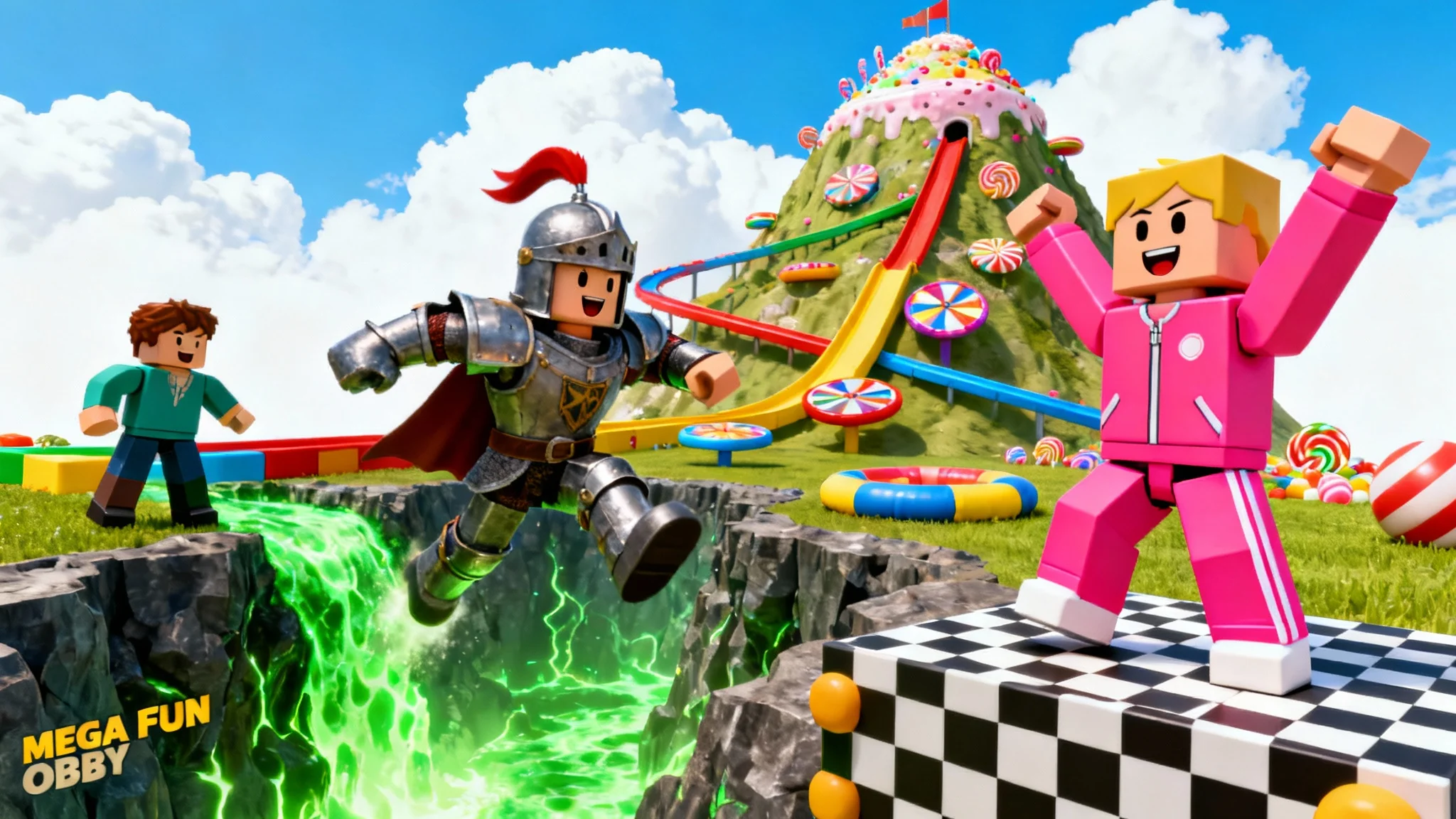
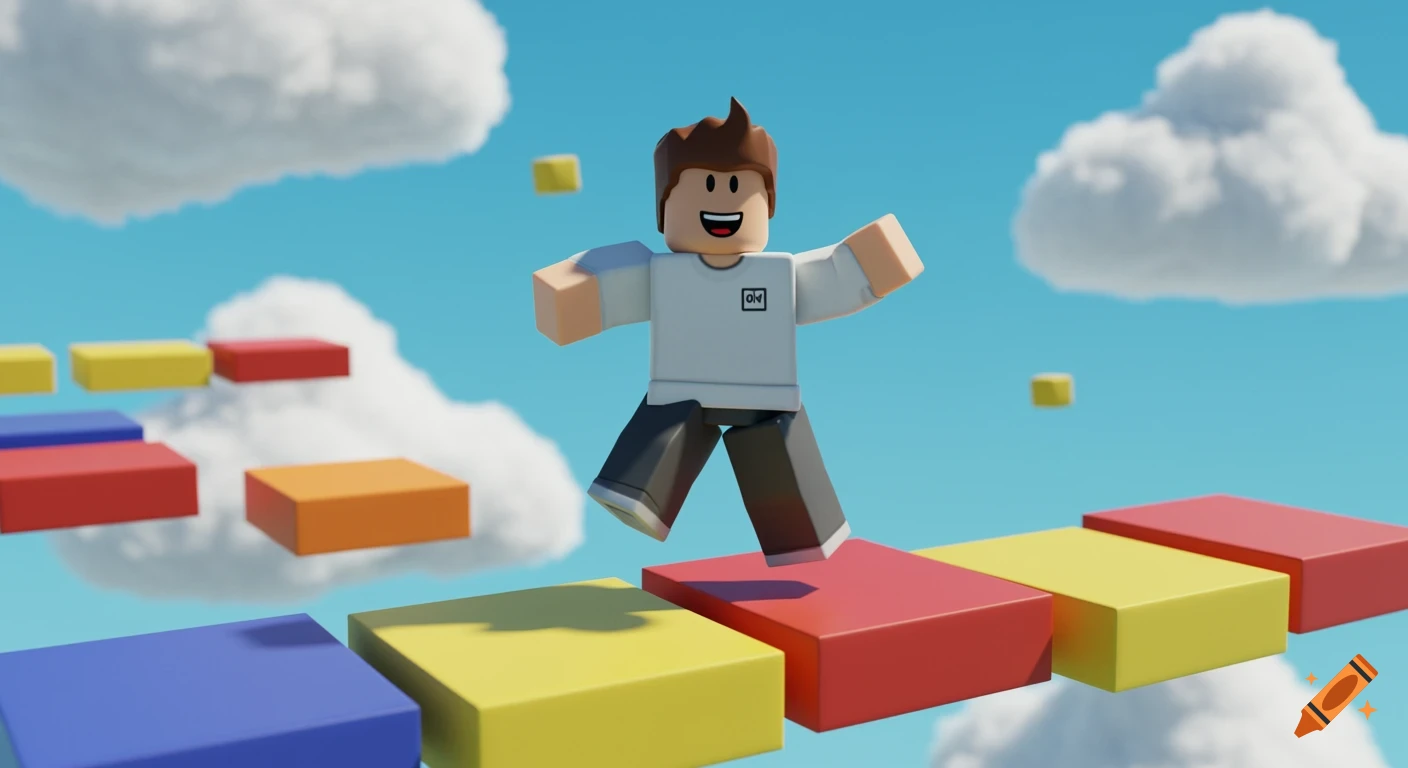
Free Roblox Thumbnail Generator Create Roblox Thumbnails With AI E7872de0 Bce9 428d 9cd5 Selling Point 4. Roblox Obby Wallpapers Top Free Roblox Obby Backgrounds 17495928 . Roblox Obby Wallpapers Top Free Roblox Obby Backgrounds 17495986 . ArtStation Obby Run Softgb Thumbnail . Roblox Obby Thumbnail On Craiyon
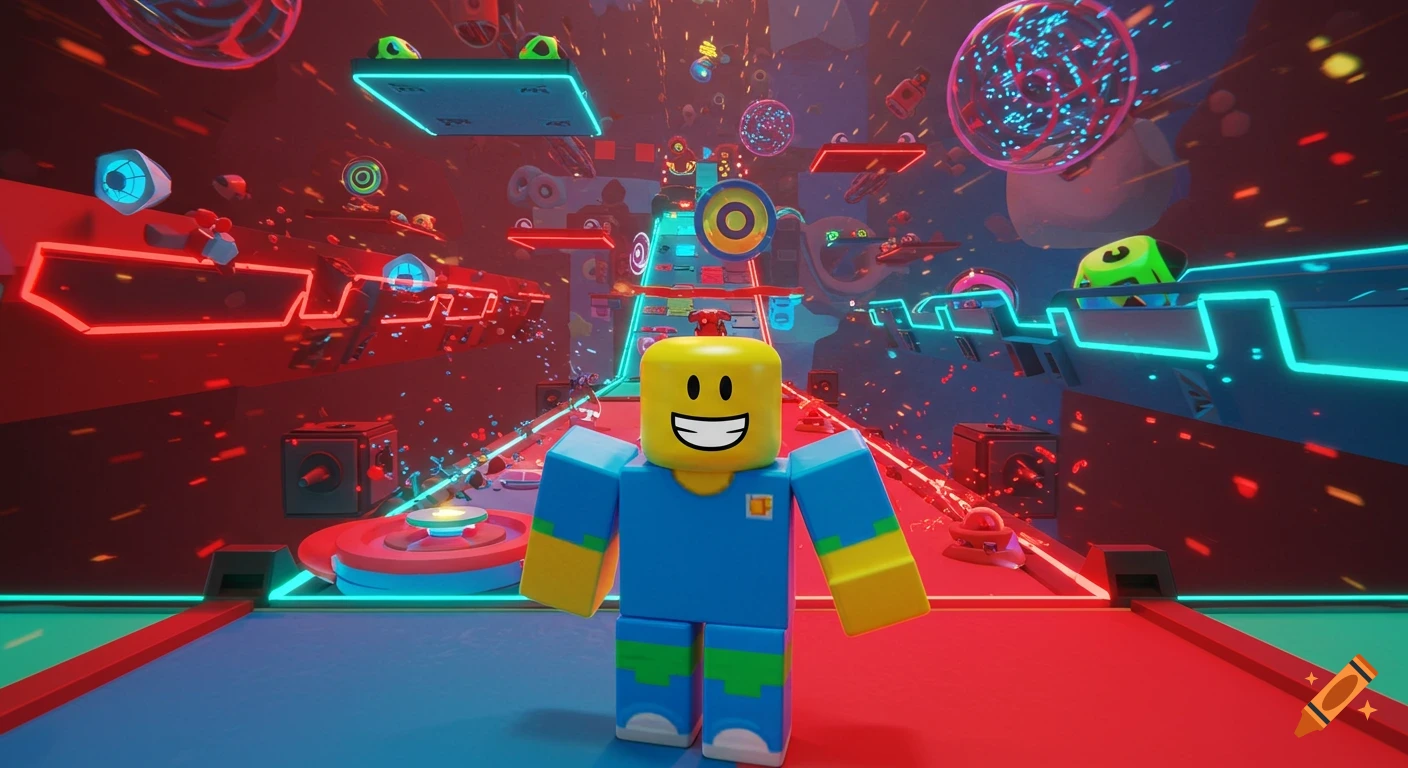
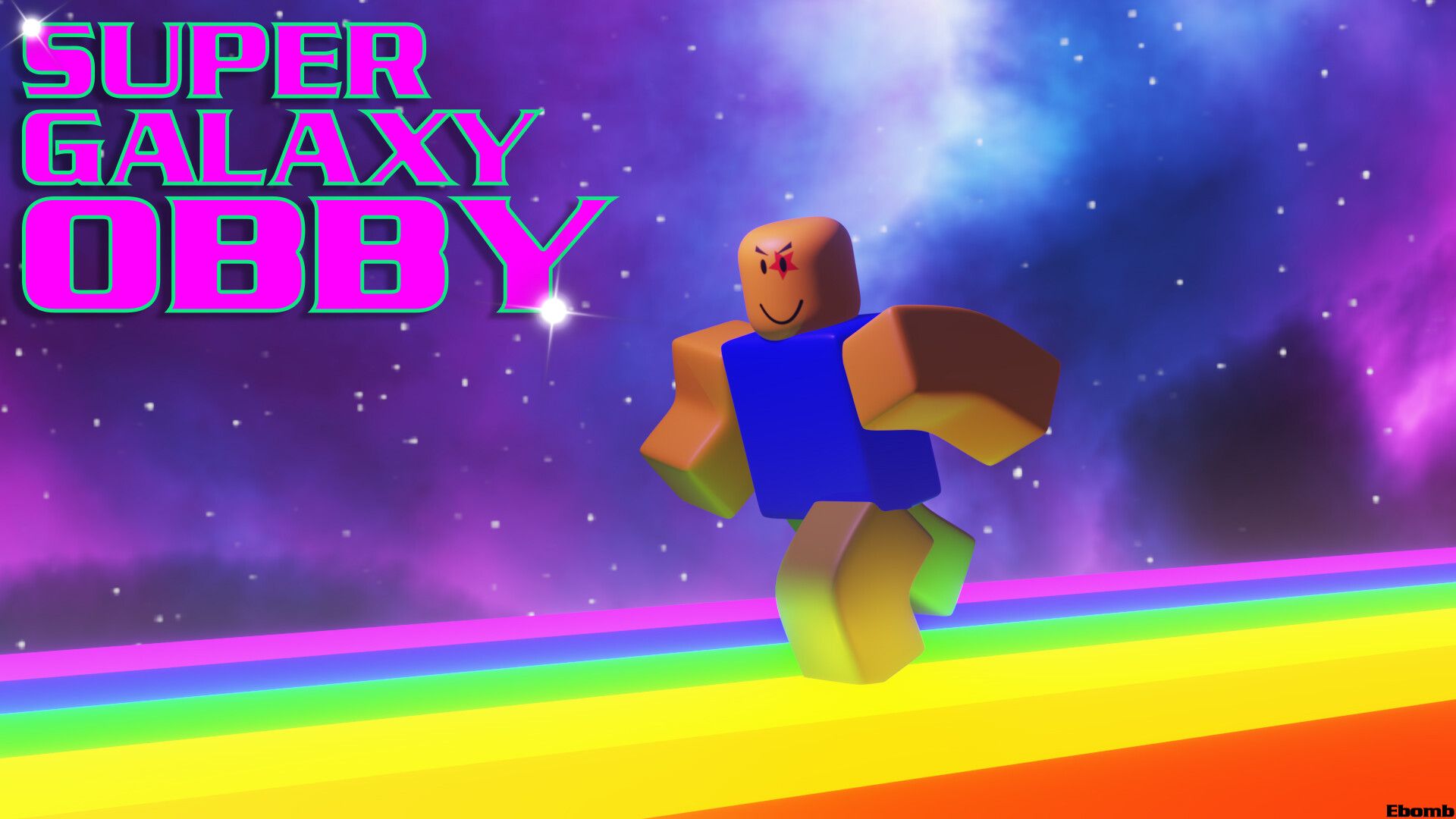
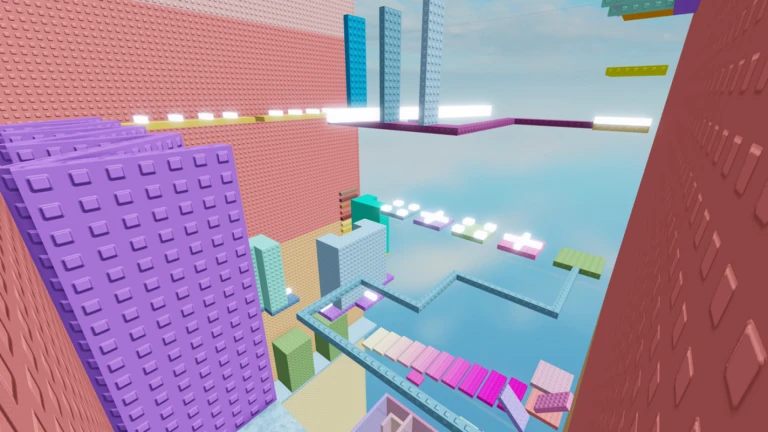
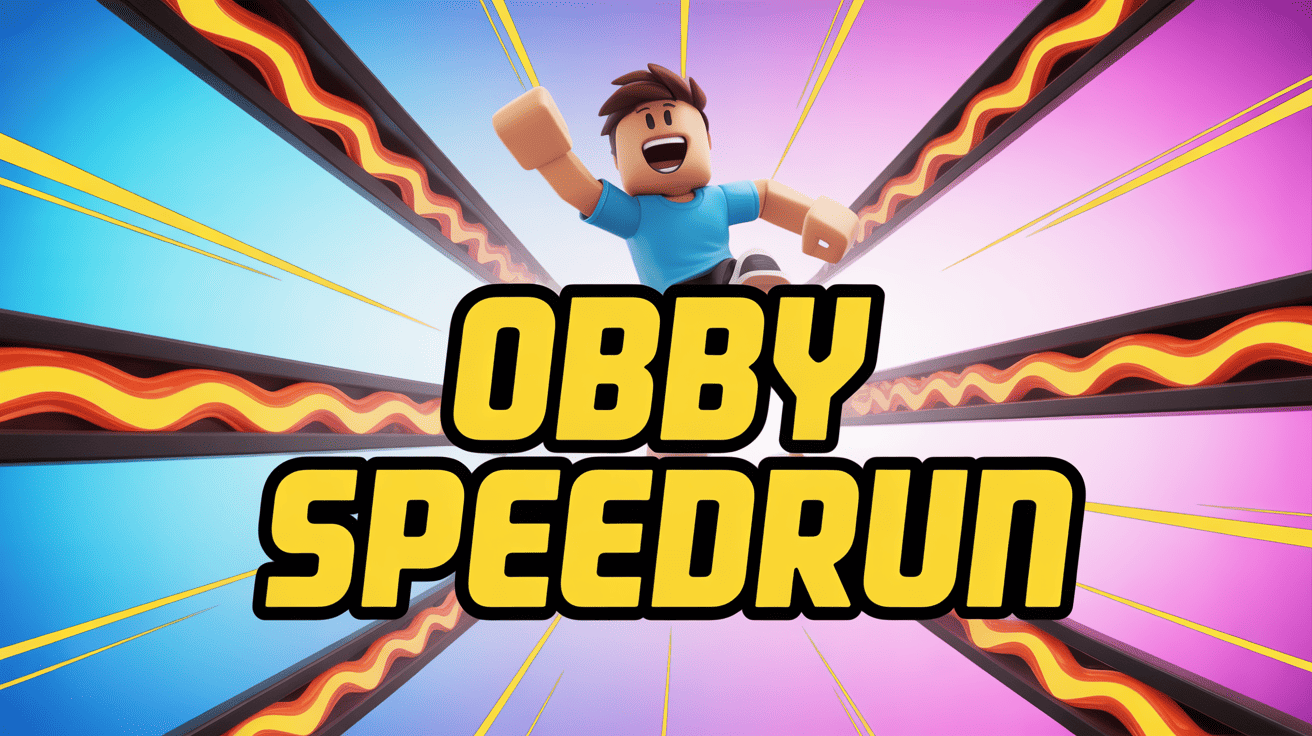
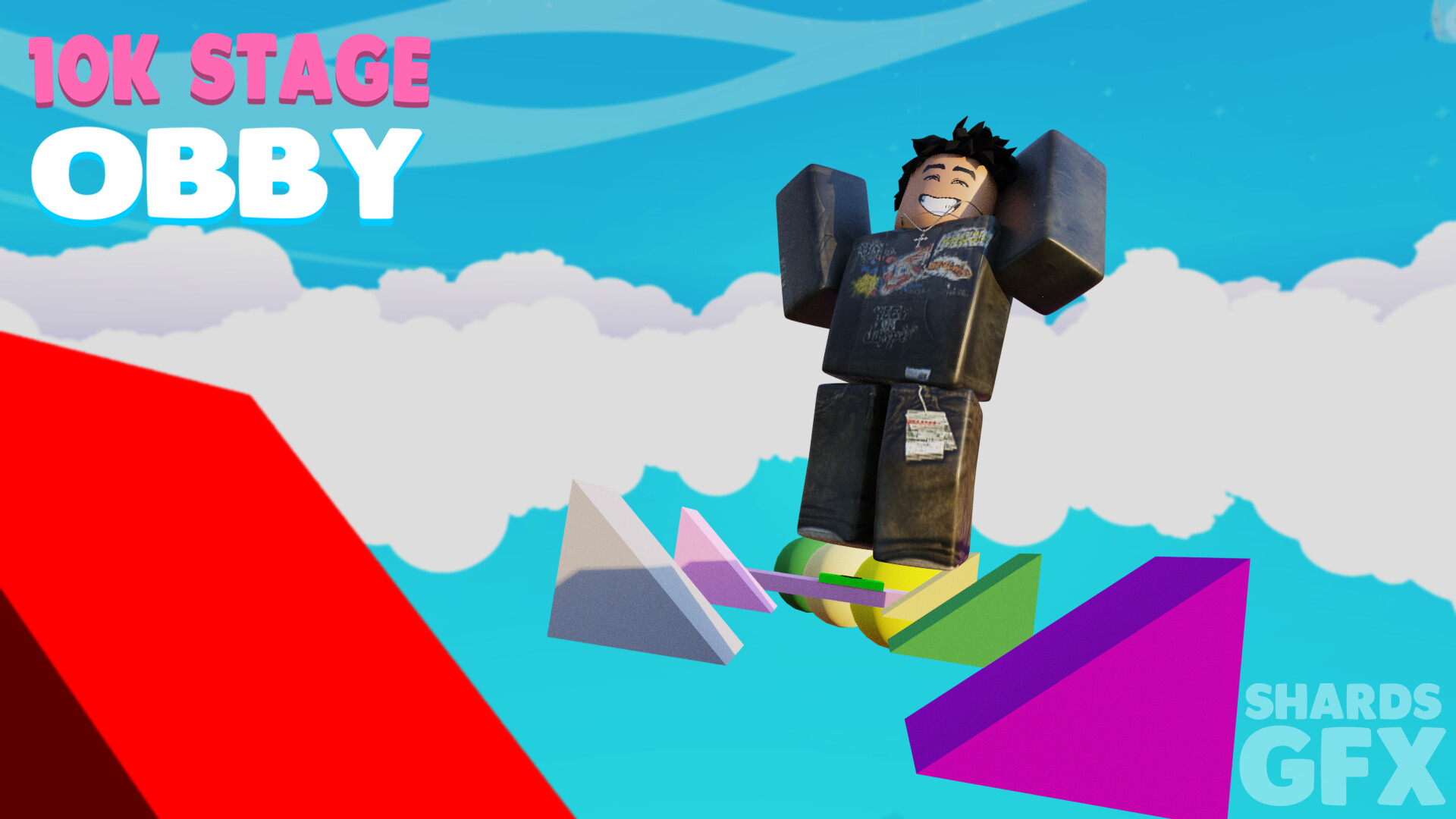
Roblox Obby Thumbnail On Craiyon. Roblox Obby Wallpapers Top Free Roblox Obby Backgrounds 17106252 . Happy Tower Obby Roblox NoFilter. Roblox Obby Challenge Thumbnail Template Alici AI . ArtStation RobloxGFX Obby Thumbnail Shards Obby Thumbnail 5
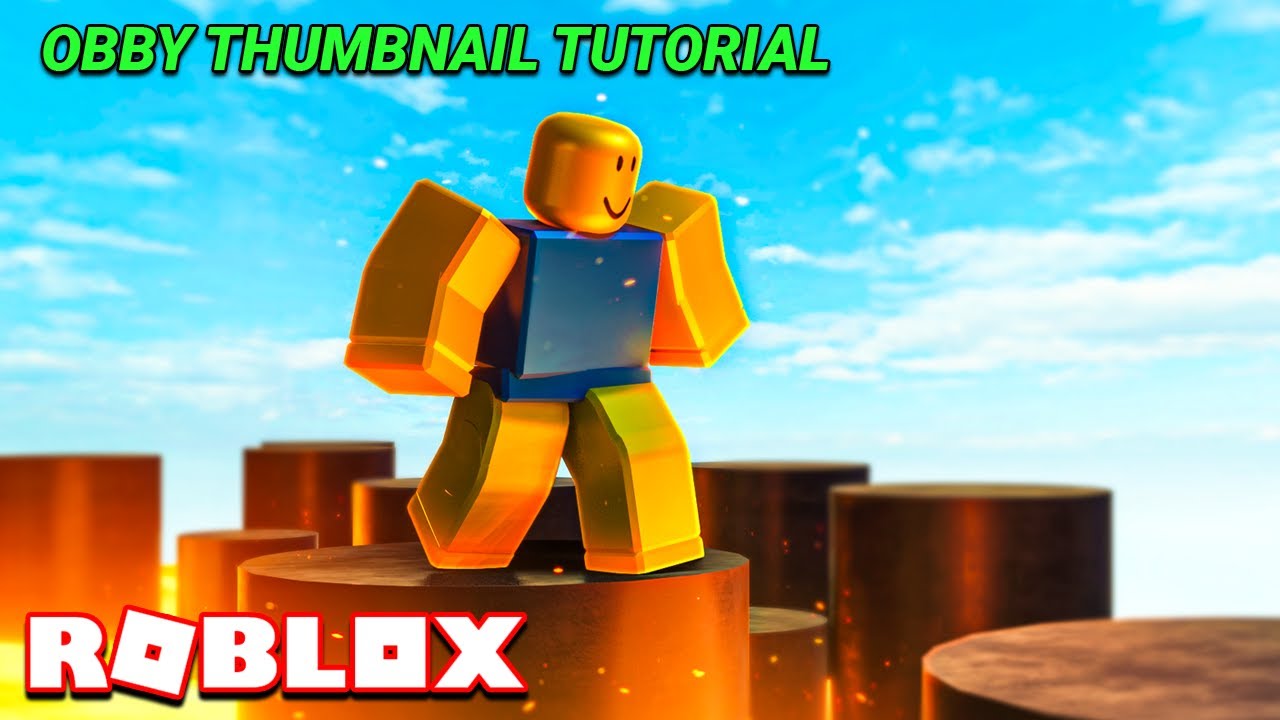
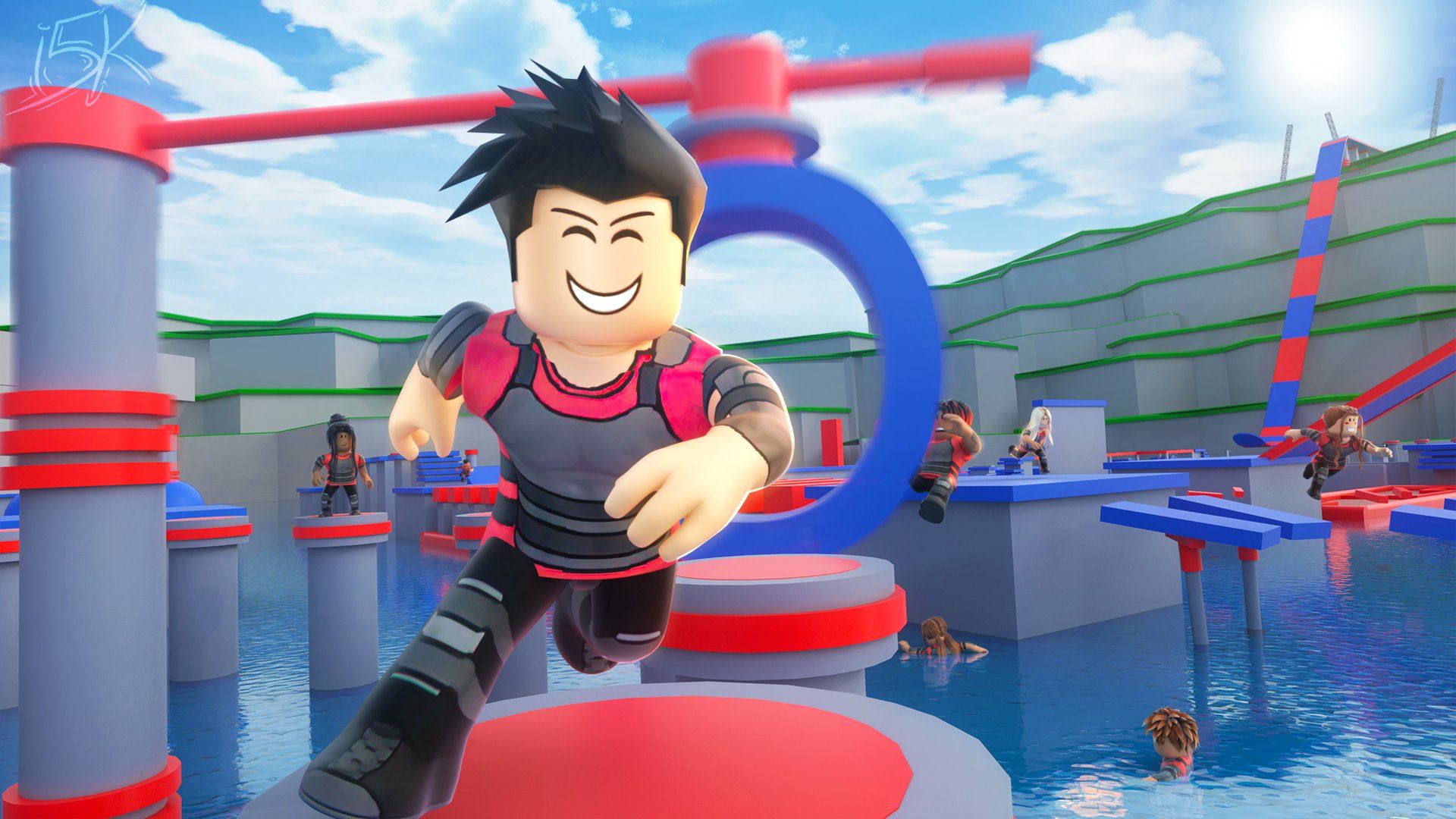
Make An Obby Game Thumbnail From Start To Finish YouTube . Roblox Obby Wallpapers Top Free Roblox Obby Backgrounds 17495934 . Roblox Obby Wallpapers Top Free Roblox Obby Backgrounds 17495992 . Roblox Obby Wallpapers Top Free Roblox Obby Backgrounds 17106251 . Super Easy Obby Roblox Game Rolimon S NoFilter

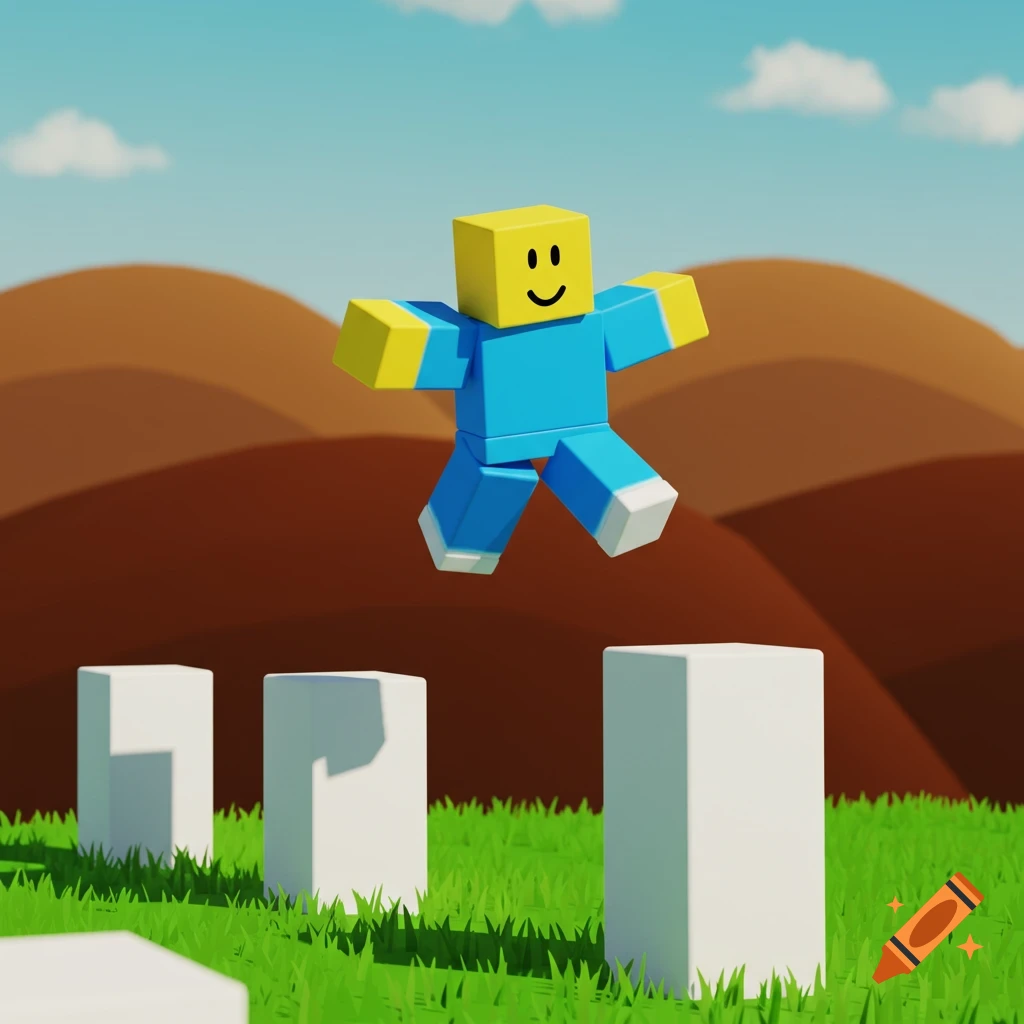
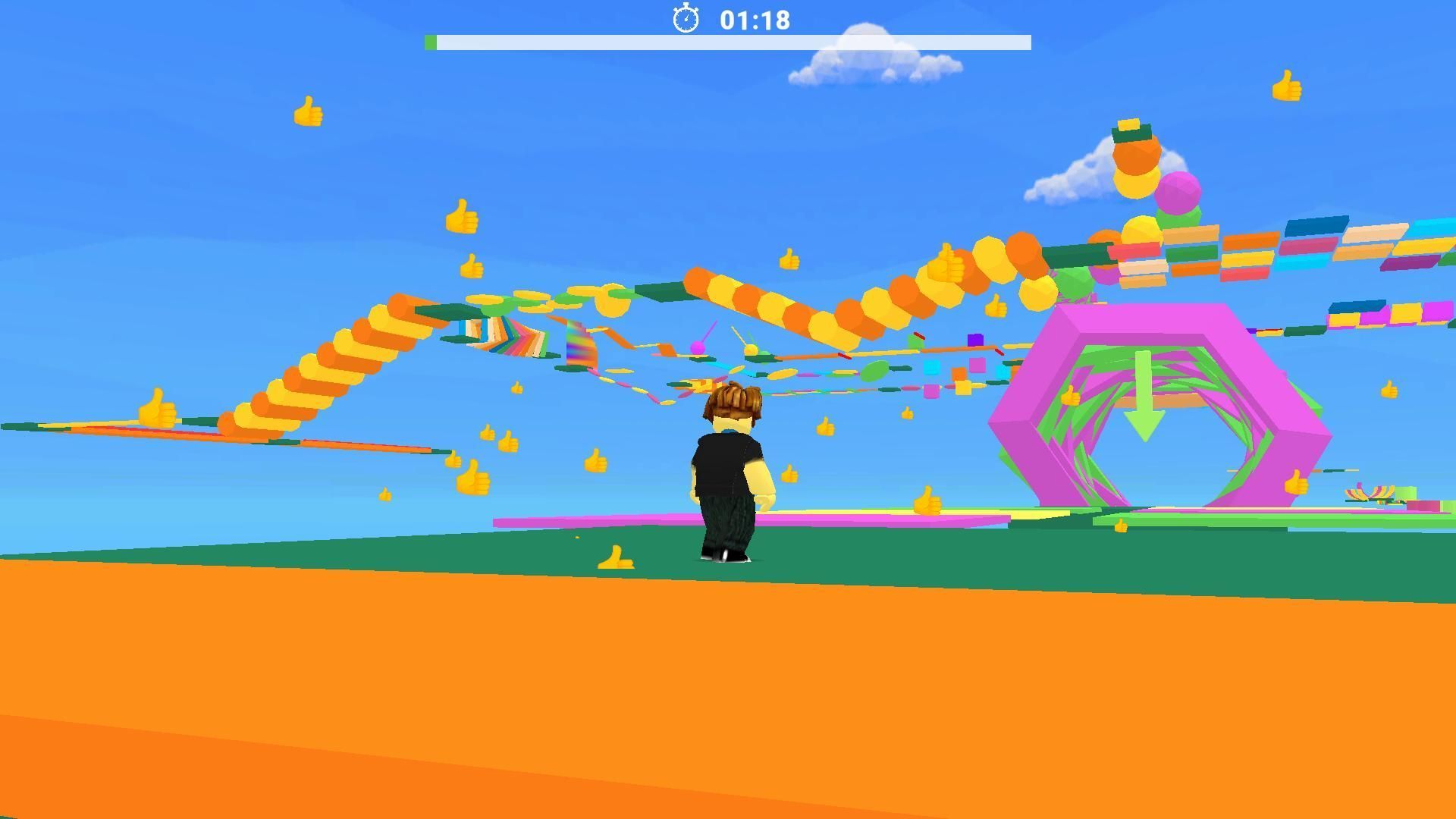
RB Obby Thumbnail 1 By Arcticized On DeviantArt Rb Obby Thumbnail 1 By Arcticized Dfc0ej7 Pre . Roblox Thumbnail Maker Free AI Roblox Thumbnails Fast VisualKit Image. Skateboard Obby Codes March 2026 Deltia S Gaming Untitled Design 2025 06 . Roblox Obby Thumbnail On Craiyon B5Y65fSVSZ CuQj QvymPA.webp. Roblox Obby Wallpapers Top Free Roblox Obby Backgrounds 17496065

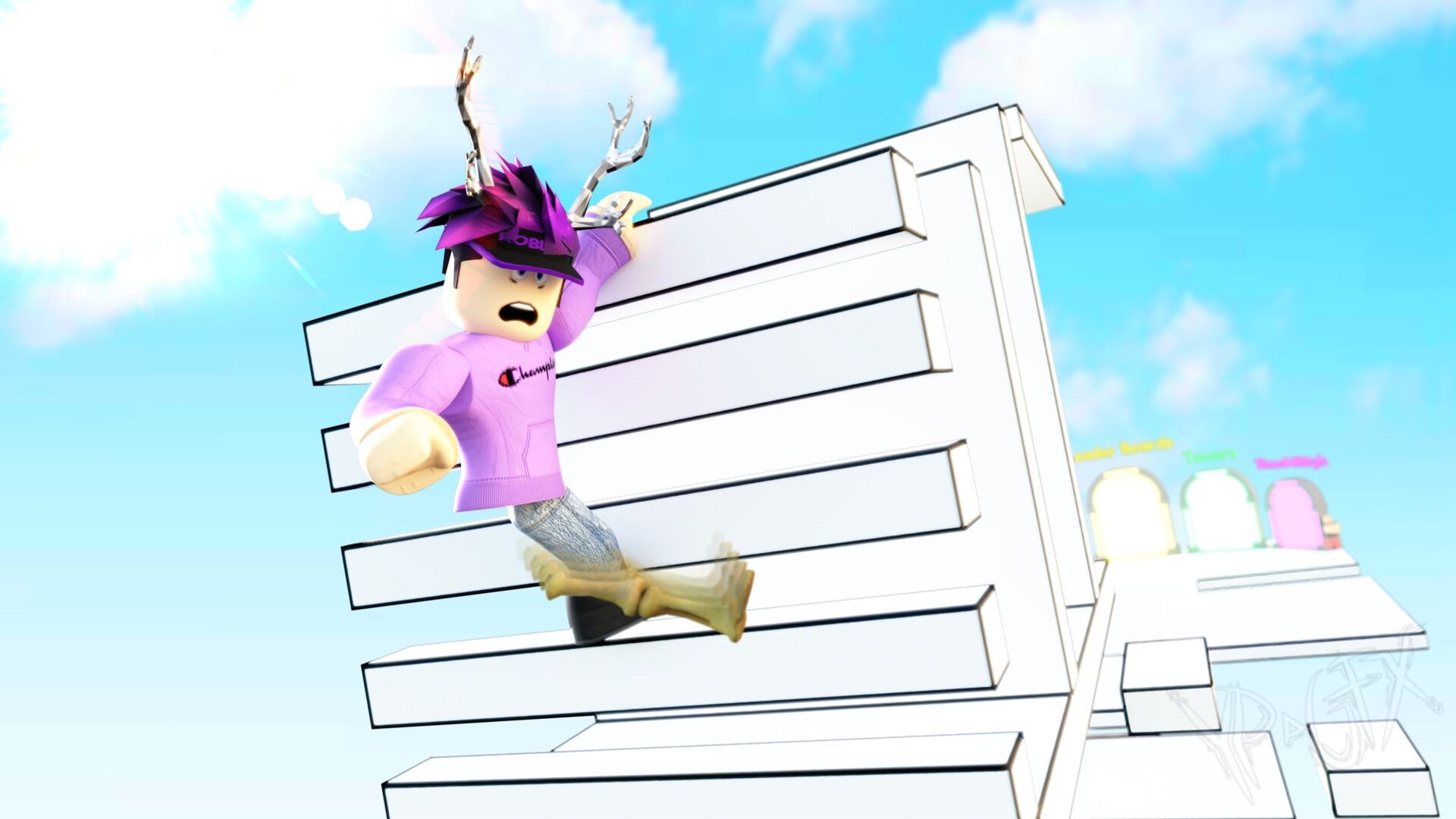
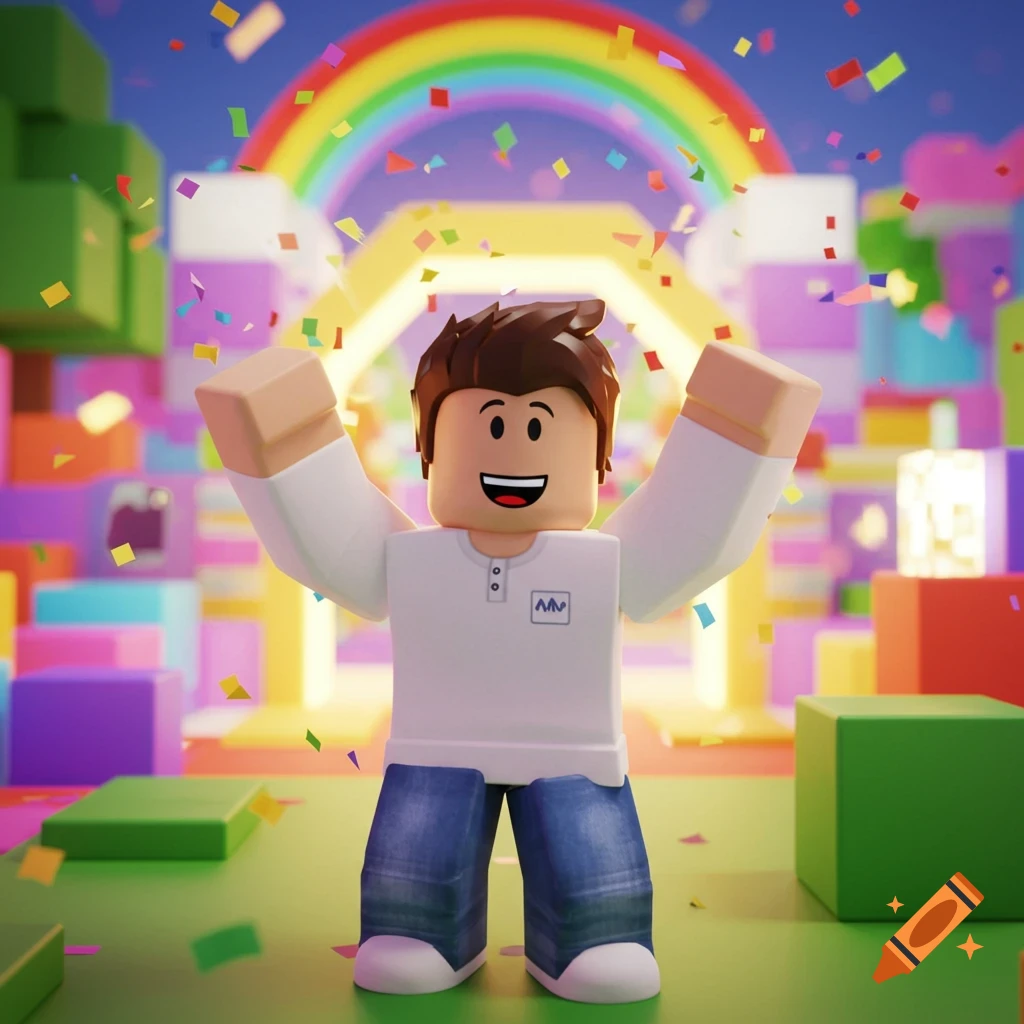


Roblox Obby Wallpapers Top Free Roblox Obby Backgrounds 17106293 . Roblox Obby Wallpapers Top Free Roblox Obby Backgrounds 17106256 . Roblox Obby Thumbnail On Craiyon. Obby Roblox Thumbnail B Quy T T O H Nh Nh Thu H T . Roblox Obby Thumbnail Exciting Game Graphics Free AI Art Generator Df938f68 C418 5f62 99f7

Roblox Obby Wallpapers Top Free Roblox Obby Backgrounds 17106271 . Roblox Obby Wallpapers Top Free Roblox Obby Backgrounds 17106288 . Roblox Obby Thumbnail Creation 512x512 Designs Free AI Art Generator 37b83115 141a 59bf B27b. Roblox Thumbnail Maker Generator Create YouTube Thumbnails Edit Image.webp. How To Make A Roblox Obby Thumbnail That Gets Clicks Obby Obby Blog

Roblox Obby Thumbnail On Craiyon GiE4em ST0eav83 Aj7gww.webp. Roblox Obby Wallpapers Top Free Roblox Obby Backgrounds 17495939 . Latest Updated All Games On Roblox Roblox Game List Updated Daily NoFilter. Roblox Obby Wallpapers Top Free Roblox Obby Backgrounds 17495990 . Easy Obby Roblox