Ever wondered if a Chromebook can truly handle your gaming sessions beyond casual mobile titles? The landscape of gaming is rapidly evolving, and in 2026, the answer might surprise you. This comprehensive guide dives deep into what a gaming Chromebook truly is, how it leverages cloud streaming services and Android app support to deliver a legitimate gaming experience. We explore the latest hardware advancements and software optimizations that make modern Chromebooks viable for gamers balancing work, family, and life. Discover how these versatile devices offer a budget-friendly and accessible gateway to hundreds of popular games without the need for a high-end dedicated gaming rig. Learn about the benefits of cloud gaming platforms like GeForce NOW and Xbox Cloud Gaming, which transform a standard Chromebook into a powerful portal for AAA titles. We will also cover essential tips for optimizing performance, troubleshooting common issues, and selecting the best gaming Chromebook for your specific needs. Get ready to redefine your perception of Chromebook gaming and unlock a world of fun, relaxation, and social play, all while staying current with the latest gaming trends.
What exactly makes a Chromebook a gaming Chromebook?
A gaming Chromebook isn't defined by internal dedicated graphics like a traditional gaming laptop. Instead, it's optimized for cloud gaming services like GeForce NOW and Xbox Cloud Gaming, offering enhanced connectivity, higher refresh rate displays, and powerful processors that efficiently stream AAA titles. It also provides seamless access to a vast library of Android games, making it a versatile platform for modern gamers.
Can I play AAA PC games directly installed on a Chromebook?
Generally, no. Chromebooks run ChromeOS, which doesn't natively support Windows or macOS executables. However, through robust cloud gaming services, you can stream hundreds of AAA PC games that run on remote, powerful servers directly to your Chromebook, effectively playing them without any local installation. This bypasses the need for high-end local hardware.
How important is internet speed for a good Chromebook gaming experience?
Extremely important. Since cloud gaming relies heavily on streaming, a stable and fast internet connection (ideally 50 Mbps or higher for 1080p gaming, and 100+ Mbps for 1440p/4K) is absolutely crucial to minimize latency and ensure a smooth, lag-free experience. Wi-Fi 6E or a wired Ethernet connection are highly recommended for optimal performance.
Do I need a special controller for gaming on a Chromebook?
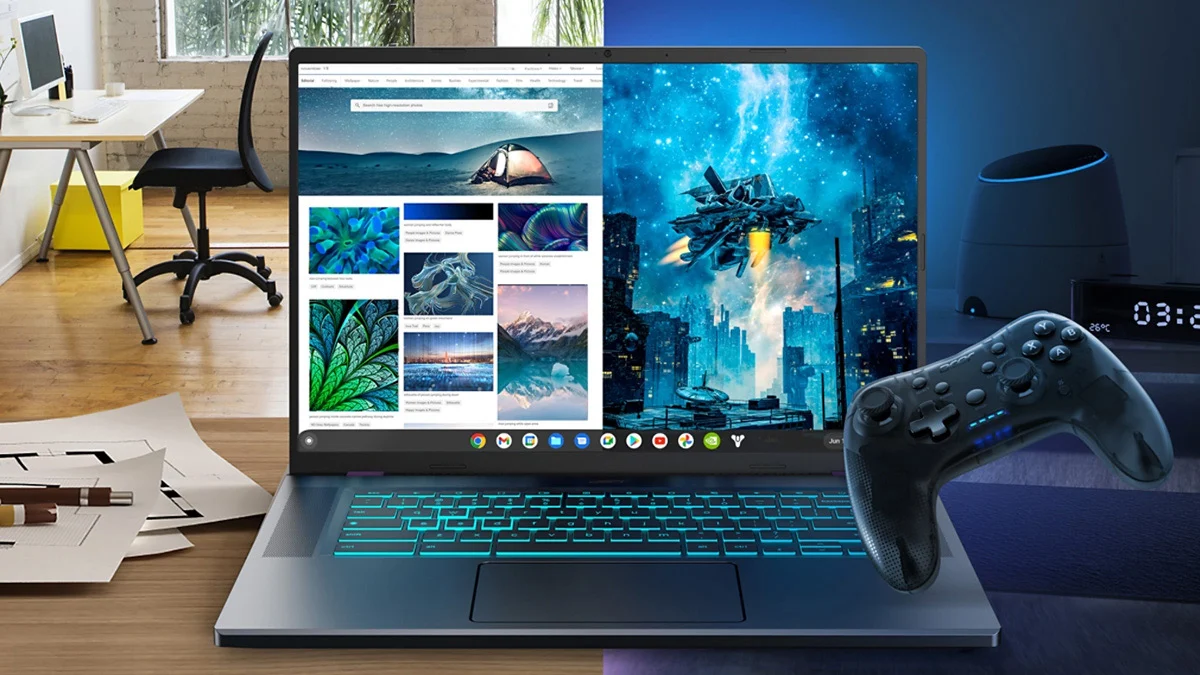
While some Android games are touch-friendly, for a true, immersive gaming experience with cloud-streamed AAA titles, a Bluetooth controller is highly recommended. Popular options like Xbox controllers, PlayStation controllers, or even third-party PC controllers are generally plug-and-play or easily pairable with most modern Chromebooks, offering precision and comfort.
What are the main advantages of gaming on a Chromebook compared to a traditional gaming laptop?
Chromebooks offer several distinct benefits: they are typically much more affordable, incredibly portable, boast long battery lives, boot up quickly, and are inherently secure with automatic updates. They leverage cloud power, meaning you don't need expensive local hardware to play demanding games, significantly reducing both initial cost and ongoing maintenance hassles for busy gamers.
Will my Chromebook get hot while playing games?
When streaming games via cloud services, the intensive graphical processing and computation happen on remote servers, not on your Chromebook. This means your Chromebook generally stays much cooler and quieter compared to a traditional gaming laptop running games locally, reducing fan noise and heat output. Android games might generate some warmth, but far less than a full PC game.
What kind of games are best suited for a gaming Chromebook?
Gaming Chromebooks excel with cloud-streamed AAA titles from platforms like GeForce NOW, Xbox Cloud Gaming, and Amazon Luna, allowing access to the latest PC and console blockbusters. They are also excellent for the vast library of Android mobile games, including popular titles from the Google Play Store. Browser-based games and some Linux games (via Crostini) are additional viable options, offering a wide gaming spectrum.
Hey fellow gamers! Ever find yourself scrolling through social media, seeing friends brag about their latest PC builds or console exclusives, while you're stuck wondering how to squeeze in some quality game time between work, family, and life's endless demands? You're not alone. Many of us, especially those around 36 years old, are balancing a lot, but still crave that escape, that fun, that skill-building challenge gaming offers. The good news is, in 2026, the world of gaming is more accessible than ever, and a surprising contender has emerged: the gaming Chromebook. But what exactly is a gaming Chromebook, and can it really deliver the performance and fun you're looking for without breaking the bank or adding more complexity to your already packed schedule? This article is your ultimate guide, cutting through the hype to give you the real answers. We'll show you how a gaming Chromebook can be your secret weapon for balancing life and play, leveraging modern tech to bring top-tier games right to your fingertips.
US gamers are spending an average of 10+ hours a week playing games, with 87% playing regularly, and mobile gaming continuing its dominance alongside PC and console cross-play. This trend highlights a need for versatile, budget-friendly solutions that don't compromise on experience. That's precisely where the modern gaming Chromebook shines, offering a practical pathway to join the action, socialize with friends online, and unwind after a long day.
What Exactly Is a Gaming Chromebook?
A gaming Chromebook isn't what you might traditionally think of as a 'gaming laptop' with a massive dedicated graphics card and a bulky cooling system. Instead, it's a sleek, lightweight device running Google's ChromeOS, specifically optimized to excel in cloud gaming and Android app performance. Think of it as a portal rather than a powerhouse. It leverages the internet to connect to powerful remote servers that do all the heavy lifting for PC and console games, streaming the video directly to your screen while you send your inputs back. This means you don't need expensive internal components to play demanding titles; you just need a good internet connection and a capable Chromebook.
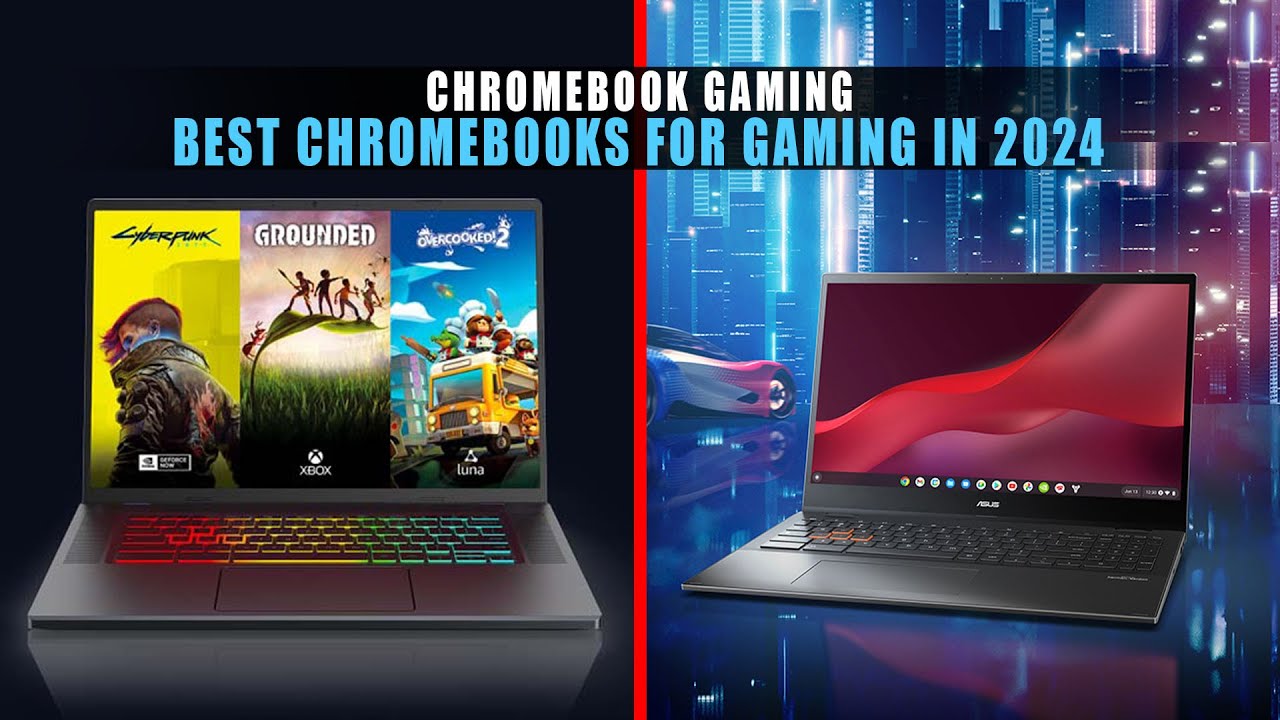
These modern Chromebooks often come equipped with features designed to enhance the gaming experience, such as higher refresh rate displays (120Hz or more), more powerful processors (like Intel Core i5/i7 or AMD Ryzen 5/7), ample RAM (8GB or more), and faster wireless connectivity (Wi-Fi 6E). These specifications ensure smooth streaming, quick load times for Android apps, and responsive gameplay, making them a legitimate option for the modern gamer.
How Do Chromebooks Handle Modern Games?
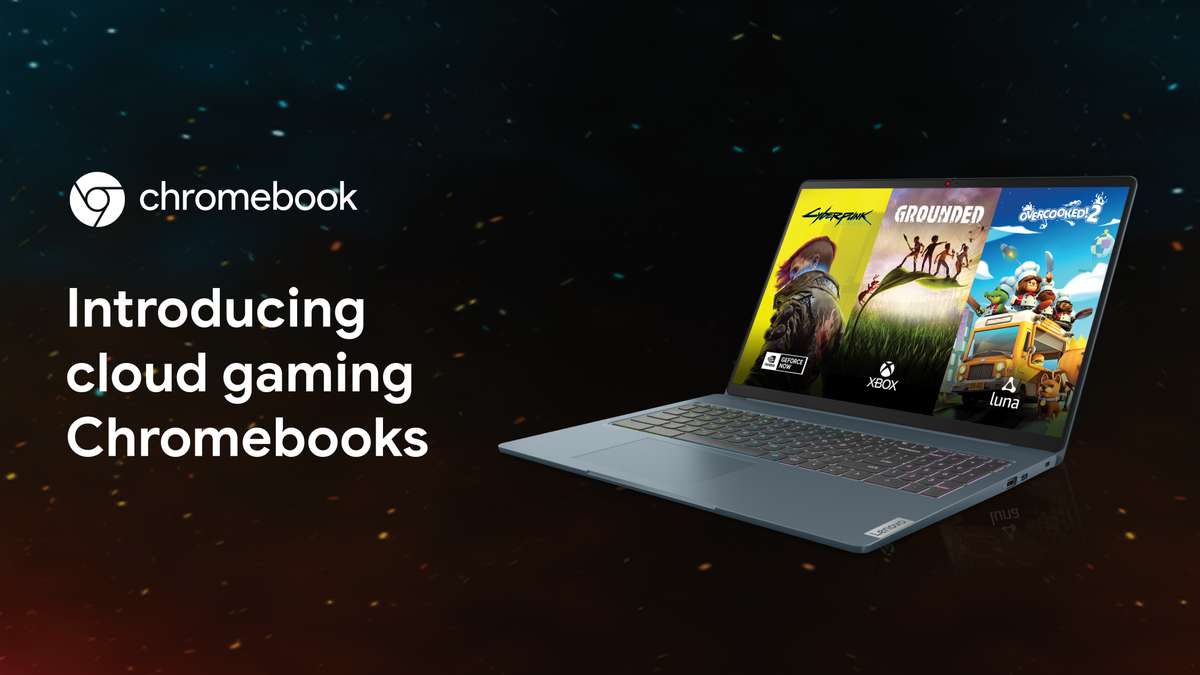
The magic behind Chromebooks handling modern games lies almost entirely in cloud gaming technology. Services like NVIDIA's GeForce NOW, Microsoft's Xbox Cloud Gaming, and Amazon Luna effectively turn a modest Chromebook into a high-end gaming rig. When you launch a game through one of these platforms, the game isn't running on your Chromebook at all; it's running on a super-powerful server in a data center somewhere. Your Chromebook simply receives a video stream of the gameplay and sends your controller or keyboard inputs back to the server. This means you can play graphically intensive AAA titles like Cyberpunk 2077, Baldur's Gate 3, or Apex Legends at high settings, even on a relatively inexpensive Chromebook.
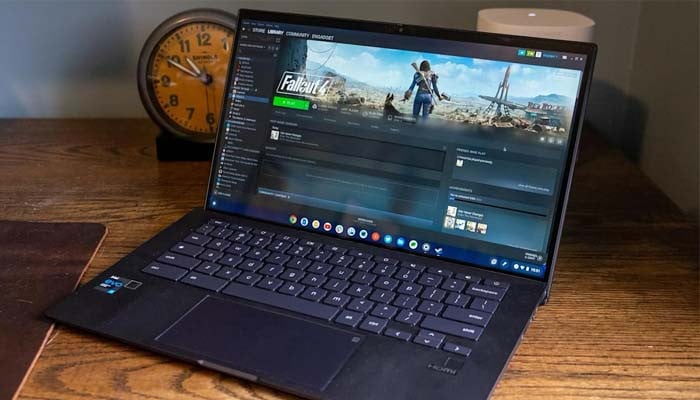
Beyond cloud streaming, Chromebooks also support a vast library of Android games available through the Google Play Store. Many modern Chromebooks have touchscreens and can even convert into tablet mode, making them perfect for mobile-first gaming experiences. Additionally, for tech-savvy users, some Linux games can be run via Crostini, though this is often more for indie titles or older games and requires some technical setup.
Are Dedicated Gaming Chromebooks Really a Thing?
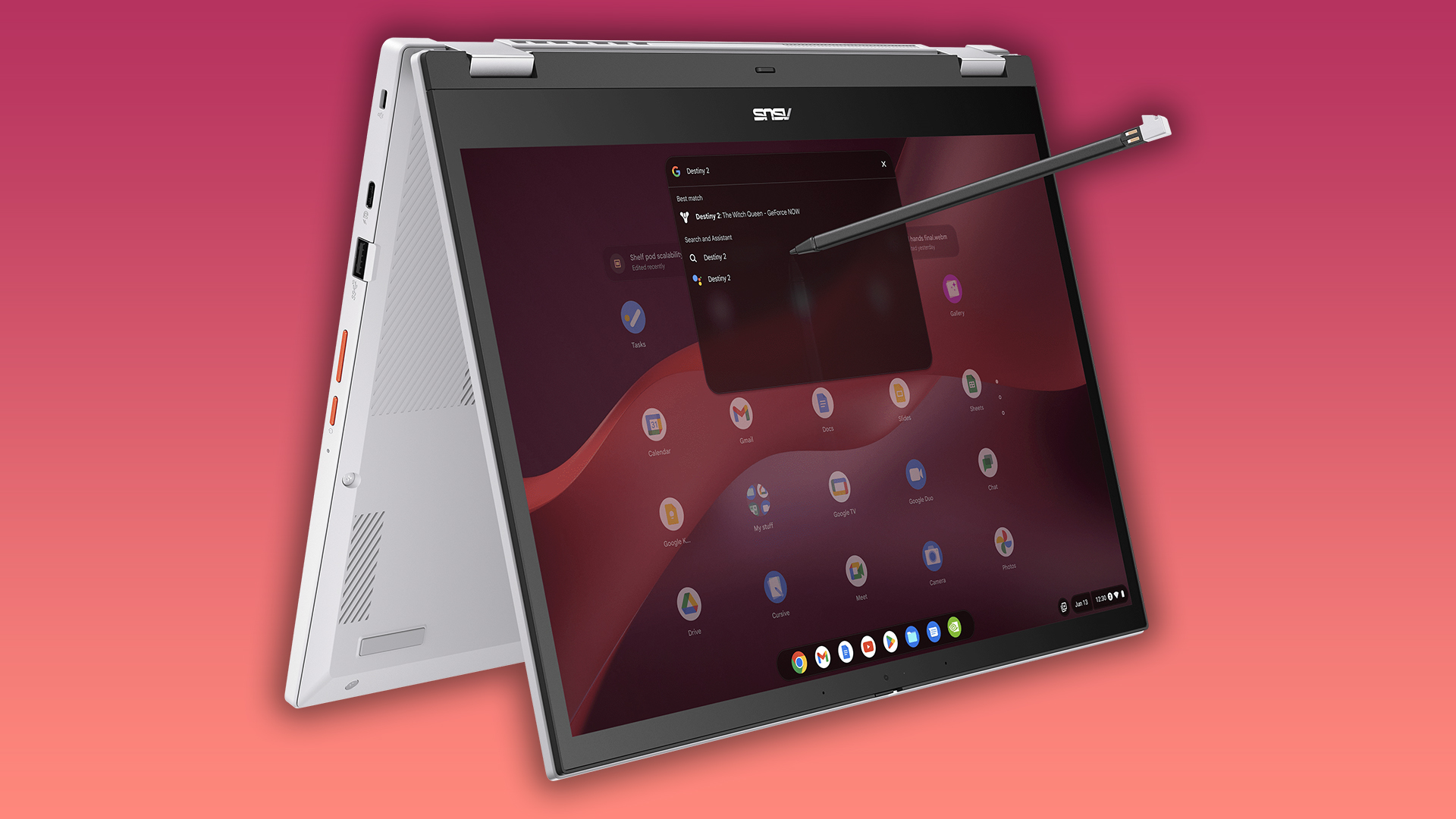
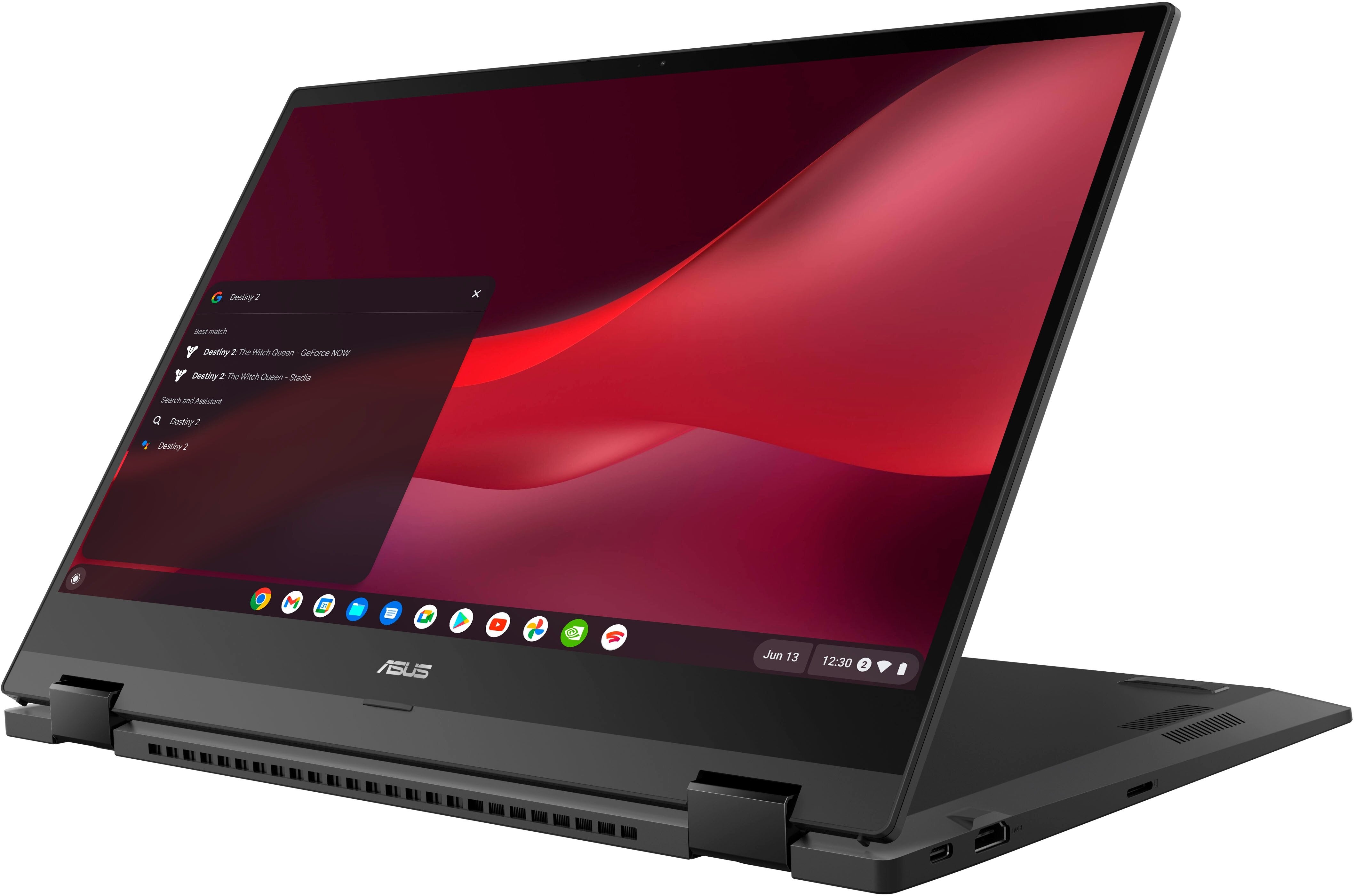
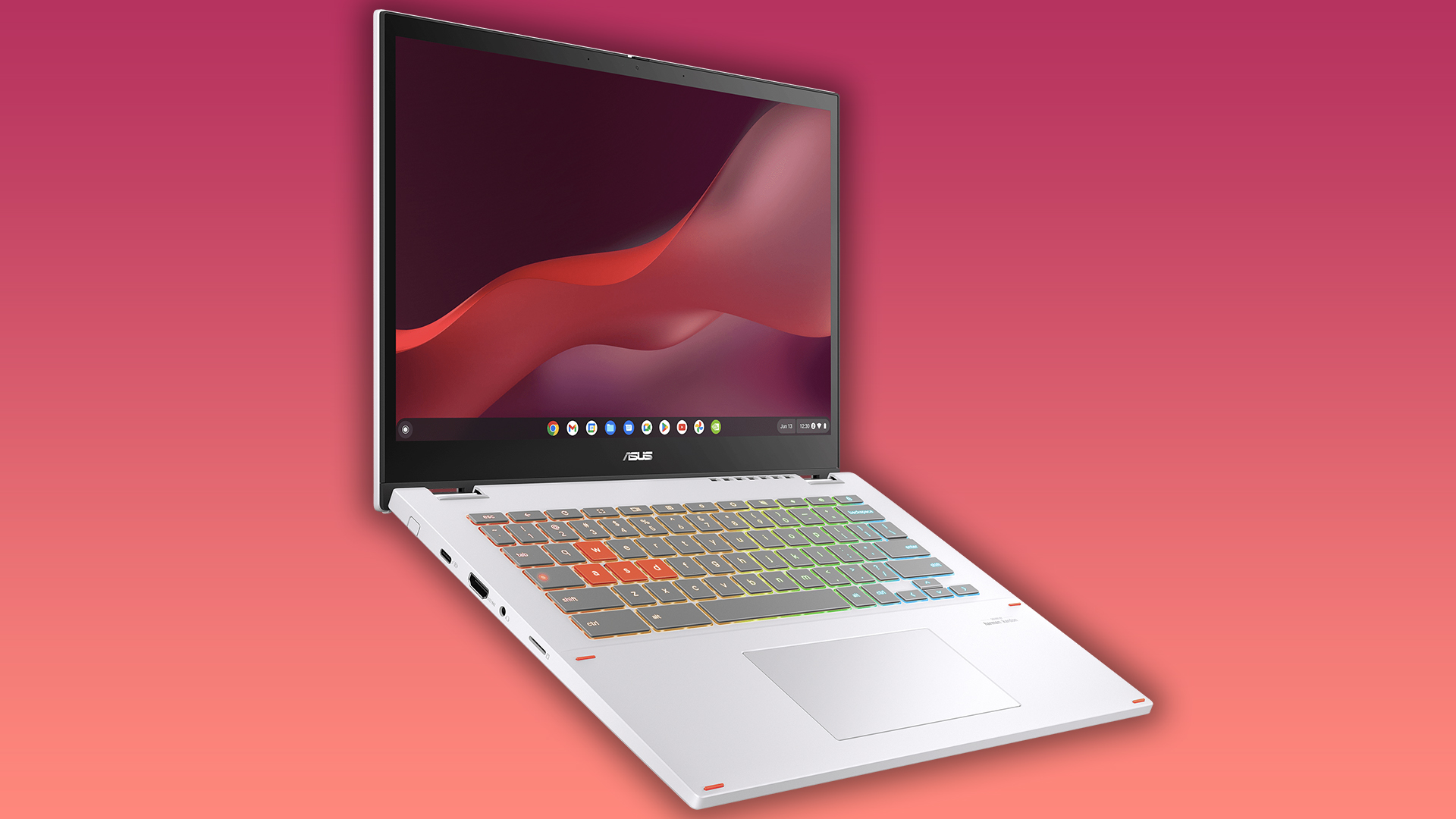
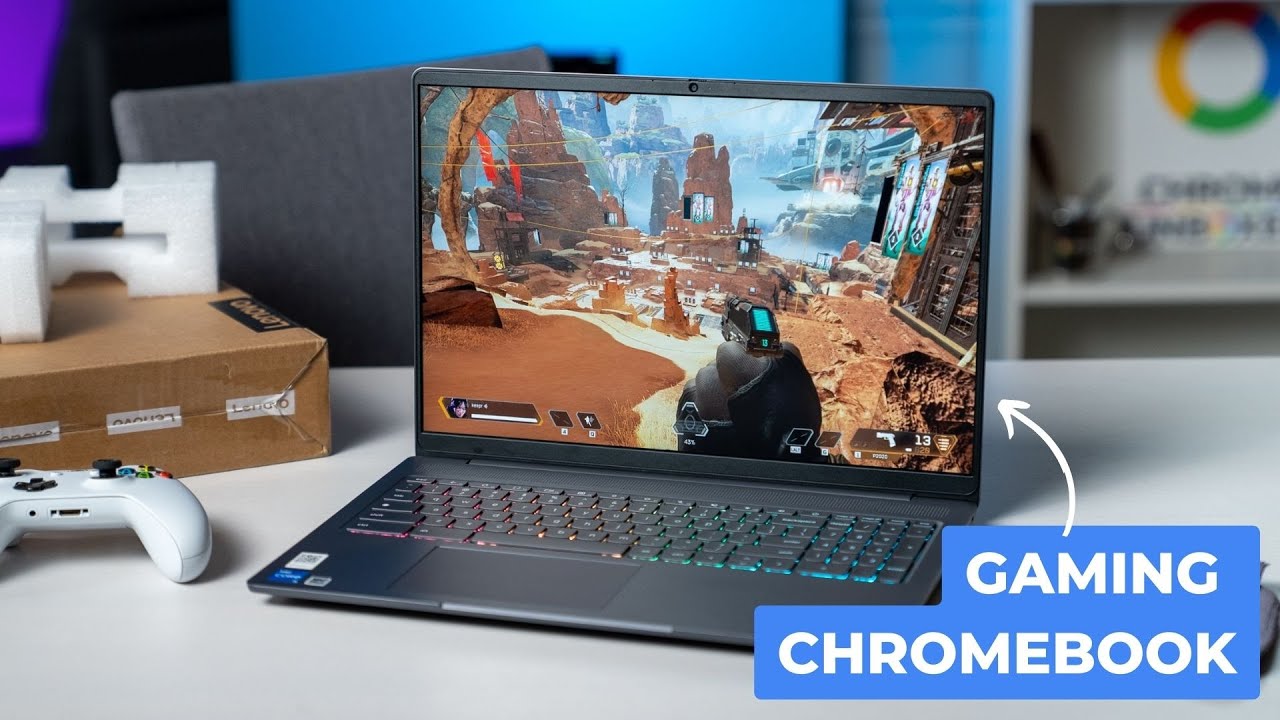
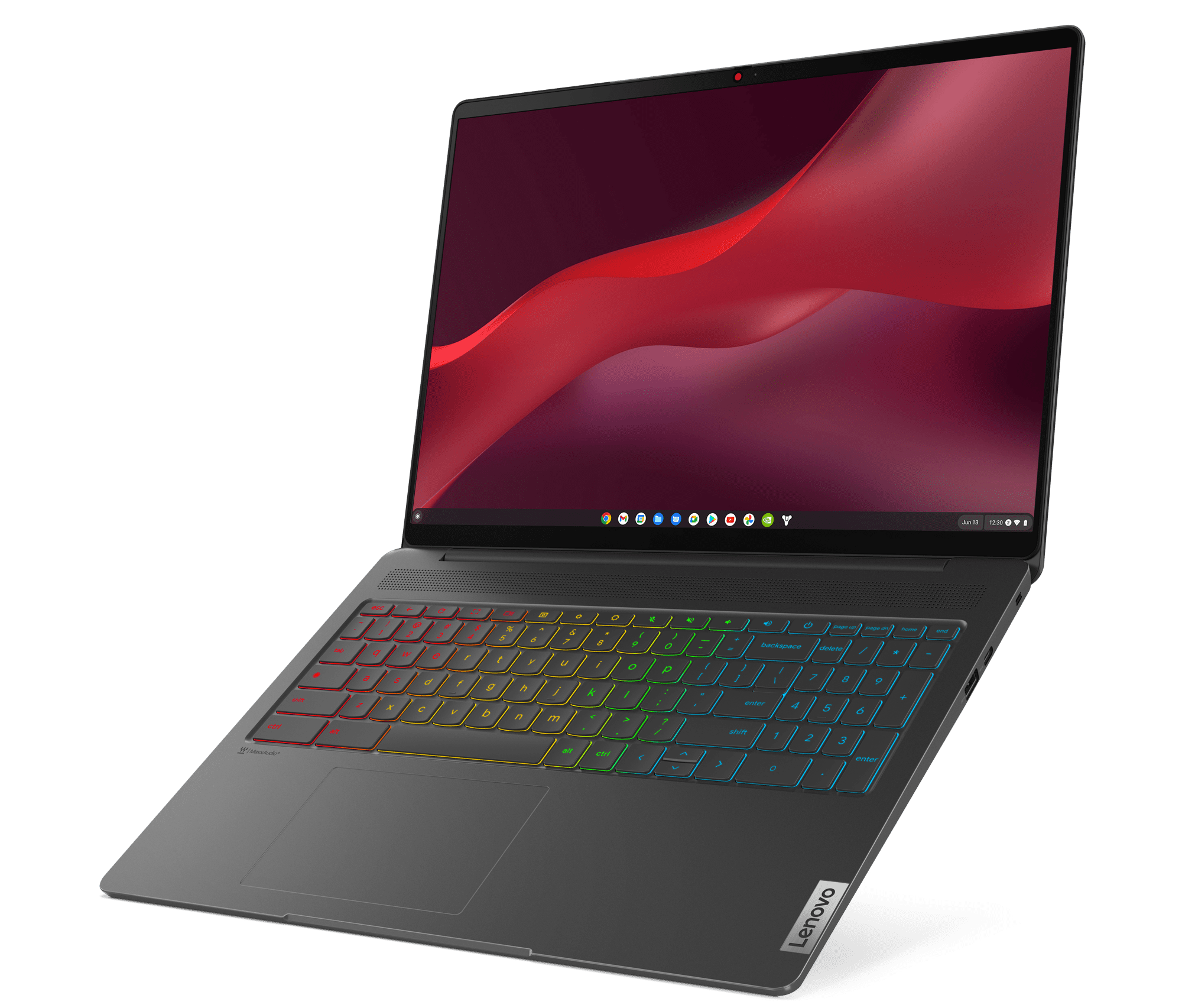
Yes, dedicated gaming Chromebooks are absolutely a thing, though they might not look like the traditional gaming laptops you're used to seeing. Major manufacturers like Acer, ASUS, and Lenovo have started releasing Chromebooks specifically branded and designed with gamers in mind. These models differentiate themselves from standard Chromebooks by offering premium features crucial for a good gaming experience, without compromising the lightweight and secure nature of ChromeOS.
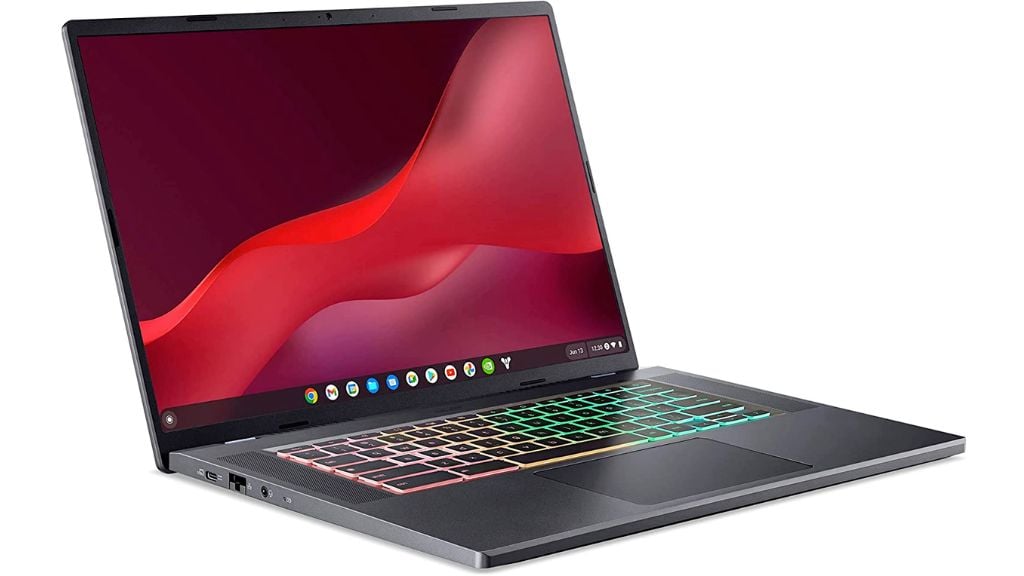

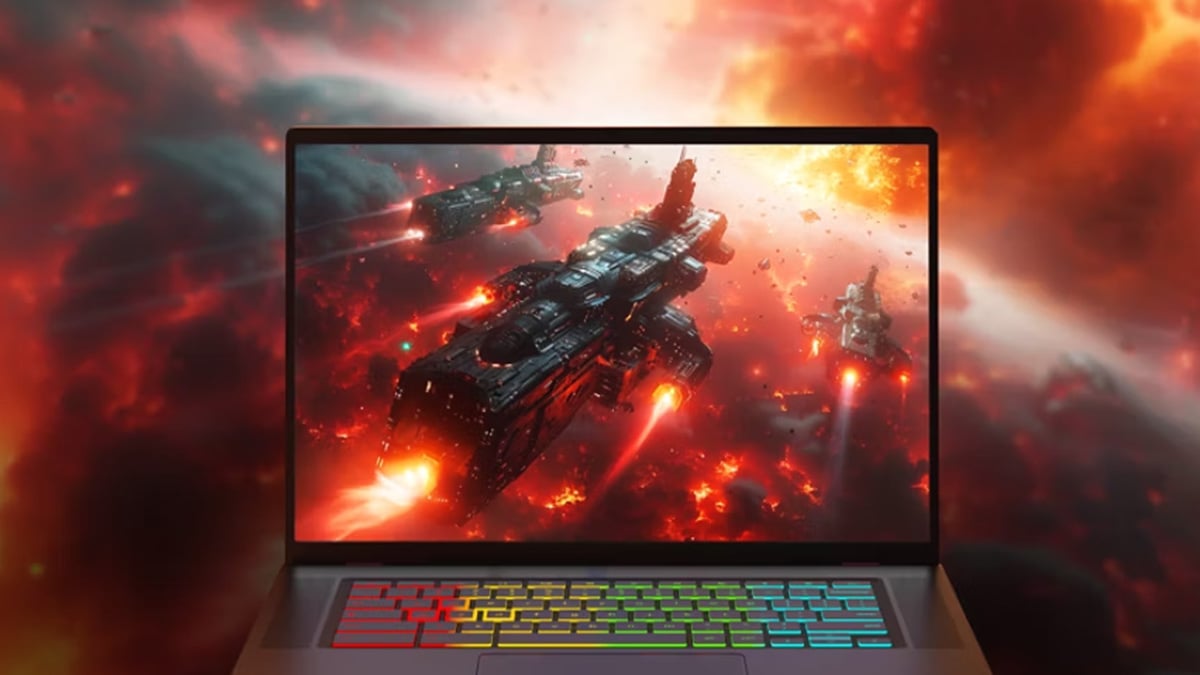
Key features of these gaming-focused Chromebooks include 120Hz or 144Hz high-refresh-rate displays for smoother visuals, powerful CPUs (often Intel Core i5/i7 or AMD Ryzen 5/7) for snappier performance in ChromeOS and Android apps, and advanced Wi-Fi 6E for low-latency cloud gaming. Many also boast RGB keyboards, improved audio, and better cooling systems to ensure comfort during extended play sessions. These enhancements collectively provide a superior experience for streaming AAA games and running Android titles, solidifying their place in the gaming ecosystem as a practical and value-driven choice.
What Are the Best Cloud Gaming Services for Chromebooks?
Choosing the right cloud gaming service is crucial for a stellar experience on your gaming Chromebook. Here are the top contenders that shine on ChromeOS:
- NVIDIA GeForce NOW: This is arguably the gold standard for PC game streaming on a Chromebook. It connects to your existing PC game libraries (Steam, Epic Games, Ubisoft Connect, GOG) and lets you stream your owned titles from NVIDIA's powerful servers. It offers various tiers, including a free option and premium memberships with RTX-enabled graphics, longer session times, and priority access. GeForce NOW is celebrated for its low latency and high-quality streams, making it ideal for competitive and graphically demanding games.
- Xbox Cloud Gaming (Xbox Game Pass Ultimate): For console gamers or those who love Microsoft's ecosystem, Xbox Cloud Gaming is a fantastic option. Included with an Xbox Game Pass Ultimate subscription, it provides access to a huge library of Xbox titles that you can stream directly to your Chromebook. It's particularly strong for social and co-op games, bringing the console experience to your portable device without needing an Xbox.
- Amazon Luna: Amazon's cloud gaming service is another solid choice, especially if you're an Amazon Prime member, which grants you access to a rotating selection of free games. Luna offers channels of games for various genres and styles, often including popular new releases. Its integration with Amazon's ecosystem makes it a convenient option for many users.
Each service offers a slightly different game library and pricing model, so checking out trials or free tiers can help you decide which best fits your gaming preferences and budget.
Can I Play Popular PC and Console Games on a Chromebook?
Yes, absolutely! This is where the magic of cloud gaming truly shines for Chromebook users. You won't be installing games like Call of Duty, Apex Legends, or Elden Ring directly onto your Chromebook's hard drive, but you can play them flawlessly through cloud streaming services. For instance:
- Through GeForce NOW, you can stream hundreds of popular PC titles that you own on platforms like Steam, Epic Games, or Ubisoft Connect. This includes recent blockbusters and esports staples.
- With Xbox Cloud Gaming (part of Xbox Game Pass Ultimate), you can stream a vast library of Xbox console games, including many first-party Microsoft titles and third-party hits.
The experience is almost identical to playing on a high-end gaming PC or console, as the powerful hardware is in the cloud. Your Chromebook simply acts as the display and input device. This opens up a world of gaming opportunities that were previously out of reach for traditional Chromebooks, proving that you don't need a bulky, expensive machine to enjoy cutting-edge titles.
What About Android Games and App Performance?
While cloud gaming gets most of the headlines for modern Chromebooks, their ability to run Android apps natively is a huge bonus for gamers. Chromebooks have had access to the Google Play Store for years, meaning you can download and play virtually any Android game just like you would on a phone or tablet. This is fantastic for casual gaming, mobile esports, and titles that don't require super-low latency.
Modern gaming Chromebooks, with their improved processors and more RAM, deliver a significantly better Android gaming experience. Games load faster, run smoother, and look crisper on larger, often higher-resolution and higher-refresh-rate displays. Many popular mobile titles, from Genshin Impact to Among Us, run exceptionally well. Plus, the ability to connect a Bluetooth controller instantly elevates the experience for many Android games, making them feel more like console titles. This dual capability—AAA cloud gaming and robust Android app support—makes the gaming Chromebook a highly versatile machine for diverse gaming tastes.
How Can I Optimize My Chromebook for the Best Gaming Experience?
To squeeze every drop of performance out of your gaming Chromebook, especially for cloud streaming, follow these optimization tips:
- Internet Connection is King: This is the most critical factor. Aim for a stable, high-speed connection (50 Mbps minimum for 1080p, 100+ Mbps for 1440p/4K). Use Wi-Fi 6E if available, and ideally, connect via Ethernet for the lowest latency and most consistent speeds. Keep your router updated and close to your Chromebook.
- Close Unnecessary Tabs and Apps: ChromeOS is efficient, but many open browser tabs or background Android apps can consume valuable bandwidth and processing power. Close anything you don't need while gaming.
- Adjust Stream Quality Settings: Most cloud gaming services allow you to tweak resolution, frame rate, and bitrate. If you're experiencing lag, try lowering these settings slightly to find a balance between visual quality and responsiveness.
- Use a Compatible Controller: For the best experience, use a low-latency Bluetooth controller. Xbox controllers, PlayStation controllers, or even USB-C wired controllers are generally plug-and-play and offer precise input.
- Keep ChromeOS Updated: Google regularly releases updates that improve performance and fix bugs. Ensure your Chromebook is always running the latest version of ChromeOS.
- Consider a Restart: A quick restart can often clear up any lingering issues and give your Chromebook a fresh start before a heavy gaming session.
What Peripherals and Accessories Are Essential for Chromebook Gaming?
To truly elevate your Chromebook gaming setup, a few key accessories can make all the difference:
- Gaming Controller: A good Bluetooth controller is non-negotiable for cloud gaming and many Android titles. The Xbox Wireless Controller or PlayStation DualSense are excellent choices, offering comfort and wide compatibility.
- High-Speed Internet Connection (and Ethernet Adapter): As mentioned, internet speed is vital. If your Wi-Fi is spotty, consider a USB-C to Ethernet adapter for a stable, wired connection.
- Gaming Headset: For immersive audio and clear communication in social games, a comfortable gaming headset (wired via 3.5mm jack or USB-C, or a low-latency Bluetooth option) is essential. This allows you to chat with friends on Discord or in-game.
- External Monitor (Optional but Recommended): If you're playing at home, connecting your Chromebook to a larger, higher-refresh-rate monitor can significantly enhance the visual experience. Ensure your Chromebook supports video out via USB-C or HDMI.
- Portable Mouse (for certain games): While controllers are primary for many games, some titles (especially strategy or certain Android games) might benefit from a precise external mouse.
- Power Bank: For extended gaming sessions on the go, a high-capacity USB-C power bank can be a lifesaver, ensuring your fun isn't cut short.
Investing in these peripherals transforms your Chromebook from a simple laptop into a formidable portable gaming station, ready for any challenge.
Is a Gaming Chromebook a Good Value for Money?
For many gamers, particularly those balancing multiple responsibilities, a gaming Chromebook represents exceptional value for money. Here's why:
- Lower Upfront Cost: Compared to traditional gaming laptops, which can easily run into thousands of dollars, a quality gaming Chromebook often costs significantly less, typically in the $400-$800 range.
- No Expensive GPU Upgrades: Since the heavy lifting is done in the cloud, you don't need to worry about costly GPU upgrades. Your Chromebook stays relevant for gaming as long as it has good internet and display.
- Versatility: It's not just for gaming. A Chromebook is also an excellent tool for productivity, web browsing, and media consumption, making it a true all-in-one device for work, school, and play.
- Longer Battery Life: Generally, Chromebooks offer superior battery life compared to power-hungry gaming laptops, perfect for on-the-go gaming.
- Security and Simplicity: ChromeOS is renowned for its robust security and ease of use, meaning less time troubleshooting and more time gaming.
For gamers who prioritize accessibility, portability, and value without sacrificing the ability to play modern titles, a gaming Chromebook is an incredibly smart investment. It addresses common pain points like hardware costs and setup complexities, offering a straightforward path to enjoyment.
How Do I Balance Gaming with My Busy Life Using a Chromebook?
Gaming on a Chromebook naturally fits into a busy lifestyle, offering flexibility and convenience. Here's how it helps you find that balance:
- Quick Boot-Up and Instant Play: Chromebooks boot up in seconds, meaning you can jump into a game almost instantly during a short break – perfect for squeezing in a quick match or completing a daily quest. No waiting for lengthy updates or OS loads.
- Portability for On-the-Go Gaming: Lightweight and compact, a Chromebook can go anywhere you do. Catch up on your favorite titles during a commute, lunch break, or while waiting to pick up the kids. Gaming doesn't have to be confined to a desk.
- Cost-Effective Entertainment: By saving money on expensive hardware, you free up budget for other life priorities or even for game subscriptions and in-game purchases that enhance your experience.
- Stress Relief and Social Connection: For many, gaming is a vital stress reliever and a way to connect with friends. With a Chromebook, you can easily access social games, chat on Discord, and unwind, making gaming a healthy part of your routine.
- No Setup Headaches: Cloud gaming means no massive downloads, installation issues, or driver updates. Just log in and play, reducing the mental overhead often associated with PC gaming setup.
The gaming Chromebook empowers you to integrate gaming into your life seamlessly, providing that much-needed dose of fun and relaxation without disruption.
Conclusion
So, there you have it. The question of "what is a gaming Chromebook" has evolved far beyond basic web browsing devices. In 2026, it represents a legitimate, budget-friendly, and incredibly versatile option for gamers who want to enjoy the latest titles without the traditional barriers of high cost, complex setups, or restrictive hardware. From streaming AAA blockbusters via cloud services to diving into the vast world of Android games, Chromebooks offer a compelling package for the modern gamer balancing work, family, and a passion for play. They address common pain points like performance issues and budget constraints, providing a practical solution for staying current and having fun.
Ready to jump into the future of accessible gaming? What's your biggest gaming challenge, and how do you think a gaming Chromebook could help solve it? Comment below and let's discuss!
FAQ Section
Q: Do gaming Chromebooks need a constant internet connection?
A: For cloud gaming services like GeForce NOW or Xbox Cloud Gaming, yes, a constant and stable internet connection is essential as the games are streamed. However, offline Android games can be played without internet once downloaded.
Q: Can I use my existing gaming accounts (Steam, Xbox, Epic Games) on a gaming Chromebook?
A: Yes! Cloud gaming services like GeForce NOW connect directly to your existing PC game libraries (Steam, Epic Games, GOG, Ubisoft Connect), allowing you to play games you already own. Xbox Cloud Gaming uses your Xbox Game Pass Ultimate subscription.
Q: Are gaming Chromebooks good for esports or competitive play?
A: With a fast, stable internet connection and a good high-refresh-rate display, gaming Chromebooks are surprisingly capable for competitive play through cloud streaming. Latency is the primary concern, so a wired connection and optimal Wi-Fi setup are crucial.
Q: What are the best features to look for in a gaming Chromebook?
A: Prioritize a high-refresh-rate display (120Hz+), a strong processor (Intel Core i5/i7 or AMD Ryzen 5/7), at least 8GB of RAM, and Wi-Fi 6E for optimal cloud gaming performance. A comfortable keyboard and good port selection also help.
Q: Can I stream my gameplay from a Chromebook?
A: While dedicated streaming setups are typically on PCs, you can use built-in screen recording features for local clips. For live streaming to platforms like Twitch or YouTube, third-party Android apps or browser-based streaming solutions might work, but performance can vary.
Cloud gaming platforms transform Chromebooks into powerful gaming machines. Access to Android apps for mobile gaming. Lightweight and portable design for on-the-go gaming. Budget-friendly alternative to traditional gaming laptops. Seamless integration with Google services. Ideal for balancing work, life, and gaming. Supports external controllers and accessories. Optimized for streaming AAA titles.
34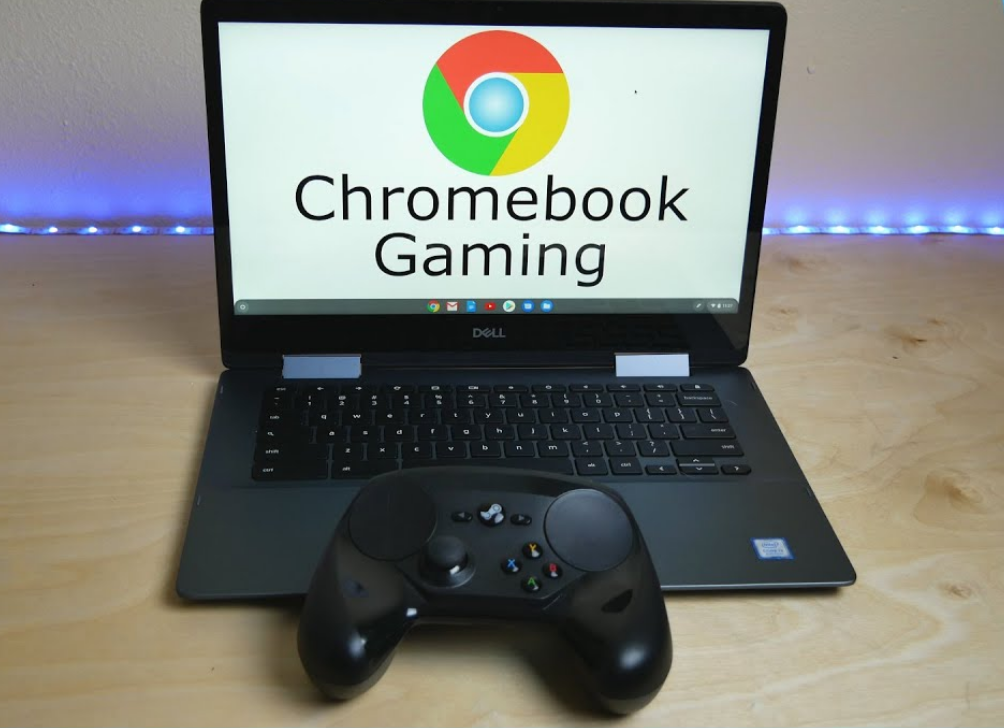

Can You Game On A Chromebook In 2026 The Honest Answer Chromebook Gaming . Beste Chromebook Van 2026 Volgens BCC Chromebook . 5 Best Chromebooks For Gaming In 2025 02 516 GE . 8 Best Chromebooks You Can Buy In 2026 Beebom 516GE Gaming 1 . Asus New Gaming Chromebook Is A Vibe But What S The Point Laptop Mag
Google S Three New Gaming Chromebooks Show It S Still Keen On Cloud . Superb Deal Gets You Three Months Of Free Cloud Gaming With These Acsus . Beste Chromebook 2026 De 3 Beste Modellene Akkurat N TechRadar 1200 80 . Lenovo Launched IdeaPad Chromebook Plus Series Android Infotech June Lenovo IdeaPad Gaming Chromebook Plus Open Position . Gaming Chromebooks Are Finally Here But Not In The Way You Think 1200 80



Google Unveils A Wave Of Cloud Gaming Chromebooks PCWorld ASUS Chromebook Flip CX5 CX5501 Exceptional Gaming Experiences 1 . Asus New Gaming Chromebook Is A Vibe But What S The Point Laptop Mag . Don T Miss The Excellent Lenovo Gaming Chromebook For Just 299 Right Now . Best Chromebooks 2026 Don T Buy One Before Watching This YouTube . The Ultimate Guide To Unleashing Gaming Power On Chromebooks In 2023 Lenovo Ideapad Gaming Chromebook
Chromebook Games That Support Controller At Arthur Dwyer Blog L 32 2 1 1200x675 . I M Extremely Excited And Even More Worried About What Changes Might . HP CES 2026 OmniBook OmniStudio X Chromebook HP OmniBook . 5 Best Chromebooks For Gaming In 2024 Chromebook Gaming YouTube . Best Chromebook 2026 Top Picks In South Africa Evetech Best Chromebook Sa 2026 1200px V1.webp

B Sta Chromebook 2026 3 Topprankade Modeller Just Nu TechRadar . MediaTek Kompanio 540 Coming To Fanless Chromebooks In 2026 Lenovo Chromebook Logo 1 . What Is A Chromebook And Should You Buy One Laptop Mag 1200 80 . Image Downloader For Chrome Save All Photos In One Click Chrome Geek Best Strategy Games ChromeOS 1024x1024 . Cara Update Chromebook Untuk TKA 2026 Agar Bisa Digunakan Mengatasi 1149360452


HP S 2026 Chromebook Refresh Focuses On Premium Screens And All Day HP Chromebook X360 14 2026 . 10 Best Chromebook Games 2025 Edition YouTube . Chromebook For Beginners 16th Edition 2026 Magazine PDF Chromebook For Beginners 16th Edition 2026 . HP Announces New Chromebook Plus X360 14 And Chromebook 14 At CES 2026 HP 14. Cloud Gaming For All Lenovo S New IdeaPad Chromebook Offers An Easy 16 Ideapad 5i Chromebook 167 Hero Open Angle

Google To Discontinue Support For Steam For Chromebook In 2026 Report 44765 095000 Eng . No More Steam For Chromebooks After Jan 2026 Says Google Acer Corner Acer Chromebook Plus 516 Ge Built For The Future Of Gaming . Migliori Chromebook Gennaio 2026. Best Chromebook For Gaming In 2026 Our Top Picks PC Guide Best Chromebook For Gaming 2023