Managing your Roblox account log in process effectively is essential for every dedicated gamer across the United States today. Whether you are a veteran builder or a new player entering the metaverse, understanding the nuances of secure access ensures that your virtual items and game progress remain safe from potential threats. This comprehensive guide explores the best practices for logging in, utilizing two-step verification, and troubleshooting common errors that might occur during your gaming sessions. We dive deep into the latest security patches and updates implemented by the developers to protect millions of active users globally. By following these expert tips and navigational strategies, you can minimize the risk of unauthorized access and enjoy a seamless experience on any device. Staying informed about account recovery options and official login portals is the first step toward becoming a more responsible and secure member of the massive gaming community.
How do I log into my Roblox account?
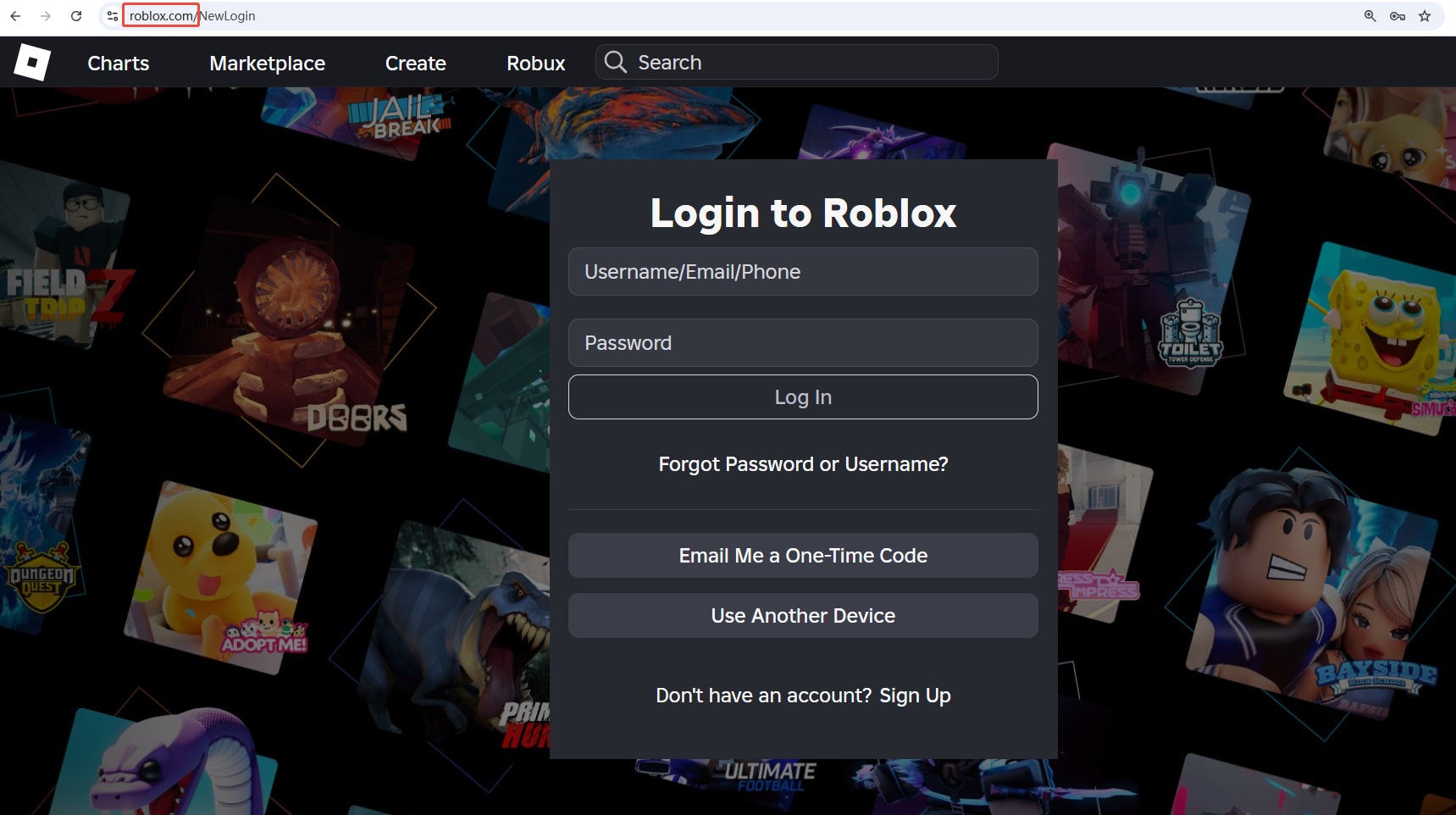
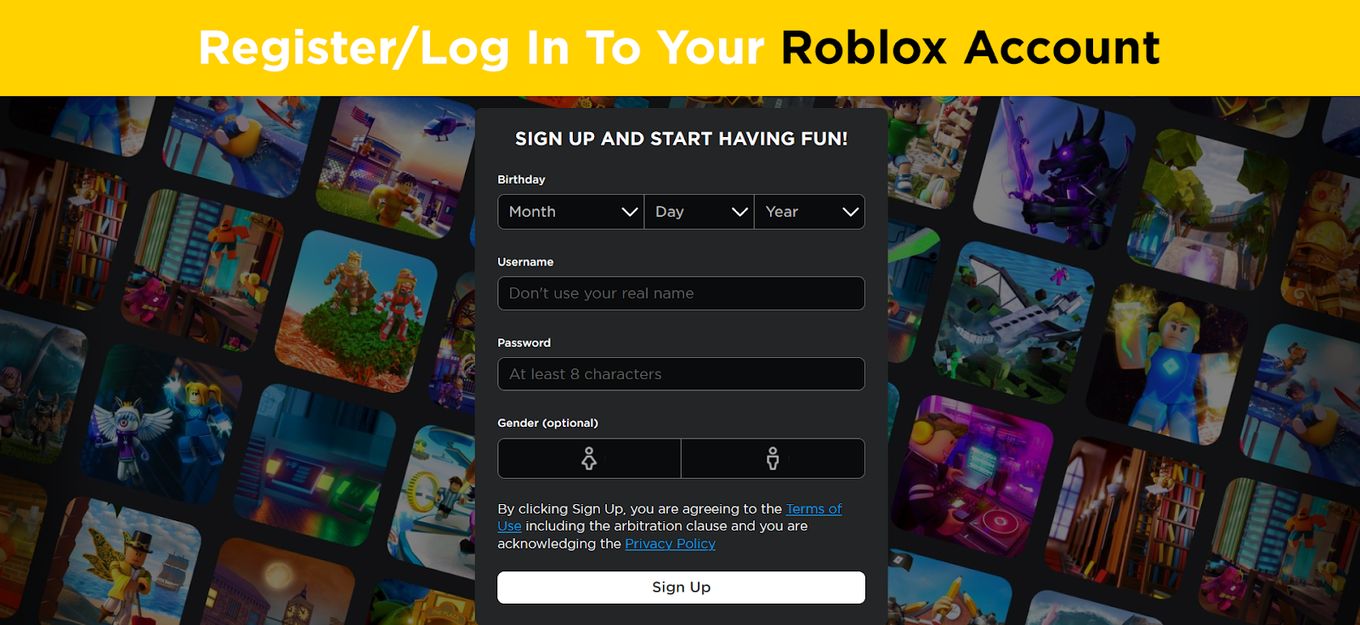
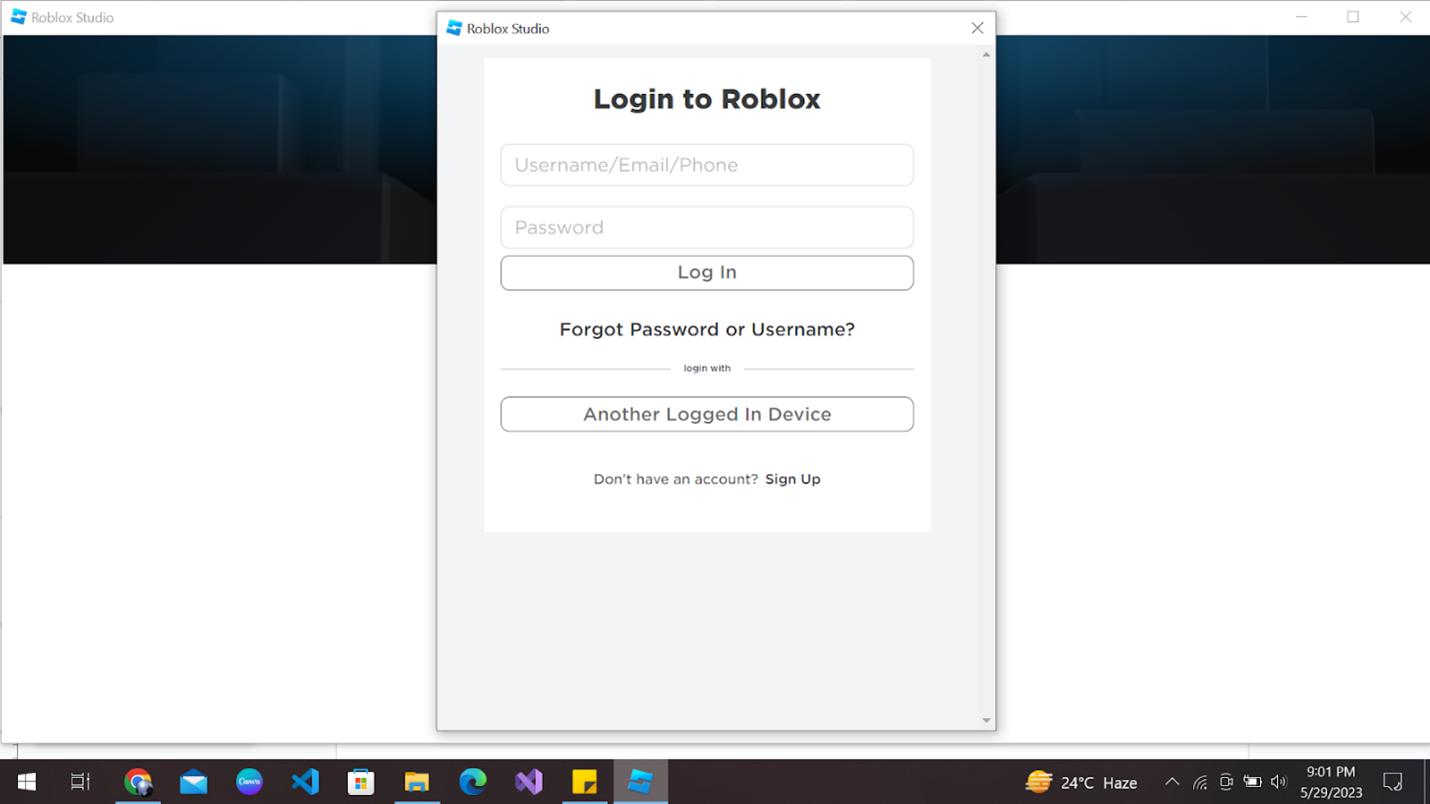
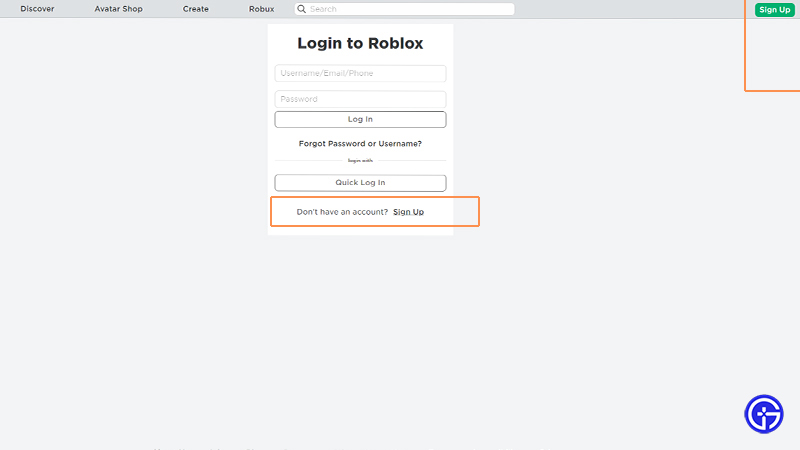
To log into your Roblox account, navigate to the official website and click the Login button in the top right corner. Enter your registered username and password into the provided fields. If you have Two-Step Verification enabled, you will also need to enter the security code sent to your email or generated by your authenticator app to gain access.What should I do if I forgot my Roblox password?
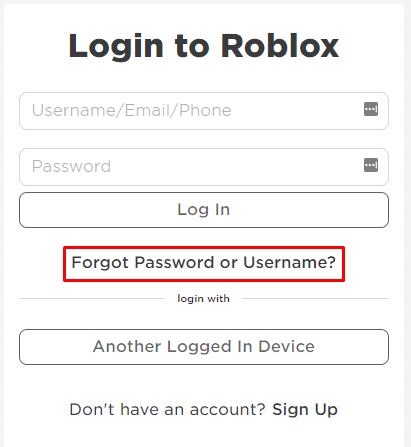
If you forget your password, click the Forgot Password or Username link on the login page. Enter your registered email address or phone number to receive a reset link. Follow the instructions in the message to create a new, secure password. Always ensure you have access to your recovery email to avoid losing your account permanently.Is the Roblox Quick Log In feature safe to use?
Yes, the Quick Log In feature is a very secure and convenient way to access your account on a new device. It uses a one-time code or a QR code that you must verify through your already logged-in mobile app. This method prevents you from having to type your password on potentially insecure or public computers.Why am I getting a 'Too many attempts' error during login?
The 'Too many attempts' error occurs when the system detects multiple failed login tries in a short period. This is a security measure to prevent brute-force attacks on your account. You must wait at least 15 to 30 minutes before trying to log in again. Ensure your credentials are correct before your next attempt to avoid further delays.Can I be logged into Roblox on two devices at once?
You can be logged into your Roblox account on multiple devices simultaneously, such as your PC and your smartphone. However, you can only actively participate in a game session on one device at a time. If you join a game on a second device, the system will usually disconnect your session on the first device.blog post random Most Asked Questions about roblox account log in
How to fix login bugs on the mobile app?
If the mobile app is not letting you log in, first check for any available updates in the App Store or Google Play. Sometimes clearing the app cache in your phone settings can resolve persistent glitches. If the problem continues, try reinstalling the app entirely to ensure all files are fresh and functioning correctly.What is the best build for account security?
The best 'build' for security is combining a complex password with a third-party authenticator app. Avoid using simple passwords like your name or birthdate. Adding a verified phone number and email provides multiple recovery paths if you ever lose access. This setup is the endgame for protecting your valuable virtual items and limited edition gear.Why does Roblox log me out randomly?
Roblox might log you out if your session token expires or if you log in from a different IP address. This is often a safety feature to ensure that your account remains secure. If you are frequently logged out, check if your browser is set to clear cookies automatically when closed or if your internet connection is unstable.How to recover a hacked account?
If you suspect your account was hacked, immediately use the 'Forgot Password' feature to regain control. If the hacker changed the email, contact Roblox Support through their official form and provide proof of ownership, such as a recent purchase receipt. Act quickly to minimize any damage to your inventory or Robux balance.Are there tricks for faster logging in?
One of the best tricks for fast access is using a trusted password manager that auto-fills your credentials. You can also use the Quick Log In feature with a QR code to skip typing entirely. For frequent players, staying logged in on a trusted private device saves time but requires you to keep that device physically secure at all times.Humanize summarize:
Logging into your Roblox account is basically your digital key to a whole universe of games and friends. It is super important to keep that key safe because it holds all your progress, your cool avatar items, and any Robux you have saved up. Most of the time, it is as simple as typing in your name and password, but things like 2FA add a really helpful extra layer of safety. If you ever get stuck, don't panic! There are easy ways to reset your password or get help from the support team to get back into the action. The main thing is to always stay on the official site and never give your secrets away to anyone promising free stuff. At the end of the day, your account is your identity in the game, and keeping it secure means you can just focus on having fun without any worries. 😊
How do I get back into my Roblox account if I forgot my password and cannot access my email? This is one of the most common questions that millions of passionate gamers ask every single day while playing. Logging into your favorite Roblox experiences should always be a quick and effortless process for every dedicated player today. You might find yourself staring at a blank screen while trying to access your virtual inventory during a weekend. This guide provides the ultimate walkthrough for navigating the login screen while keeping your personal data safe from hackers. We will explore why having a secure login is vital for protecting your hard-earned items and your digital identity. Understanding the mechanics of the login system helps you avoid common pitfalls that many younger players often face online. You are about to learn how to master the art of account management with ease and complete confidence today.
The Evolution of the Roblox Account Log In Interface
The current login interface has undergone several significant changes to enhance user experience and improve overall security for everyone. Accessing your account requires a unique username and a very strong password that you must keep completely private always. Roblox provides several different methods for users to log into their accounts across multiple devices like phones and consoles. You should always use the official application or the verified website to enter your personal account login credentials safely. The login button is located in the top right corner of the official landing page for all desktop users. Every single player who wants to save their progress and earn badges must create and access a personal account. You should reset your login details whenever you suspect that someone else might have gained access to your information. Security is the foundation of a great gaming experience because it allows you to focus solely on having fun.
Mastering Two-Step Verification for Maximum Protection
Two-Step Verification acts as a powerful secondary shield that prevents unauthorized people from entering your private gaming account today. When you enable this feature, the system will require a special code sent to your email or an app. This ensures that even if someone learns your password, they cannot bypass the final security gate without your permission. Most professional gamers recommend using an authenticator app because it offers a much higher level of security than email. You can find these settings under the security tab in your account preferences on the main website or app. Setting this up only takes a few minutes of your time but provides peace of mind for years ahead. I have seen many friends lose their accounts because they ignored this simple yet incredibly effective security measure recently. You owe it to yourself to protect your limited items and the Robux you have collected over time.
Troubleshooting Common Login Errors and Glitches
Sometimes you might encounter an error message that prevents you from entering the game world during peak playing hours. These errors can range from incorrect password prompts to server-side issues that affect thousands of players at once globally. If you see a message saying too many attempts have been made, please wait fifteen minutes before trying again. Clearing your browser cookies and cache often resolves many underlying technical issues that interfere with the standard login process. You should also check the official status page to see if the servers are currently undergoing any scheduled maintenance. Using a stable internet connection is also crucial for ensuring that your login request reaches the servers without timing out. Most of these problems are temporary and can be fixed by following a few basic troubleshooting steps quite quickly. Never share your login tokens or browser cookies with anyone who promises you free items or special game perks.
Beginner / Core Concepts
1. **Q:** What is the easiest way for a new player to log into their Roblox account today? **A:** I totally get why this confuses so many people because the interface often changes during these major platform updates. The easiest way is to use the official login screen by entering your unique username and your secret password. You should always make sure that you are on the real website and not a fake phishing site online. Many beginners forget that passwords are case sensitive and might accidentally leave their caps lock key on while typing. Reality check: If you are using a public computer, never click the remember me box to protect your privacy. Practical tip: Write your password down in a safe physical notebook if you are worried about forgetting it next time. You have totally got this handled and will be back in your favorite game in no time at all! 2. **Q:** Can I use my phone to log into my account on a computer quickly? **A:** This one used to trip me up too until I discovered the amazing Quick Log In feature available. You can simply open the Roblox app on your mobile device and scan a code on your computer screen. This method is incredibly fast and avoids the need to type out a long password every time you play. It uses a secure connection between your two devices to verify that you are the actual owner of account. Reality check: Make sure both devices are connected to a secure network to prevent any potential data interception issues. Practical tip: Always log out of the session on your computer if you are playing in a shared environment. You are going to love how much time this saves you during your daily gaming sessions every single week! 3. **Q:** Why does the site keep asking me to solve a captcha before I can login? **A:** I know how annoying those puzzles can be when you are in a rush to join your best friends. These captchas are actually designed to stop automated bots from trying to guess your password and stealing your private data. By proving you are a human, you are helping the platform maintain a safe environment for every other player. Roblox uses these challenges to ensure that only real people are accessing the servers during high traffic gaming periods. Reality check: If the puzzles are too difficult, you can usually click the refresh button to get a new one. Practical tip: Take your time with the images because rushing often leads to errors that make the process take longer. Keep your chin up because you will be through the security gate and playing very shortly indeed! 4. **Q:** What should I do if I am certain my password is correct but it fails? **A:** This situation is very frustrating but it happens to the best of us when we are least expecting it. Direct Answer: You should first check if your keyboard is set to the correct language or if caps lock is active. Sometimes the servers might be experiencing a slight delay in processing your request due to heavy player traffic online. You can also try to reset your password using the forgot password link to see if that fixes things. Reality check: Occasionally, a browser extension might be interfering with the login fields and preventing the data from sending. Practical tip: Try logging in using an incognito window to see if your browser extensions are causing the specific error. You've got this and will definitely figure out the solution with just a little bit of extra patience!Intermediate / Practical & Production
5. **Q:** How can I tell if someone else has logged into my account from another location? **A:** I get why this is a concern because keeping your account safe is the top priority for every gamer. You can check your account settings and look at the security tab to see all active login sessions currently. This list will show you the device type and the general geographic location of every single person using account. If you see a device you do not recognize, you should click the button to log out of all. Reality check: Sometimes the location might be slightly off because of how internet service providers route your local data. Practical tip: Change your password immediately after logging out of all sessions to ensure that the intruder cannot return. Stay vigilant and you will keep your virtual kingdom safe from anyone who tries to take it away! 6. **Q:** What is the best way to set up Two-Step Verification for maximum account security? **A:** This is a great question because 2FA is honestly the single best thing you can do for your account. You should go to your settings and choose the option to use an authenticator app like Google or Microsoft. This app generates a new code every thirty seconds that only you can see on your private mobile phone. It provides a much stronger layer of protection than email codes which can sometimes be intercepted by clever hackers. Reality check: Make sure you save your backup codes in a very safe place in case you lose phone. Practical tip: You can also use a hardware security key if you want the absolute highest level of protection available. You are making a very smart move by taking these extra steps to secure your gaming future today! 7. **Q:** Can I stay logged in on multiple devices at the exact same time safely? **A:** I used to wonder about this too when I started switching between my laptop and my mobile tablet. You can definitely be logged into your account on multiple devices but you can only play games on one. If you try to join a game on a second device, the first session will usually be disconnected automatically. This is a safety feature to prevent multiple people from using the same account to farm items or currency. Reality check: Being logged in on too many devices can sometimes trigger a security alert from the Roblox automated systems. Practical tip: Periodically review your active sessions and log out of devices that you no longer use for your gaming. You are doing a great job managing your account and keeping everything organized across all of your different platforms! 8. **Q:** How do I update my login email if I no longer have access to the old one? **A:** This is a tricky situation that many people face when they change their internet providers or move to college. You will need to contact Roblox Support and provide proof that you are the original owner of the account. They might ask for billing information or details about your first purchase to verify your identity before making changes. It is much easier to update your email while you still have access to the current one in settings. Reality check: The support team can be very strict about verification to ensure they do not give accounts to hackers. Practical tip: Always keep a record of your digital receipts because they are the best way to prove account ownership. Don't worry too much because the support team is there to help you get back into your favorite games! 9. **Q:** What are the risks of using the remember me feature on a shared family computer? **A:** I totally understand the convenience of skipping the login screen but it does come with some significant security risks. If you select this option, anyone who uses that computer can access your account without needing to know password. This means a younger sibling could accidentally spend your Robux or delete your favorite items while you are away. It is always safer to type your password manually or use a password manager that requires a master key. Reality check: Most browsers will save your info by default unless you specifically tell them not to do so. Practical tip: Create separate user profiles on your computer so that everyone has their own private space for gaming. You are being very responsible by thinking about these risks and protecting your hard work from any accidents! 10. **Q:** Why does my account get locked for a few minutes after failing a login attempt? **A:** This used to frustrate me so much until I realized it was actually protecting me from a brute force. If someone tries to guess your password many times, the system temporarily locks the account to stop the attack. This gives you time to realize something is wrong and change your credentials if you need to do so. The lockout usually lasts about fifteen to thirty minutes before you can try to enter your password again safely. Reality check: Trying to log in repeatedly during a lockout will only extend the time you have to wait. Practical tip: Use the forgot password link if you cannot remember your details instead of guessing them many times. Take a deep breath and go get a snack while you wait for the timer to finish counting!Advanced / Research & Frontier
11. **Q:** How do browser cookies work with my Roblox login and are they safe to keep? **A:** This is a more advanced topic but it is very important for understanding how web security works today. Browser cookies are small bits of data that tell the website you are already logged in so you stay. While they are very convenient, hackers can sometimes steal these cookies to bypass your password and your two-step verification. This is why you should never share your screen or send files to people you do not know well. Reality check: Most modern browsers are very good at protecting your cookies from being stolen by malicious third-party websites. Practical tip: Clear your cookies once a month to ensure that old session data is not lingering on your computer. You are becoming a real expert on digital security by learning about how these background processes actually work! 12. **Q:** What is a session token and how does it relate to my account login security? **A:** I get why this sounds like technical jargon but it is the secret key that keeps you logged in. When you log in, the server gives your browser a unique token that identifies your specific session for a time. If someone gets this token, they can act as you without ever needing to know what your password is. This is a very common method used in phishing attacks where people try to get you to run scripts. Reality check: Roblox has implemented many safeguards to prevent tokens from being used on different IP addresses or different devices. Practical tip: Never paste any code into your browser console that someone gives you in a game or on discord. You are doing a fantastic job staying informed about the high-level security threats that exist on the internet! 13. **Q:** How does Roblox handle login security differently on consoles like Xbox compared to the PC version? **A:** This is a fascinating area because consoles have their own built-in security layers provided by Microsoft or by Sony. When you log in on a console, your Roblox account is often linked directly to your console network profile. This means that if your console account is secure, your Roblox account is also much harder for hackers to access. However, you still need to be careful about who has physical access to your console at home or school. Reality check: Some features like the avatar shop might require an extra pin if you have parental controls turned on. Practical tip: Enable two-factor authentication on your console account as well to add even more layers of protection for yourself. You are really mastering the different ways to play safely across all of your favorite gaming hardware today! 14. **Q:** What are the implications of using a VPN when trying to log into my Roblox account? **A:** I used to use a VPN all the time and noticed that it sometimes caused issues with my login. Using a VPN changes your IP address which can sometimes trigger a security alert because it looks suspicious to systems. Roblox might think that someone from a different country is trying to break into your account and lock it. It is usually best to log in without a VPN and then turn it on after you are inside. Reality check: Some VPN addresses are flagged as high risk if they have been used for malicious activity by others. Practical tip: Use a dedicated IP address if your VPN provider offers one to avoid being grouped with bad actors. You are thinking like a pro by considering how your network settings affect your overall account security and access! 15. **Q:** How can I use the Roblox API to monitor my login activity for my own development? **A:** This is a very advanced question that shows you are interested in the technical side of the entire platform. While Roblox does not allow users to access the private login API, you can use webhooks to monitor certain changes. Developers often use these tools to track when their own accounts are accessed or when specific settings are being modified. You should always follow the terms of service and never try to scrape data from the official login pages. Reality check: Unauthorized use of APIs can lead to a permanent ban so always stay within the official developer guidelines. Practical tip: Check out the Roblox Developer Forum for the most up to date information on safe API usage today. You have reached a very high level of knowledge and I am impressed by your dedication to learning!Quick Human-Friendly Cheat-Sheet for This Topic
- Always check the URL to make sure it says roblox.com before you enter your private login information. - Enable Two-Step Verification using an authenticator app for the best possible protection against any unauthorized access attempts. - Use a unique and very strong password that contains a mix of letters, numbers, and special symbols. - Never share your account login details or browser cookies with anyone, even if they claim to be staff. - Use the Quick Log In feature to safely access your account on new computers without typing your password. - Periodically review your active sessions in the security settings to ensure no one else is using your account. - Set up a Parent PIN if you want to prevent any changes to your security settings without a code.Detailed steps for Roblox account log in across mobile and desktop platforms. Essential tips for using Two-Step Verification to protect your virtual inventory and robux. Strategies for password recovery and managing multiple account sessions securely in the current year. Troubleshooting guide for common login errors like 'Invalid Credentials' or 'Too Many Attempts' messages. Comprehensive Q&A section addressing beginner to advanced security and technical login questions for US players.
35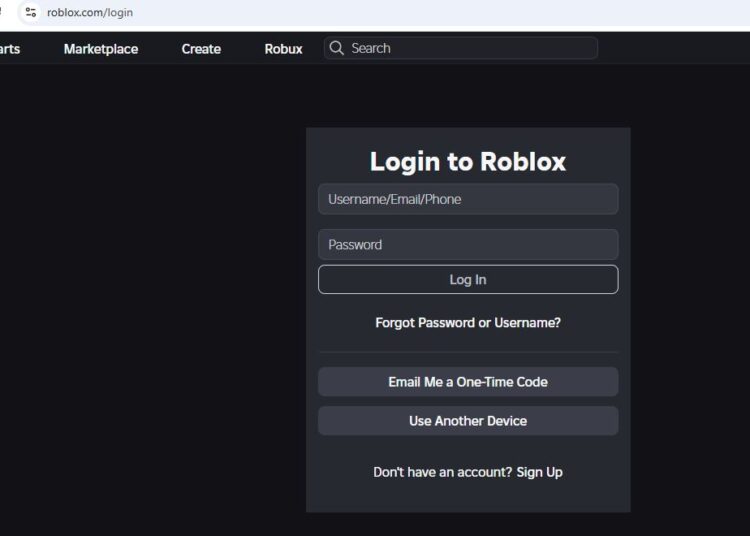



How To Use Roblox Roblox Login 750x536 . How To Create A Roblox Account In 2026 What You Need Roblox Login How To Create A New Account . Roblox Com Login . How To Login Roblox Account Easy Tutorial 2024 How To Login To . Pin By Helena On Jack Och Melker Och Juventus Roblox


How To Login To Roblox On PC Mobile And Xbox Login Roblox 654x500 . How To Update Roblox The Right Way PC Mac Alvaro Trigo S Blog Log In Account . Roblox Login On Why It Is Safe And Necessary ZVYtrV9u . How To Login Roblox Account H Ng D N Ng Nh P T I Kho N Roblox Chi Ti T. How To Reset Roblox Password Login Without Email Or Password 2024 Log Roblox Account. 1024x514 1




4 Easy Ways How To Get Your Roblox Account Back In 2026 Login Form Roblox . How To Login To Your Roblox Account Youtube What Is Roblox S Password . 4 Ways To Reset Roblox Password Forgot Roblox Password . How To Login Roblox Account Roblox Sign In YouTube . How To Log In To Roblox In PC Login New Roblox Account 2021 YouTube



Roblox Login H Ng D N Ng Nh P V B O M T T I Kho N To N Di N Roblox Login Screen . HOW TO LOGIN ROBLOX ACCOUNT WITH BACKUP CODES USE BACKUP CODES ROBLOX . Roblox Login Your Free Pass In . Login Roblox How To Login To Roblox Sign In Roblox Account Online . How To Add A Roblox Card To Your Account In 2026
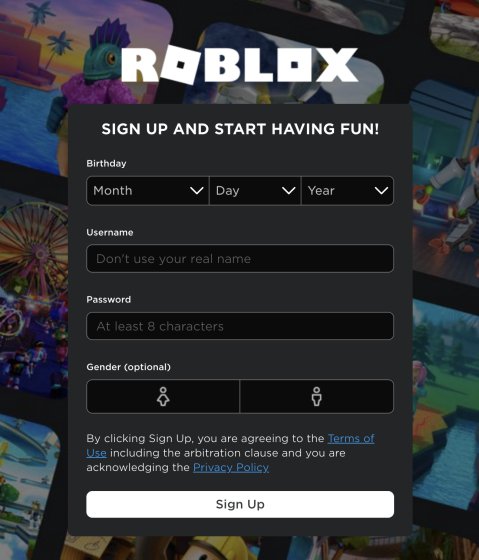
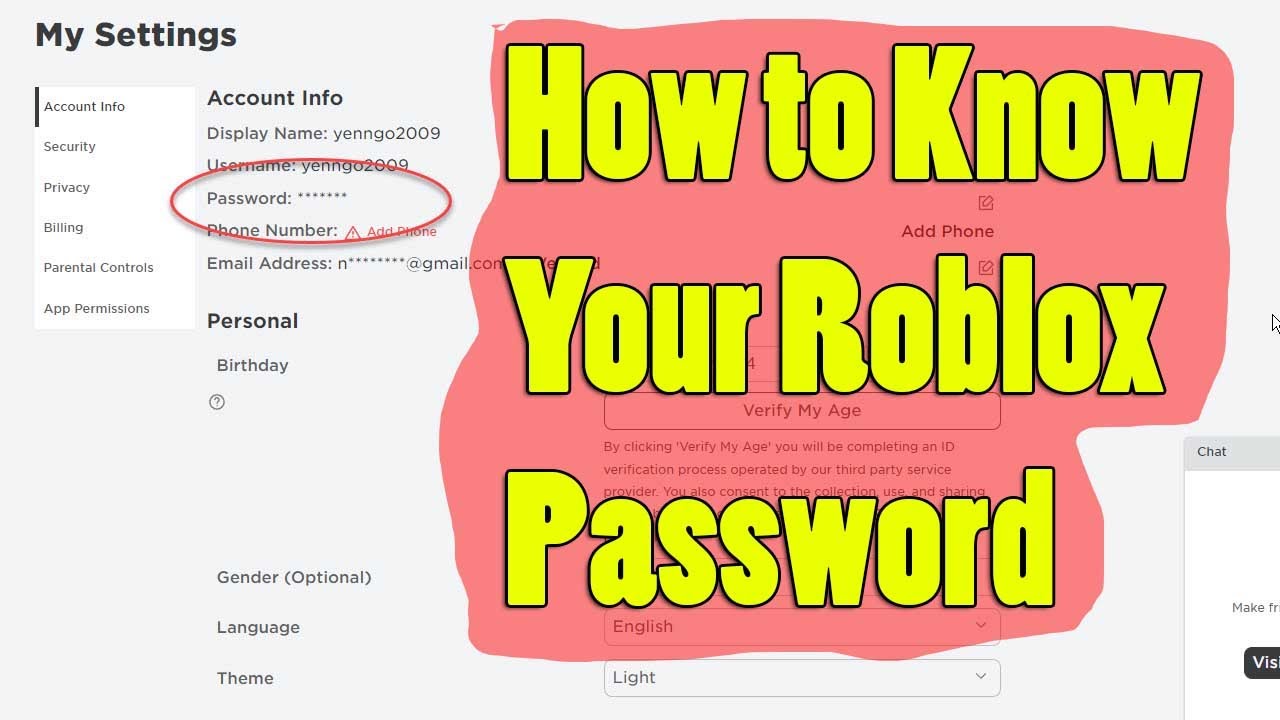

How To Create New Roblox Account In 2023 Roblox 2 . Roblox Login How To Create A New Account 2022 Beebom Sign Up Screen . How To Find Your Roblox Password For 2026 . How To Login To Your Roblox Account Youtube . Want A Free Roblox Account What You Need To Know Now


Need A Second Roblox Account How Do You Make One Large. How To Get Free Roblox Accounts In 2026 Eldorado Blog Roblox Login Page 300x225 . How To Create A Roblox Account In 2026 What You Need Roblox Studio Home . Want A Free Roblox Account What You Need To Know Now . HOW TO SAVE ACCOUNT IN ROBLOX 2026 FULL GUIDE YouTube


How To Update Roblox The Right Way PC Mac Alvaro Trigo S Blog Log In . How To Find Your Roblox Password For 2026 . How To Set Up A Roblox Account Codingal A6 . Roblox Login Guide How To Sign Up Download Log In PC Mobile Roblox Sign Up Login Guide . FREE ACCOUNT LOG ON FREE ACCOUNT DONT CHANGE PASSWORD Roblox