Dive into the exciting world of VR PC gaming with our comprehensive 2026 guide. Discover how to choose the best VR headset for your PC, optimize performance for buttery-smooth gameplay, and find immersive titles that fit your busy schedule. We address common gamer pain points from frustrating setups and performance bottlenecks to budget-friendly upgrades and balancing virtual adventures with real-world responsibilities. This resource is tailored for the average gamer, around 36 years old, who values relaxation, skill-building, social connections, and getting the most value from their gaming investments. Learn about current trends, essential hardware, and expert tips to elevate your VR experience without the hype, ensuring every session is an escape and an adventure.
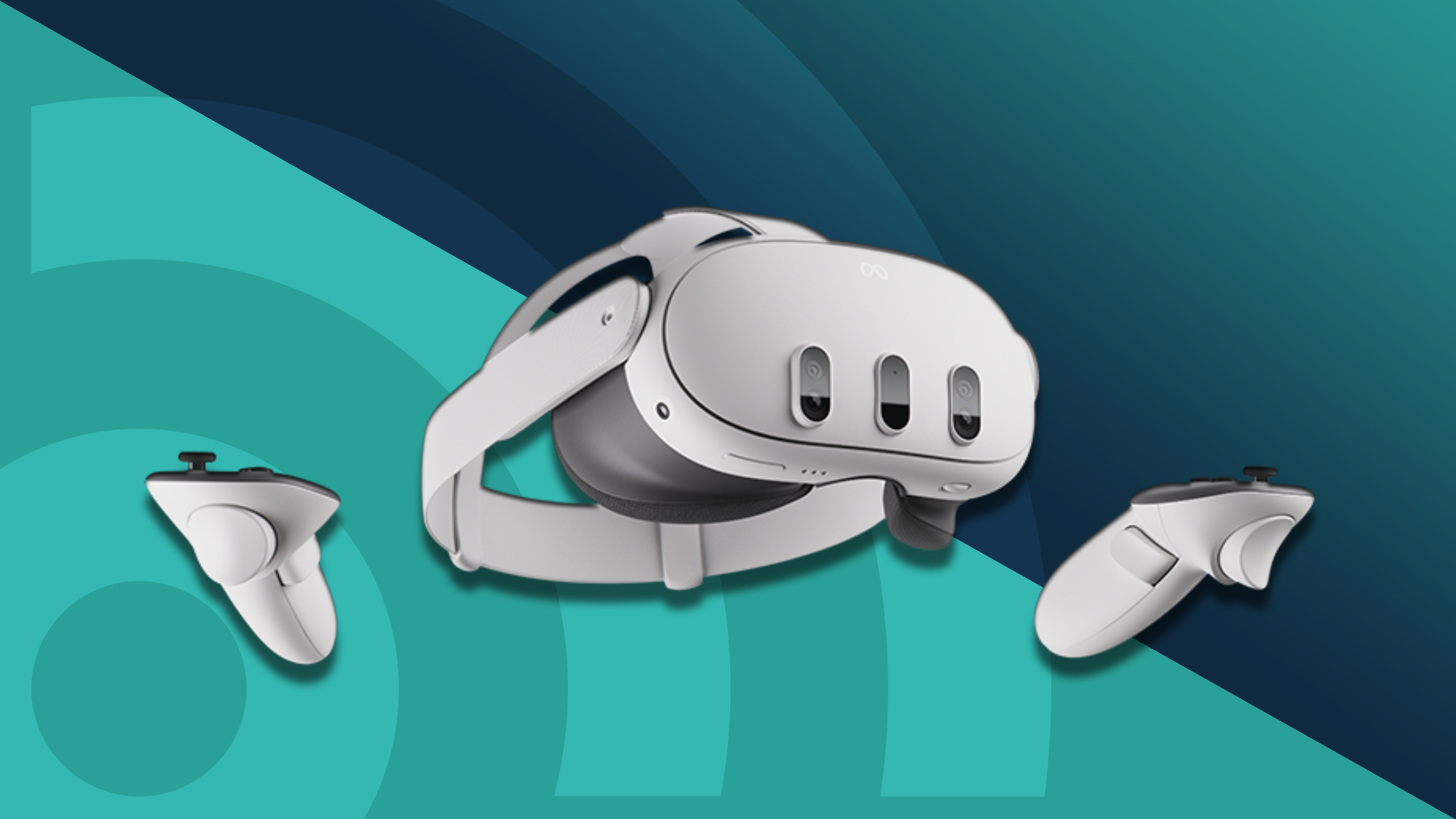
Q: What VR headset should I get for PC gaming in 2026 if I'm on a budget? A: For budget-conscious PC VR gamers in 2026, the Meta Quest 3 is a stellar choice, offering excellent standalone capabilities with robust PC VR tethering options via Meta Link or Air Link, providing great visual fidelity and ease of use without needing external base stations.Q: How do I ensure my PC is powerful enough for a smooth VR gaming experience? A: To guarantee smooth VR gaming, aim for a PC with an Intel i7 or AMD Ryzen 7 equivalent (or newer) CPU, 16GB+ RAM, and at least an NVIDIA RTX 3060 or AMD RX 6600 XT GPU (preferably higher for demanding titles). Keep your graphics drivers updated and close background apps.Q: What are some quick, immersive VR PC games for busy gamers? A: For gamers with limited time, Beat Saber offers quick rhythm-action, Superhot VR provides intense short levels, and The Lab (SteamVR) includes engaging mini-experiences. VRChat also offers quick social interactions without a significant time commitment.Q: Can I really play VR PC games without a cable? A: Yes, wireless PC VR gaming is highly effective with headsets like the Meta Quest 2 or 3 using features like Meta Air Link or third-party software like Virtual Desktop. A dedicated Wi-Fi 6 router connected to your PC via Ethernet is crucial for minimizing latency and ensuring a smooth, untethered experience.Q: My VR game is stuttering; what's the first thing I should check? A: First, check your graphics drivers for updates and lower the render resolution within your VR platform's settings (e.g., SteamVR, Oculus PC app). Close any unnecessary background programs to free up system resources. If issues persist, consider lowering in-game graphics settings.Q: What are the benefits of PC VR over standalone VR headsets? A: PC VR offers significantly higher graphical fidelity, more complex game worlds, a wider selection of demanding titles, and superior physics engines compared to standalone VR. It leverages your powerful PC hardware for a truly cutting-edge, immersive experience.Q: How can I connect my Meta Quest 2/3 to my PC for VR gaming? A: You can connect your Meta Quest 2 or 3 to your PC using a high-quality USB-C 3.0 or higher cable via Meta Link, or wirelessly through Meta Air Link (built-in) or Virtual Desktop (paid app). Ensure your PC meets the recommended specs for the best experience.Q: What are some common mistakes to avoid when setting up VR PC gaming? A: Avoid neglecting PC hardware requirements; underpowered systems lead to poor performance. Don't overlook driver updates, and ensure your play space is clear and well-lit to prevent tracking issues. Lastly, don't rush the setup; take time to calibrate and adjust settings for comfort and optimal visual quality.Are you a dedicated gamer, balancing epic quests with job deadlines and family time? You're not alone. The average US gamer, often around 36 years old, juggles these realities, seeking genuine fun, relaxation, and a bit of skill-building without breaking the bank or sacrificing precious free time. VR PC gaming promises unparalleled immersion, a true escape into digital worlds. Yet, the thought of complex setups, performance woes, or choosing the right gear can feel overwhelming, especially when you just want to plug in and play. It's a common pain point: how to truly unlock the potential of VR PC gaming without it becoming another chore? This comprehensive guide cuts through the noise, offering practical solutions and insights tailored for gamers like you. We'll demystify everything from hardware choices and optimization tricks to game recommendations that respect your limited time, ensuring your VR journey is exciting, not frustrating. Get ready to experience your favorite titles and new worlds like never before.
What is VR PC Gaming and Why Does it Matter in 2026?
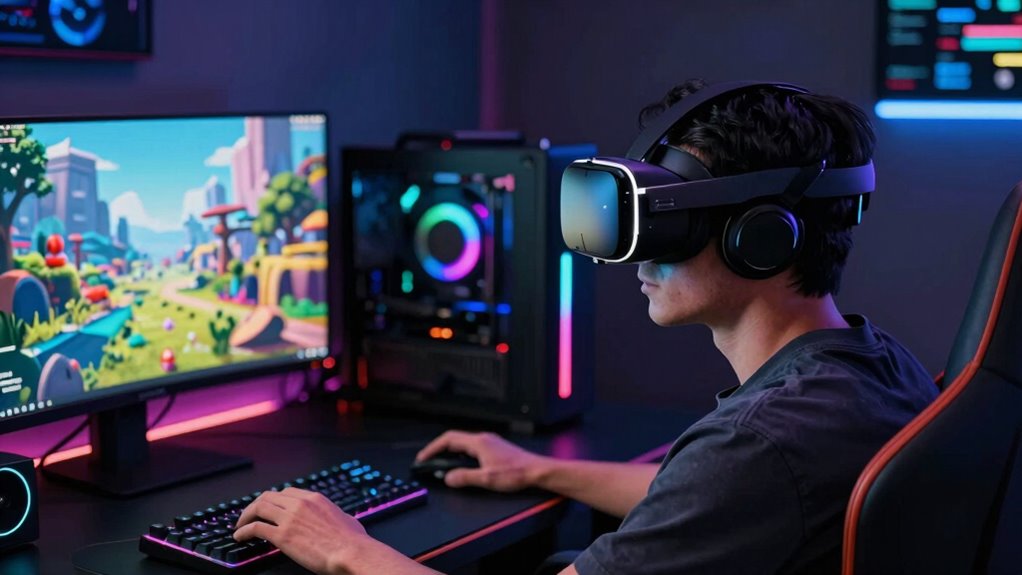
VR PC gaming connects a virtual reality headset to your personal computer, leveraging your PC's powerful graphics card and processor to render highly detailed, immersive virtual worlds. Unlike standalone VR headsets, PC VR offers superior graphical fidelity, complex physics, and access to a vast library of games via platforms like SteamVR and Oculus PC. In 2026, with hardware advancements and improved tracking, PC VR delivers experiences that standalone units simply cannot match, offering unparalleled realism and depth. For gamers who prioritize visual quality and expansive game libraries, PC VR remains the gold standard, providing that ultimate escapism and competitive edge many seek.
How Do I Get Started with VR PC Gaming: Essential Hardware?
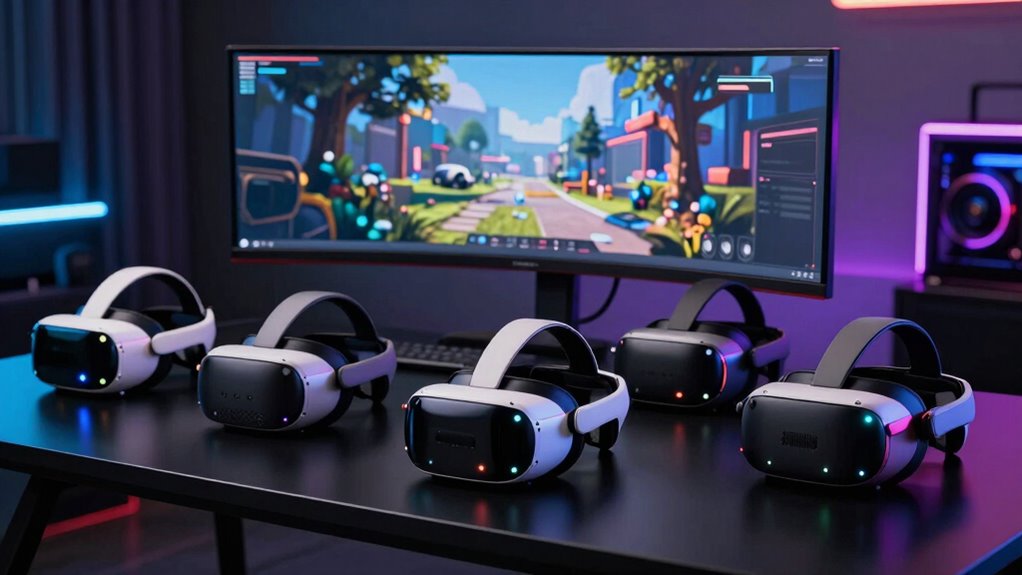
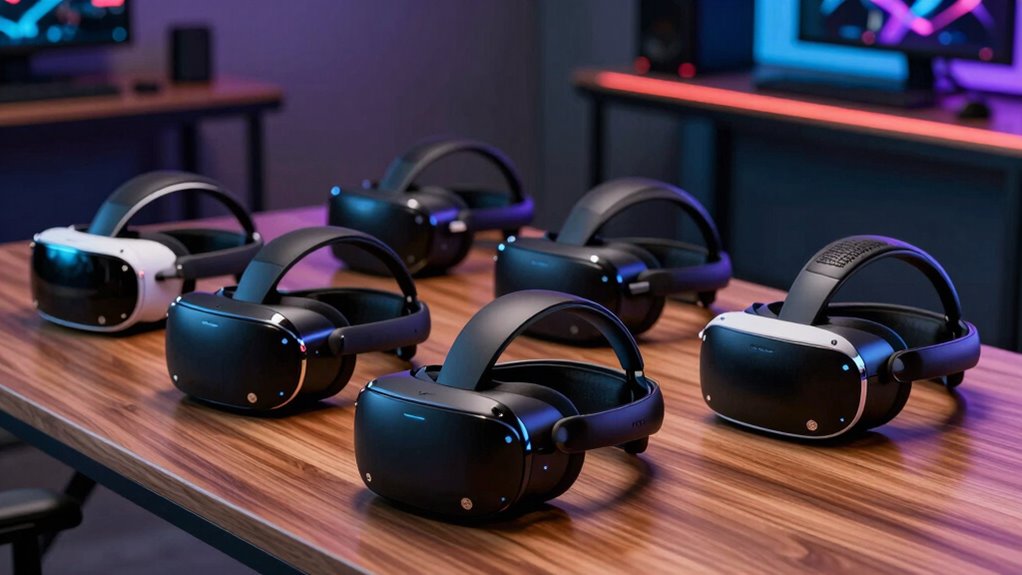
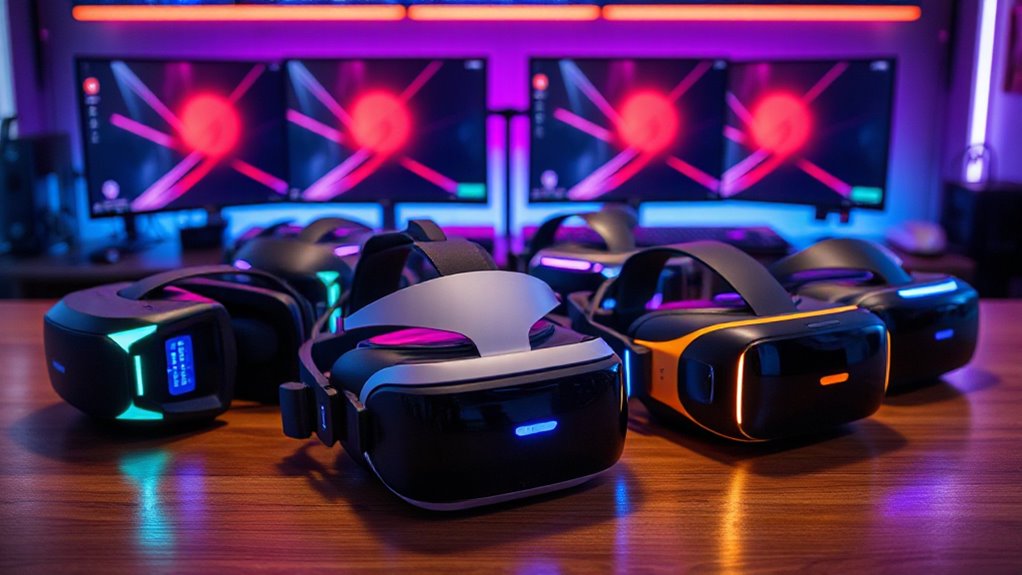
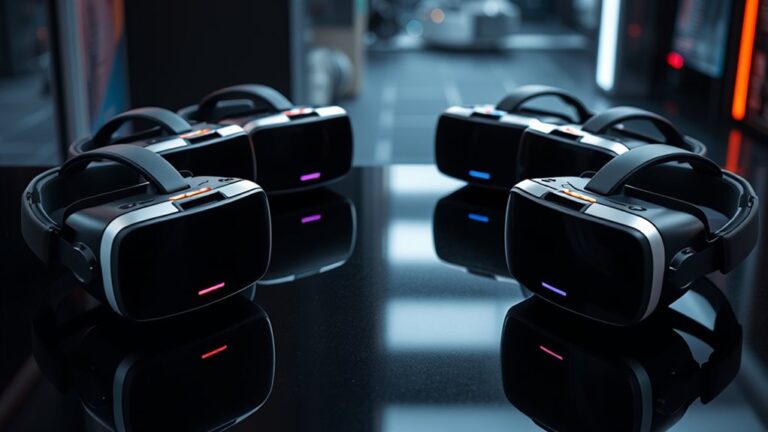
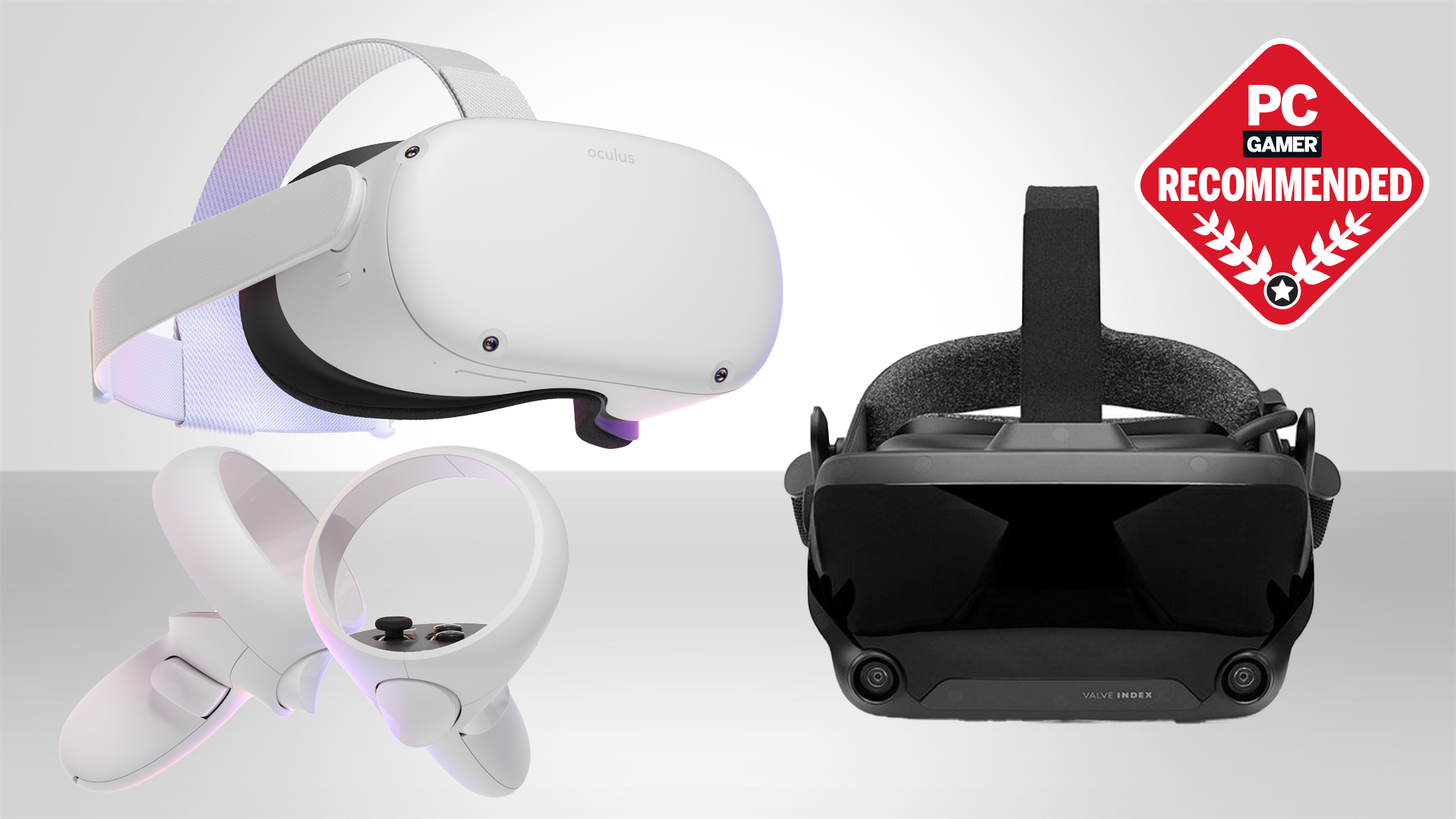
To jump into VR PC gaming, you'll need three main components: a capable gaming PC, a VR headset, and the necessary connection cables or wireless adapters. Your PC is the engine; it needs a powerful CPU (like an Intel i7 or AMD Ryzen 7 equivalent or newer), at least 16GB of RAM, and most importantly, a robust GPU (NVIDIA RTX 30-series or AMD RX 6000-series or newer is ideal for modern VR). For headsets, popular options include the Valve Index, Meta Quest 2/3 (using Link Cable or Air Link), and various offerings from manufacturers like HP and Pico. Ensure your PC meets the recommended, not just minimum, specifications for smooth, enjoyable gameplay. Investing in solid hardware now saves headaches later.
Which VR Headset is Best for PC Gaming on a Budget?
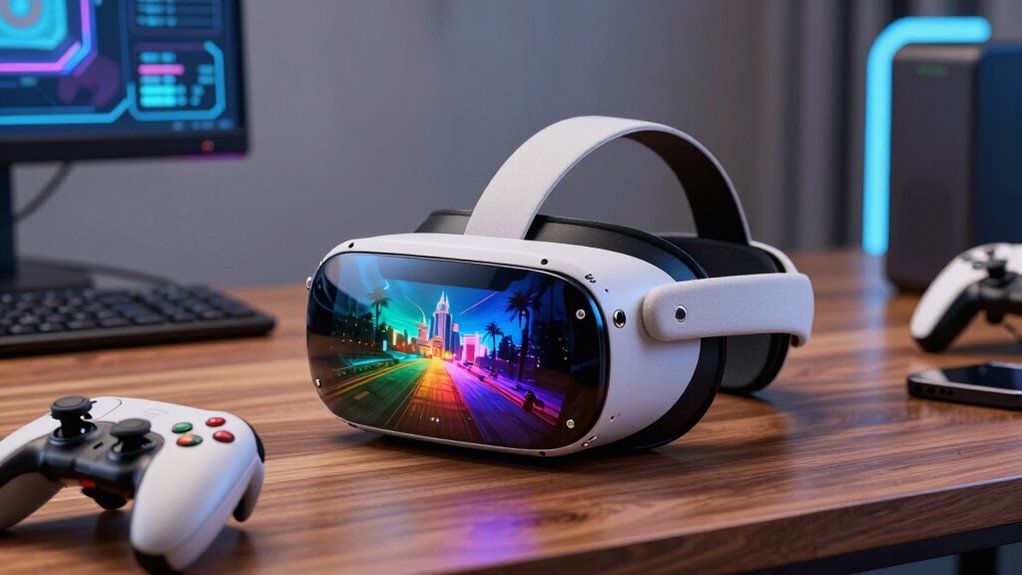
For gamers balancing budgets with performance desires, the Meta Quest 2 or Quest 3 stands out as exceptional value. While primarily standalone, they can be tethered to a PC via a USB-C cable (Meta Link) or wirelessly (Meta Air Link, Virtual Desktop) to play PC VR games. The Quest 2 is an older but still very capable option, often found at a lower price point, while the Quest 3 offers significant graphical and passthrough improvements for a slightly higher cost. Both provide a fantastic entry into PC VR without requiring dedicated base stations, simplifying setup and reducing overall investment, making them popular choices among the 87% of US gamers who regularly engage with their hobby and seek value.
How Can I Optimize My PC for Peak VR Performance?
Optimizing your PC for VR is crucial for a smooth experience, preventing motion sickness and maintaining immersion. First, ensure your graphics drivers are up to date. Next, close all unnecessary background applications to free up CPU and RAM. Within your VR platform (SteamVR, Oculus PC app), adjust render resolution and refresh rate settings; a lower resolution or refresh rate can significantly improve frame rates if your PC struggles. Consider upgrading your GPU if it's consistently below recommended specs. Using an SSD for your games and operating system also drastically reduces load times. For wireless VR, a dedicated Wi-Fi 6 router is a game-changer, minimizing latency.
What Are the Best VR PC Games for Gamers with Limited Time?
Many busy gamers, averaging 10+ hours a week but often in shorter bursts, need games that offer quick satisfaction or clear checkpoints. For action, Beat Saber provides immediate, adrenaline-pumping fun. For puzzle-solving, Superhot VR offers intense, short levels. If you enjoy exploration, The Lab by Valve has great mini-experiences. Social gamers might enjoy VR Chat for short, spontaneous interactions. Even expansive titles like Half-Life: Alyx can be played in shorter segments, thanks to its excellent pacing and saving system. Look for titles that respect your schedule, offering pick-up-and-play mechanics or easy save options.
Troubleshooting Common VR PC Gaming Setup Issues
Setting up VR can sometimes feel like solving a puzzle, but most issues are solvable. If your headset isn't detected, check all cable connections, ensure your PC drivers are current, and restart both your PC and headset. Performance problems like stuttering often point to an underpowered GPU or CPU; lower your in-game graphics settings or reduce render resolution in your VR software. Tracking issues can often be fixed by ensuring your play space is well-lit and free of reflective surfaces. For persistent software glitches, reinstalling your VR platform's software (SteamVR, Oculus PC app) can often resolve conflicts. Always consult your headset manufacturer's support forums for specific device troubleshooting.
Can I Play VR PC Games Wirelessly, and Is It Worth It?
Yes, wireless VR PC gaming is not only possible but highly recommended for an untethered, immersive experience. Technologies like Meta Air Link, Virtual Desktop, and Pico's Streaming Assistant allow you to stream PC VR games to your standalone headset over Wi-Fi. It's incredibly freeing, eliminating the risk of tripping over cables and allowing for more natural movement. To get the best wireless experience, you'll need a fast, dedicated Wi-Fi 6 (or Wi-Fi 6E) router positioned within line of sight of your play space, connected to your PC via Ethernet. While there's a slight increase in latency compared to a direct cable, for many, the freedom of movement makes it entirely worth it, especially in fast-paced or room-scale games.
What are the Latest Trends in VR PC Gaming for 2026?
In 2026, VR PC gaming is seeing several exciting trends. Social VR platforms continue to grow, offering new ways to connect with friends and build communities beyond traditional gaming, much like the broader trend of social gaming and Discord interactions. We're also seeing a rise in 'cozy games' and more narrative-driven experiences, expanding beyond typical action titles to appeal to a wider audience, including those seeking stress relief. Free-to-play VR experiences are gaining traction, making VR more accessible. Furthermore, improved hand tracking and eye tracking in newer headsets are paving the way for more intuitive and natural interactions, enhancing immersion and accessibility, reflecting a broader industry push for more inclusive gaming experiences.
The world of VR PC gaming offers incredible depths for exploration, competition, and connection. From choosing the right hardware to optimizing your settings and discovering new favorite games, the journey is rewarding. We've covered the essentials to help you navigate this exciting landscape, ensuring you can maximize your fun without the common frustrations. Remember, gaming should be an escape and a source of joy, even with a busy life. Take these tips, jump in, and experience gaming like never before. What's your biggest VR gaming challenge or your favorite VR experience? Comment below and share your thoughts!
FAQ Section
Is my existing gaming PC powerful enough for VR?
Generally, if your PC features an Intel i7 or AMD Ryzen 7 (or newer) CPU, 16GB+ RAM, and an NVIDIA RTX 3060/AMD RX 6600 XT (or better) GPU, you're likely VR-ready for most titles at comfortable settings. Check specific game requirements for optimal performance.
What are the must-have accessories for VR PC gaming?
Essential accessories include a comfortable head strap, prescription lens inserts (if needed), and potentially a dedicated USB-C cable for wired connections or a Wi-Fi 6 router for wireless streaming. Controller grips can also enhance comfort and prevent drops.
How can I prevent motion sickness in VR?
Start with 'comfort' settings like teleportation locomotion, play in short sessions, use a fan to simulate airflow, and have ginger chews or motion sickness medication on hand. Gradually build your tolerance to smoother locomotion options.
Are there free VR PC games worth playing?
Absolutely! Popular free titles include Rec Room, VRChat, The Lab (SteamVR), and various demos available on SteamVR and Oculus PC. These offer great entry points to experience VR without an initial game purchase.
Can I use any VR headset with my PC?
Most PC VR headsets like Valve Index, HP Reverb G2, and Pimax headsets connect directly to your PC. Standalone headsets like Meta Quest 2/3 can connect via a USB-C cable (Link) or wirelessly (Air Link/Virtual Desktop) to play PC VR titles. Compatibility largely depends on your PC's specifications and the headset's connection method.
What’s the best way to clean my VR headset lenses?
Use a dry microfiber cloth specifically designed for optics. Wipe gently from the center outwards in a circular motion. Avoid abrasive materials, paper towels, or chemical cleaners, as they can damage the lenses.
Unlock immersive VR PC gaming, optimize performance for smooth gameplay, choose the right headset for your budget, troubleshoot common setup issues, discover top VR game recommendations for limited time, learn about budget-friendly hardware upgrades, balance VR gaming with daily life.
35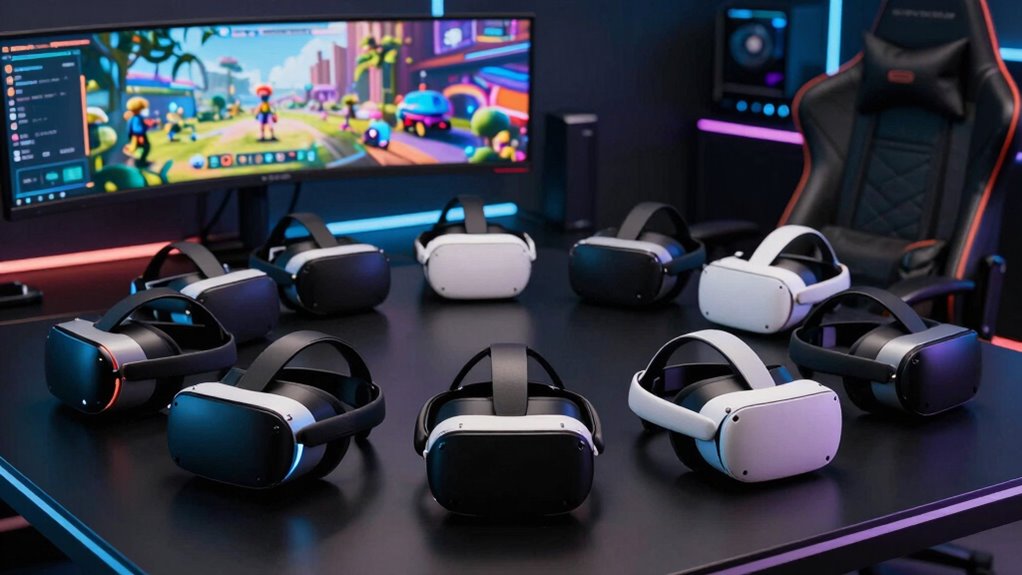

9 Best VR Headsets For PC Gaming In 2026 RottenPanda Top Pc Vr Headsets 2026 Izyzh . 10 Best VR Headsets For PC In 2026 The Ultimate Buyer S Guide Top Pc Vr Headsets 2026 Md4yx . 8 Best VR Headsets For PC Gaming In 2026 That Elevate Play Comfort A Life Top Pc Vr Headsets 2026 R5qru . 6 Best PC VR Headsets For 2026 That Elevate Your Gaming Comfort A Life Top Vr Headsets For Gaming 0ven4 . 8 Best VR Headsets For PC Gaming In 2026 StrongMocha Top Pc Vr Headsets 2026 7lzym
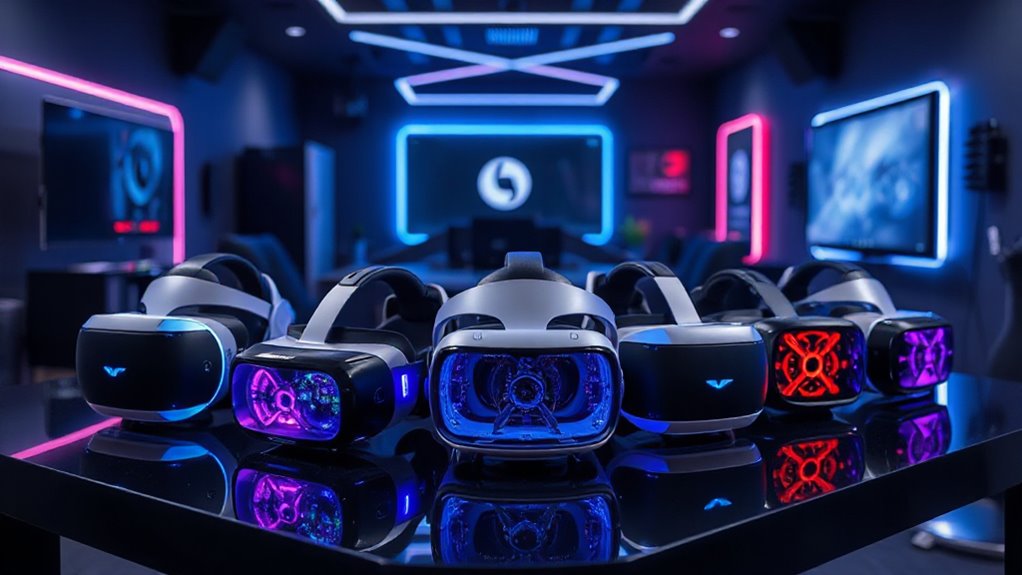
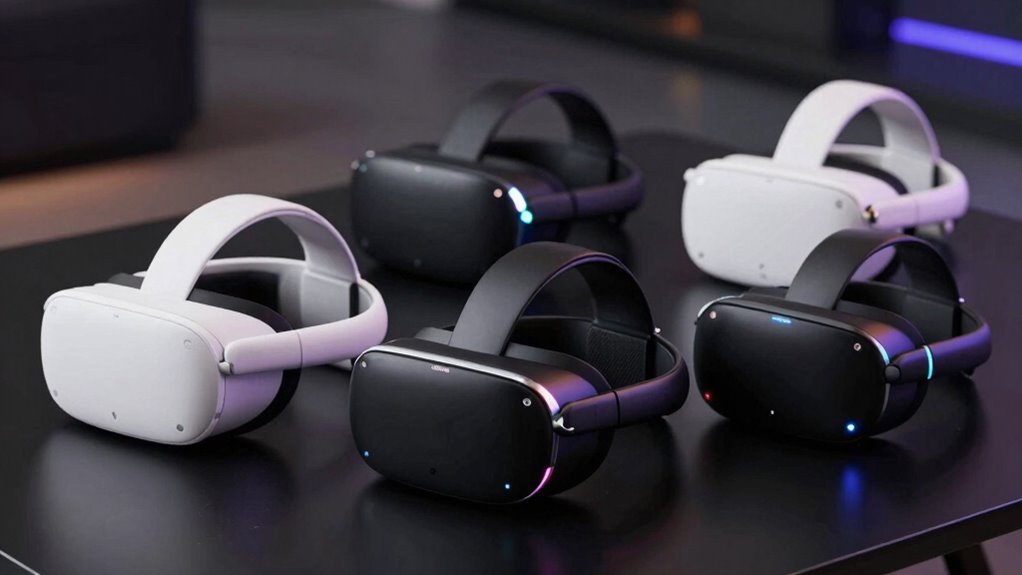


8 Best PC VR Headsets For 2026 That Immersify Your Gaming StrongMocha Top Pc Vr Headsets 2026 Sdne6 . The 4 Best Standalone VR Headsets Of 2026 For Immersive Gaming And Top 2026 Vr Headsets N314g . Best VR Headsets For PC Gaming 2026 Wireless Freedom Premium Performance Best VR Headsets For PC Gaming . 12 Best VR Headsets For PC Gaming March 2026 Buying Guide Best VR Headsets For PC Gaming 1024x559 . 10 Best VR Headsets For PC And Gaming In 2026 5thscape Blog Dr HeJMpY
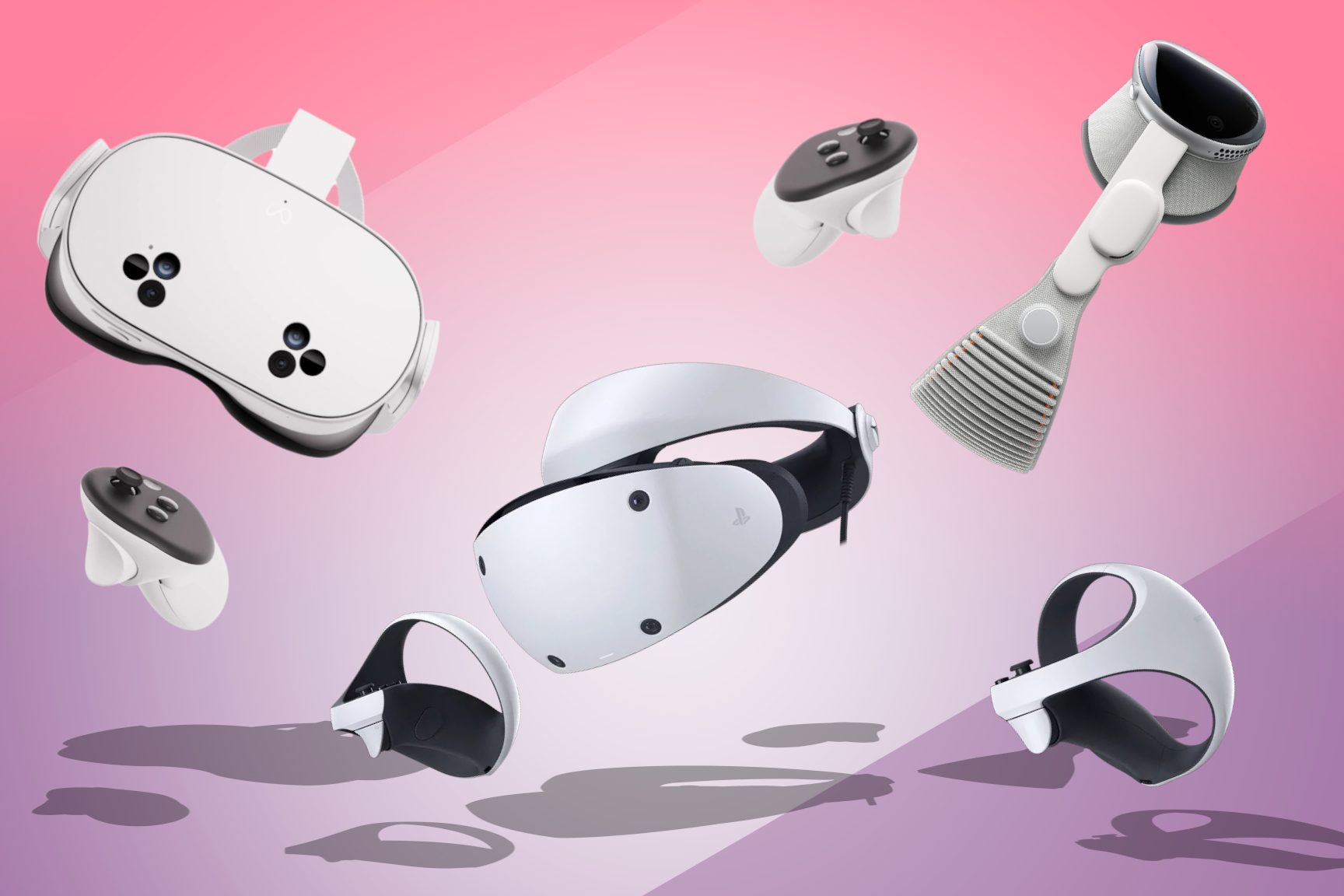
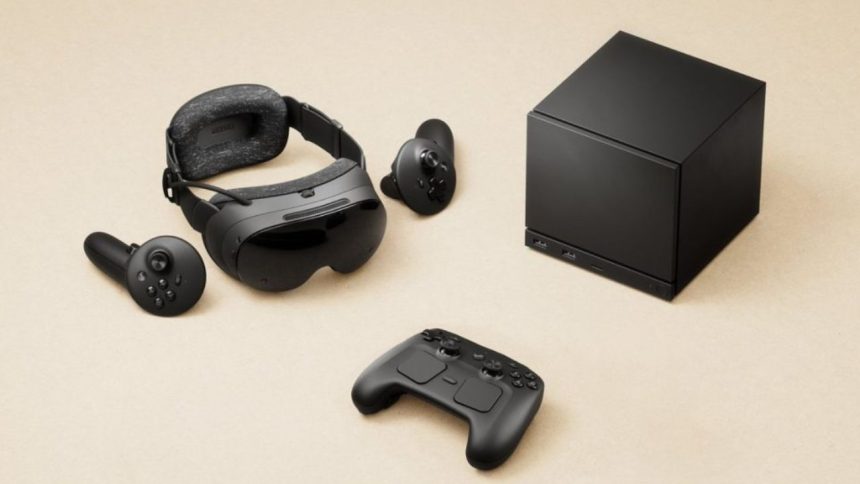


Best VR Headsets In 2026 For Gaming Movies And More Stuff Best VR Headset Hero Image . Valve Announces Steam Frame A Standalone VR Headset For 2026 Valve Announces Steam Frame -- A Standalone VR Headset For 2026 1 860x484 . What Is The Most Realistic Vr PC VR 1568x882 . 7 Best PC VR Headsets For 2026 That Elevate Your Gaming Experience Top Vr Headsets 2026 Z2yd3 . Valve S Steam Frame VR Headset Is Finally Official And It S Coming In 2026 Bbdaeb50 Bff3 11f0 Bf77

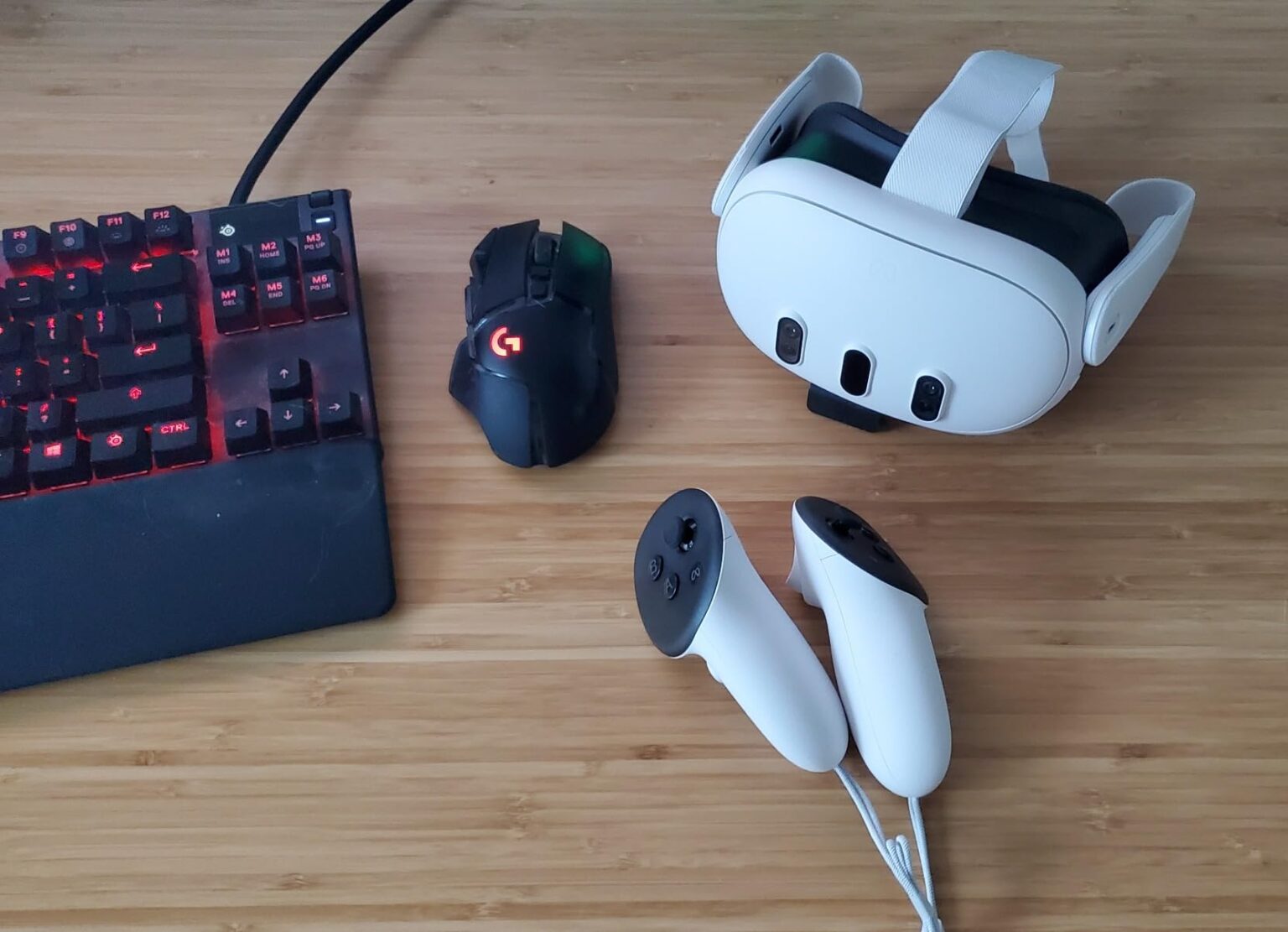
10 Best VR Headsets For PC And Gaming In 2026 5thscape Blog JGUNpzZsG. Best VR Headset 2026 Best Vr Headset 1140x641 . Samsung Galaxy XR Price Specs Games Controllers And Everything You . Best VR Headsets For PC Gaming 2026 10 Tested And Ranked B0CD1JTBSC Customer 2 2 1536x1111 . 8 Best VR Headsets For PC Gaming June 2026 The Definitive Guide For Best VR Headsets For PC Gaming 300x164

3 Best Tethered VR Headsets For PC In 2026 Top Picks StrongMocha Top Pc Tethered Vr Headsets L6hfg . VR Gaming 2026 Year Vr Gaming 2026 The Year Of Banner.webp. 10 Best VR Headsets For PC In 2026 Ultimate Buying Guide And Top Picks Top Pc Vr Headsets 2026 G1sxv . 10 Best PC VR Headsets June 2026 Complete Guide Best PC VR Headsets 768x419 . 7 Best VR Headsets Of 2026 The Ultimate Buyer S Guide Comfort A Life Top Vr Headsets 2026 Upexp 768x432


Valve Announces Steam Frame A Standalone VR Headset For 2026 Valve Announces Steam Frame -- A Standalone VR Headset For 2026 860x484 . Best Virtual Reality Headsets For PC Gaming And Movies In 2026 YouTube . Best VR Headset In 2024 My Top Picks For Stunning Virtual Reality . I Really Wanted To Like The Switch 2 S VR Mode But Clearly I M Going . 10 Best VR Headsets For PC In 2026 Ultimate Guide To Immersive Gaming Top Pc Vr Headsets 2026 Gm1zp
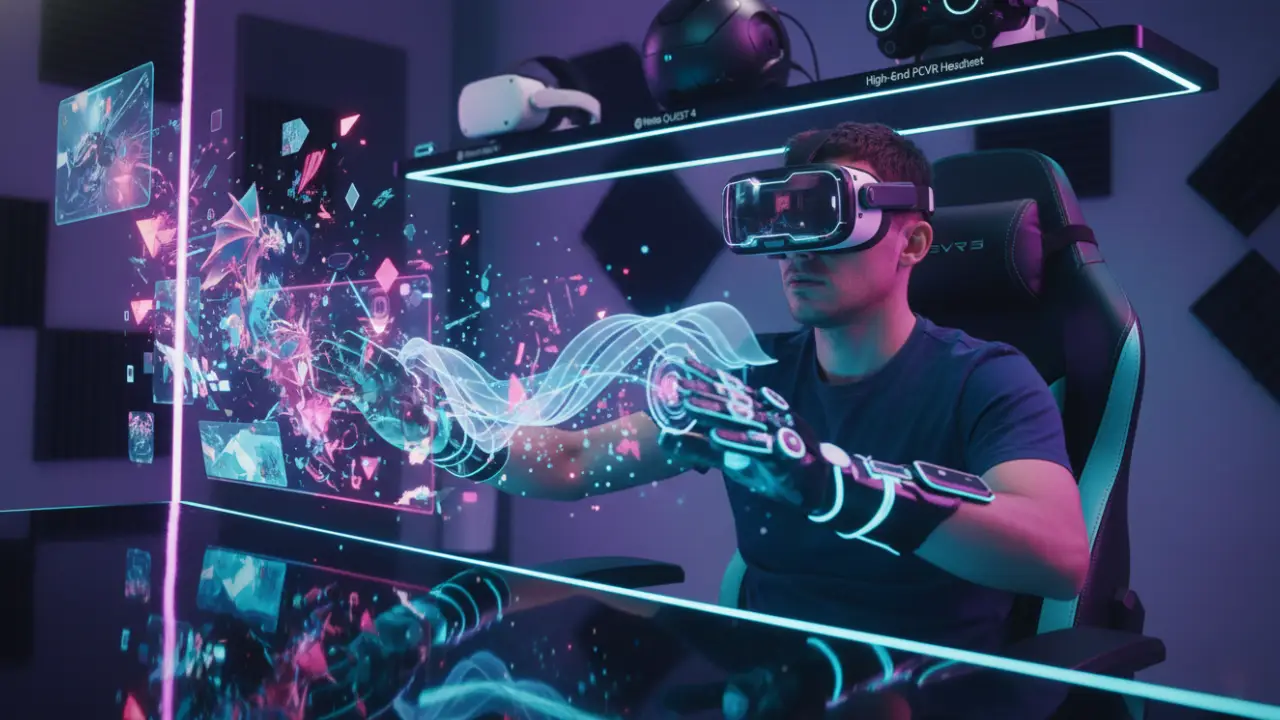

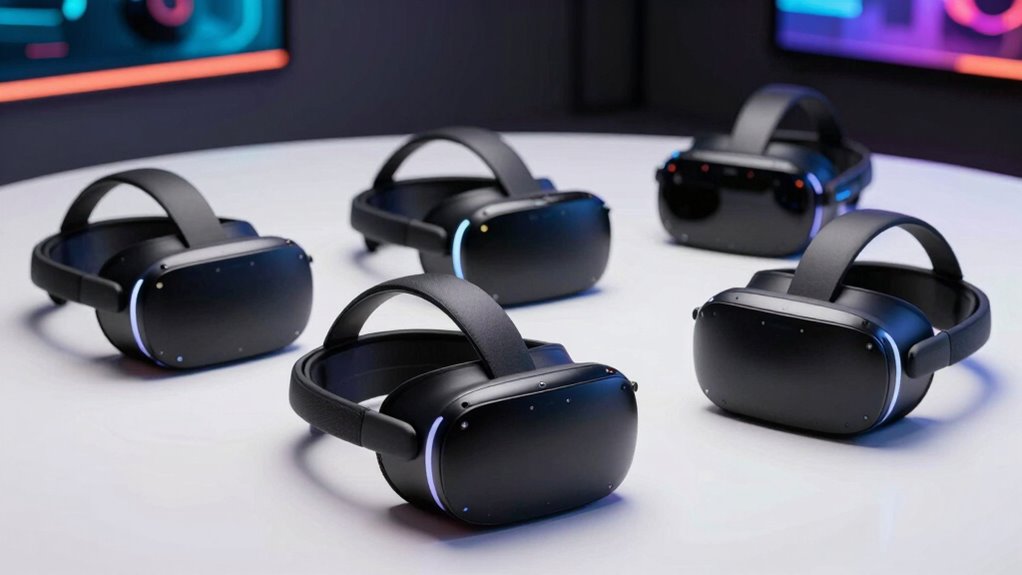
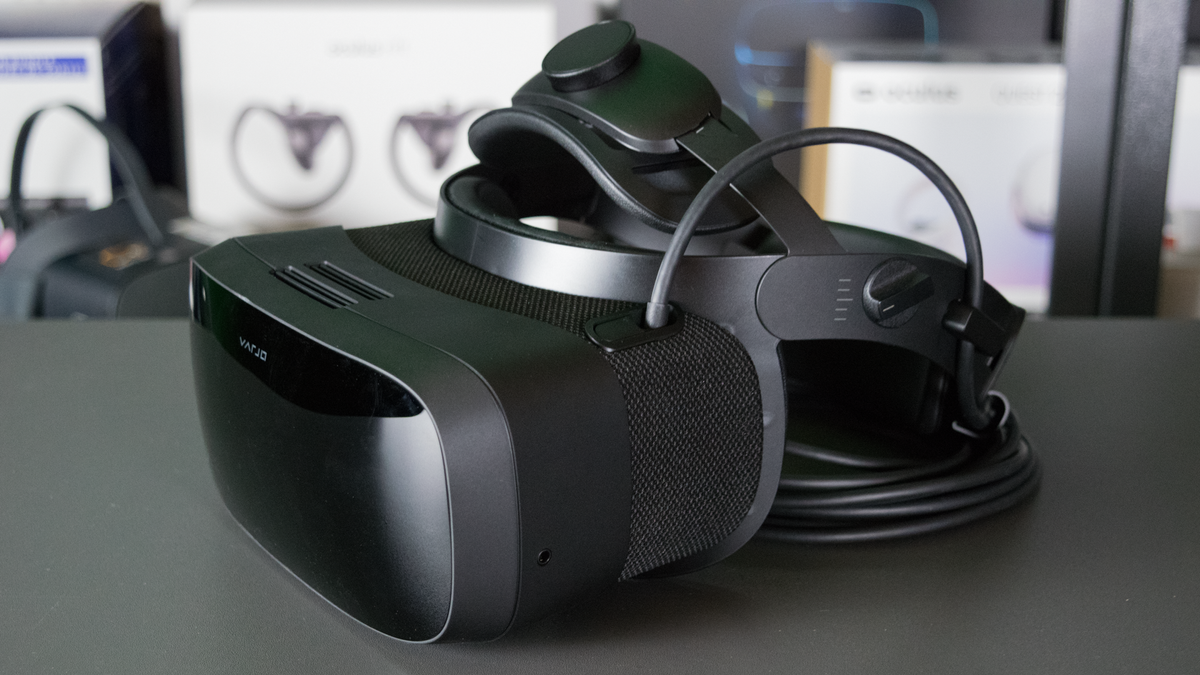

Best VR Gaming Headsets 2026 Quest 4 PSVR 3 PCVR Wireless Picks Best VR Gaming Headsets 2026.webp. The Best VR Headsets For 2026 Apple Vision Pro Wjvc . The 5 Best Standalone VR Headsets Of 2026 For Immersive Gaming And Top 2026 Vr Headsets Vb3mr . Best VR Headsets For PC And Gaming Tom S Hardware 1200 80 . 3 Best Tethered VR Headsets For PC In 2026 Comfort A Life Top Pc Tethered Vr Headsets Hpro4